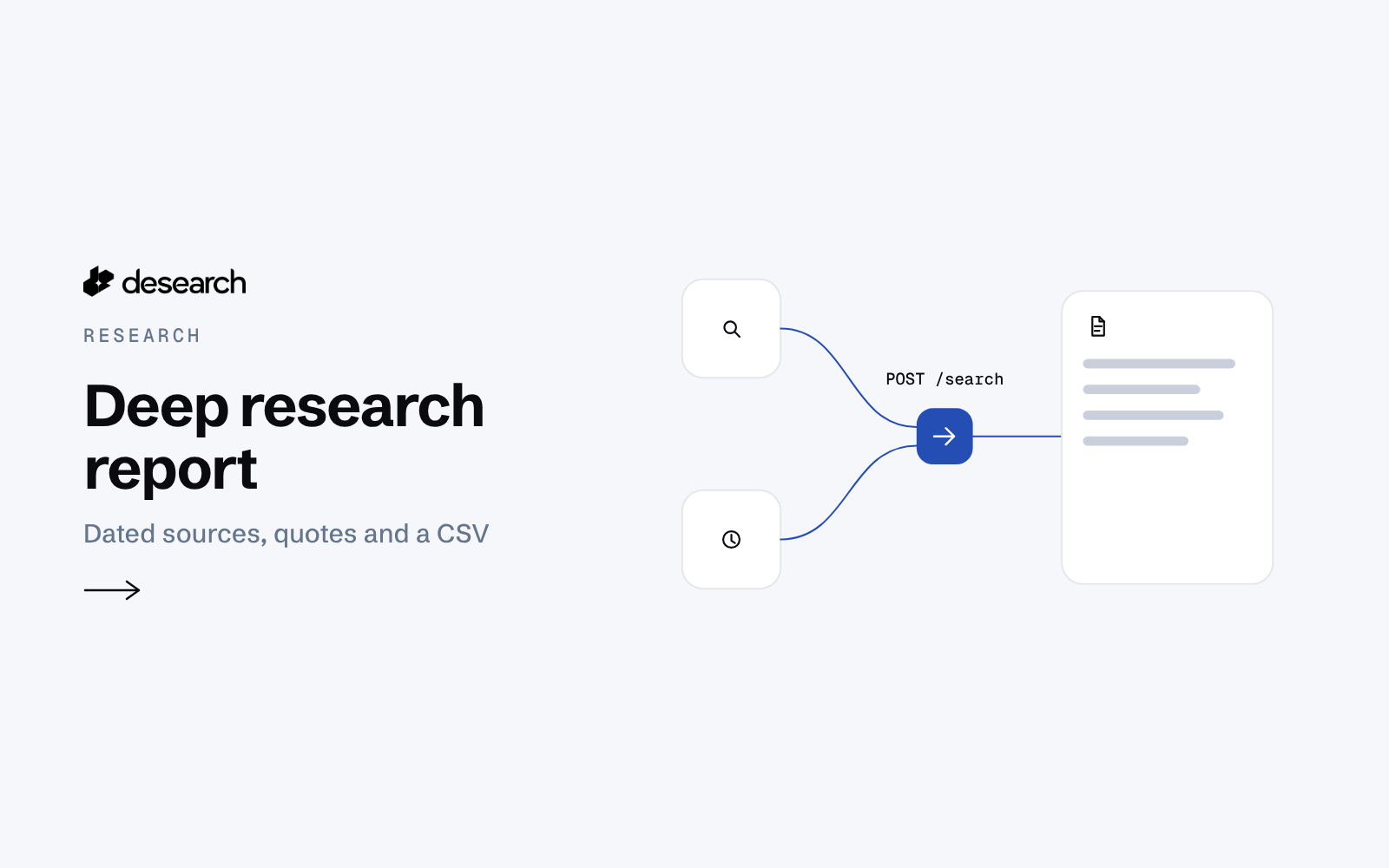
This deep research example helps analysts turn one topic and date window into a cited report with Python. This page shows a stored sample. There is no hosted demo.
The problem
Research starts with a question but quickly becomes a pile of tabs. Stories repeat across sites. Dates are hard to compare. Analysts need findings they can trace to a source before writing their own conclusions.
What the app does
The script searches five sub-questions about a topic: drivers, news, data, leading projects and risks. It writes a Markdown report, a sources CSV and raw JSON for offline reuse. Each finding is a sentence copied from returned text with a source link and published date. It does not generate a narrative summary.
How it works
- Plan the searches. A fixed template turns the topic into five sub-questions. Repeated
--subarguments allow custom questions. - Retrieve pages. Each question makes one
POST /searchcall. The default request uses balanced mode, 20 results,highlights: true,page_text: trueand the requested date window. - Merge duplicates. The script normalizes URLs and merges near-identical titles. Different headlines for the same story can remain.
- Choose quotes. It prefers a sentence from page text inside the matched passage. It can fall back to another page-text sentence or the highlight. The CSV records the quote kind.
- Write findings and sources. Only dated pages inside the window become findings, up to three per sub-question and one per outlet. Previously quoted pages are reused only when no other page fits. Other pages remain in the source table with their date status.
Published dates are the values returned by the API and may reflect page updates. Review titles, quotes and links for relevance. The report covers the returned pages, not every source on the topic.
The code
This verbatim excerpt from deep_research_report.py creates the authenticated session. The full script reads the key with read_key(args.key_file). Its default key file is ~/.desearch_api_key; it does not read environment variables. USER_AGENT is defined in the full file.
def session_for(key):
    import requests
    s = requests.Session()
    s.headers.update({"Authorization": key, "User-Agent": USER_AGENT, "Content-Type": "application/json"})
    return s
The script sends requests with session.post(BASE + "/search", json=body, timeout=120). Each recorded call keeps its parameters, elapsed seconds, returned results and reported cost.
Endpoints
POST /search
Example output
This is a verbatim finding and citation from samples/sample-report.md, for the 2026-09-19 to 2026-10-19 window:
> As you’d expect, the volume of stablecoin purchases were closely correlated with inflation rates.

Source [1]: [What Stablecoin Demand Says About Crypto Adoption \| BitIRA®](https://www.bitira.com/stablecoin-crypto-adoption/), bitira.com, published 2026-10-08
The stored public sample contains fewer sources than the full live run. Its run summary records 76 returned pages and 38 unique sources. Use the linked page to check the quoted finding before relying on it.
Run it yourself
Download the example folder and install requirements.txt in a Python environment. From that folder, rebuild the stored sample with the README's command. It needs no API key:
python deep_research_report.py --from-raw samples/sample-raw.json --out output/sampleFor live searches, create a key in the console and save it in a private key file. Supply its path with --key-file. Set --topic, --start-date and --end-date, then choose an output directory with --out. The README includes a full live command. Keep raw responses so you can rebuild the report offline.
What it costs
The five live searches on 2026-10-19 cost $0.05 in total, from five response-body cost_usd values of $0.01. Each requested 20 results. The saved public sample also reports $0.05, carried from the recorded calls; rebuilding it offline makes no API calls.
The dated live-run log records 0.24 to 0.50 seconds per search. It does not record total report runtime. These observations describe that run, not a speed guarantee. See pricing for current pricing.
Ideas to extend it
- Customize sub-questions for a recurring research brief.
- Compare source tables across date windows.
- Add a manual review column for conflicting figures and repeated stories.
- Preserve the prompt, raw responses and CSV together for later review.