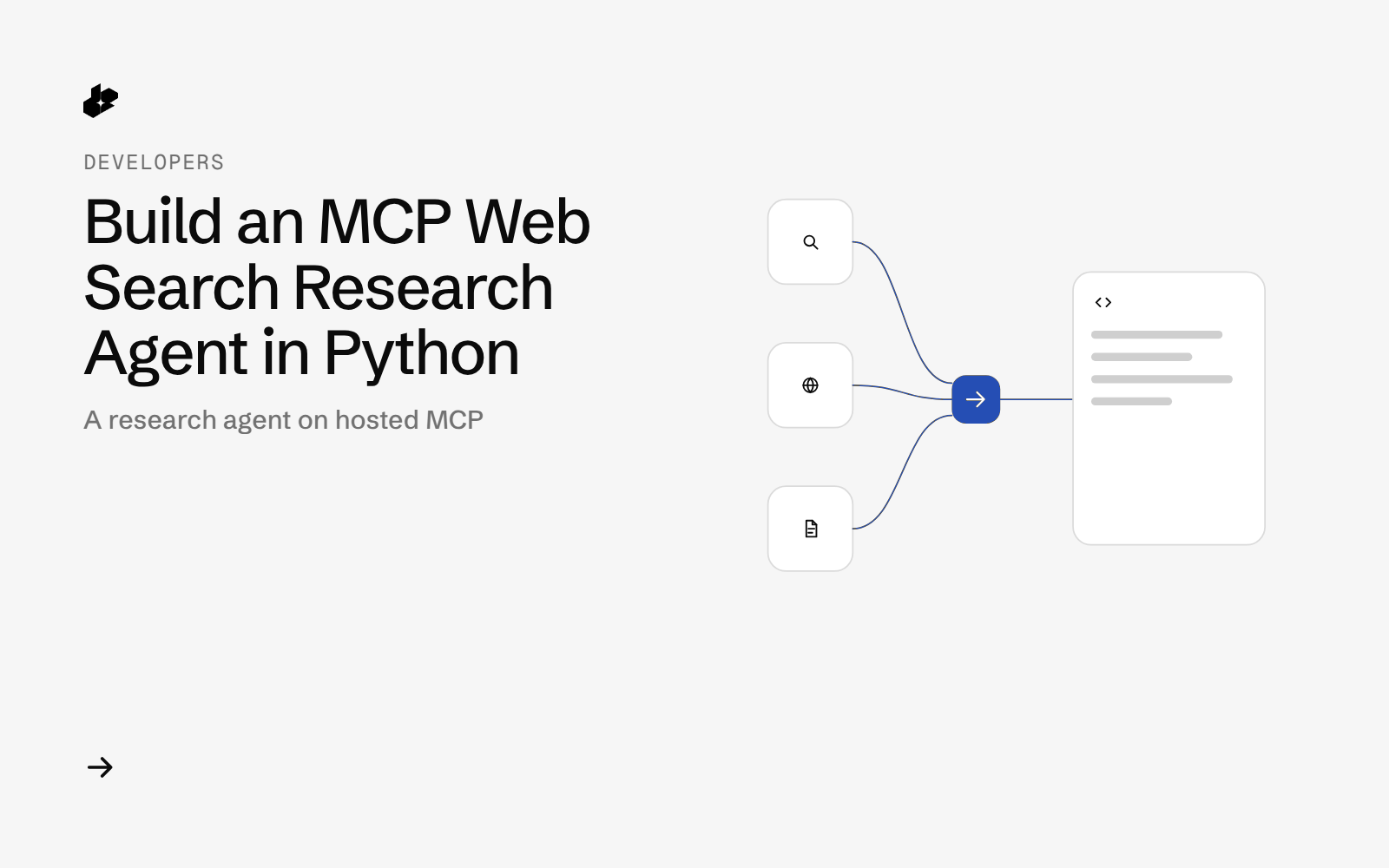
Agent Search Toolbelt shows how to give an agent real web search through MCP. It connects to the Desearch hosted MCP server from Python, uses four tools, answers a question with the links it used, and logs every tool call with its arguments, latency and cost.
The problem
Most agent demos either fake search or hide it behind a framework. Developers who want MCP web search in their own code need to see the plain steps: connect, list tools, call them, parse the result and keep track of cost. They also want a version that works without an LLM so they can test the search part on its own.
What the app does
- Takes a question in plain words.
- Finds 10 links on the web for it.
- Reads the top 3 pages as plain text, with one retry if a page comes back empty.
- Pulls recent public X posts on the topic.
- Writes a Markdown answer that quotes the most relevant sentences, each with its link.
- Appends one JSON line per tool call to a run log (tool, arguments, latency, items, cost).
How it works
- Connect to
https://mcp.desearch.ai/mcpwith the official MCP Python SDK over Streamable HTTP, sending your key as a Bearer token. - Find links with the
web-links-searchtool. - Read pages with the
extracttool (js: false). - Check the conversation with the
x-searchtool, optionally limited to the last N days. - Answer. The default loop is scripted and needs no LLM. An optional
--llmmode lets an OpenAI-compatible model choose the tools, includingweb-search.
The code
MCP_URL = os.environ.get("DESEARCH_MCP_URL", "https://mcp.desearch.ai/mcp")
TOOLS = ("web-search", "web-links-search", "extract", "x-search")  # the only tools the agent may call


class Toolbelt:
    def __init__(self, session, log_path, raw_dir=None):
        self.session, self.log_path, self.raw_dir, self.calls = session, pathlib.Path(log_path), raw_dir, []

    async def tools(self):
        listed = (await self.session.list_tools()).tools
        return [t for t in listed if t.name in TOOLS]

    async def call(self, name, args):
        if name not in TOOLS:
            raise ValueError(f"tool not allowed: {name}")
        t0 = time.perf_counter()
        res = await self.session.call_tool(name, args)
        latency = round(time.perf_counter() - t0, 3)
        data, err = h.parse_result(res), h.is_error(res)
        rec = {"ts": dt.datetime.now().astimezone().isoformat(timespec="seconds"), "tool": name, "args": args,
               "latency_s": latency, "is_error": err, "items": 0 if err else h.count_items(data),
               **h.cost_fields(name, None if err else data, getattr(res, "meta", None))}
        self.calls.append(rec)
        if self.raw_dir:  # full tool result, for debugging (holds no key)
            h.save_raw(self.raw_dir, len(self.calls), name, args, res)
        with self.log_path.open("a") as f:
            f.write(json.dumps(rec, ensure_ascii=False) + "\n")
        return data, rec
toolbelt.py is the agent (about 60 lines of logic), helpers.py holds parsing, cost and Markdown helpers, llm_loop.py is the optional LLM mode, and test_toolbelt.py runs offline.
Endpoints
MCP tool web-links-searchMCP tool extractMCP tool x-searchMCP tool web-search
Example output
From a run on 2026-10-09 for "James Webb telescope exoplanet atmosphere findings" with X posts from the last 14 days:
| Tool | Calls | What came back |
|---|---|---|
| web-links-search | 1 | 10 links |
| extract | 3 or more | text of the top pages |
| x-search | 1 | recent public posts |
The answer quotes sentences from the pages it read and lists every source link. The run log (run-log.sample.jsonl) shows each call's latency and cost.
Run it yourself
The public examples folder linked above includes the script and a README. Install its requirements, set DESEARCH_API_KEY from console.desearch.ai, and use the run command in that README.
Useful flags: --top (pages to read, default 3), --links (10 to 200), --x-days (only X posts from the last N days), --llm (let a model pick tools; needs LLM_API_KEY, LLM_BASE_URL, LLM_MODEL).
What it costs
Over MCP, a 10-link search costs $0.004 (AI Search, $0.40 per 1,000 items), a web search $0.001 and an extracted page about $0.0005, per the published rates checked 2026-10-09. The sample run reported $0.004 from the tools plus about $0.003 estimated for calls that do not return a cost field. See pricing.
Ideas to extend it
- Swap the scripted plan for your own agent framework and keep the same four tools.
- Add a step that writes the answer to a notes app or a ticket.
- Use the run log to compare cost and latency across prompts.