Made by Desearch (desearch.ai).
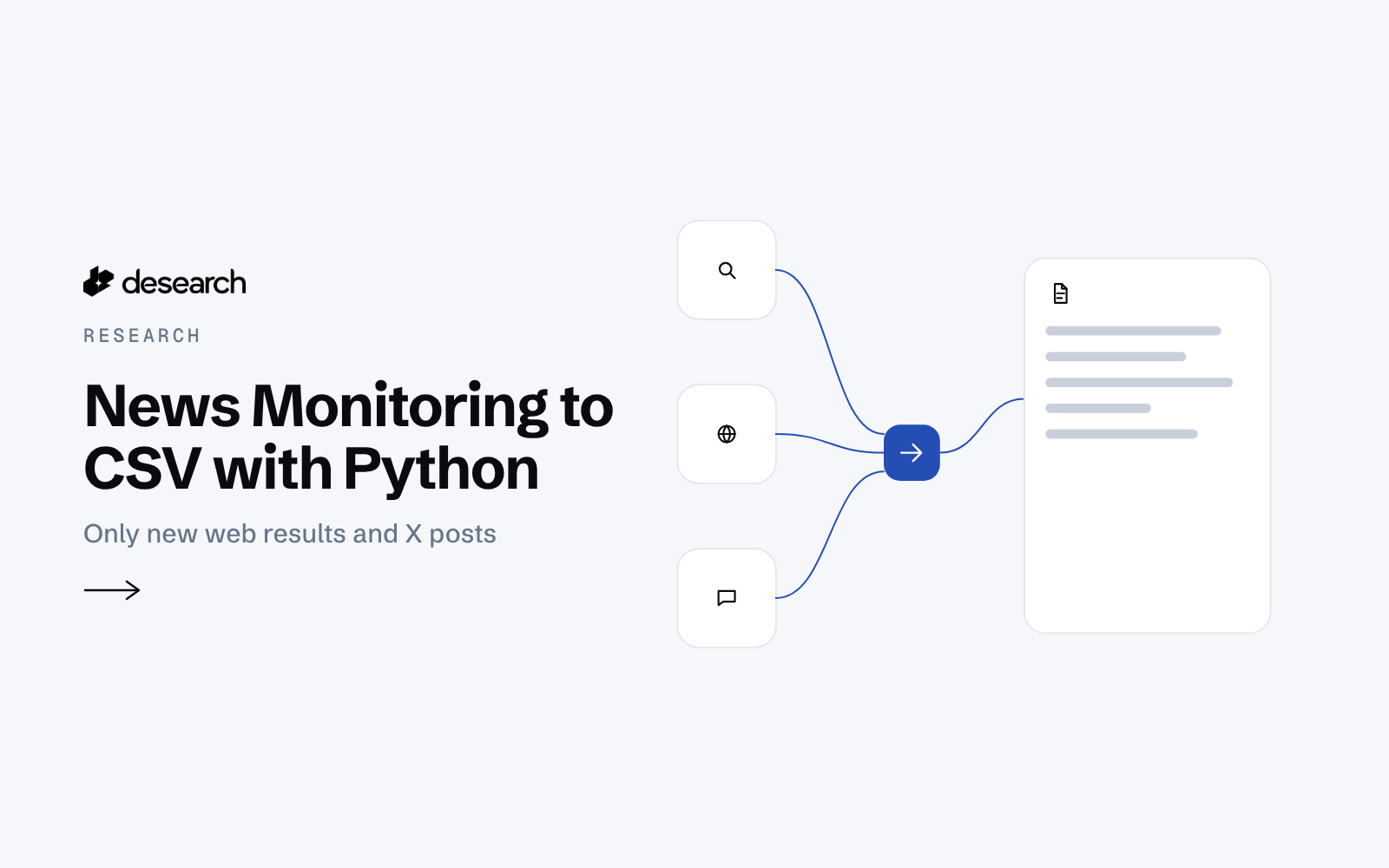
News Monitoring to CSV is a small Python script for analysts who follow three to five topics. Each run it searches the web and the latest X posts for every topic and appends only the items it has not seen before to one spreadsheet, so news monitoring becomes reading what changed.
The problem
Following a few topics means checking the same searches every couple of hours and skimming past stories you already read. A plain list of results does not tell you what is new. What helps is one growing CSV, with a seen-link list that keeps repeats out.
What the app does
- Takes your topics and skips blank ones.
- For each topic, runs one web search and one search for the latest X posts since a start date (yesterday by default).
- Turns both into rows: topic, kind (web or post), source domain, title, link, published date, snippet and the time the script first saw it.
- Normalizes each link and checks it against a seen-link file, so a second run only appends new items.
- Appends to
output/news.csvand saves the raw responses as JSON.
How it works
- Web.
GET /webwithquery=<topic>andstart=0. - X posts.
GET /twitterwithquery=<topic>,sort=Latest,start_dateandcount(default 30). - Rows. Each item becomes one CSV row; X post times are stored as ISO dates in UTC.
- Dedupe. Links are normalized and compared within the run and against
output/seen.json. - Append. Only new rows are written. Run it from cron every couple of hours and the CSV grows with new items only.
The code
How each result becomes a row, copied from news_monitor.py on main (lines 76 to 84). The script reads the API key from a key file (--key-file). The run commands below copy that key from the DESEARCH_API_KEY environment variable, so no key is written into this page.
def to_row(rec, it, seen_at):
    if rec["path"] == "/twitter":
        url = it.get("url") or ""
        return {"topic": rec["topic"], "kind": "post", "source_domain": domain(url) or "x.com", "title": clean(it.get("text"), 140),
                "url": url, "published_date": iso(it.get("created_at")), "snippet": clean(it.get("text")), "first_seen": seen_at}
    url = it.get("link") or it.get("url") or ""
    return {"topic": rec["topic"], "kind": "web", "source_domain": domain(url), "title": clean(it.get("title"), 200), "url": url,
            "published_date": it.get("date") or it.get("published_date") or "", "snippet": clean(it.get("snippet") or it.get("description")),
            "first_seen": seen_at}
The folder has one script, news_monitor.py, a requirements.txt and samples/raw-sample.json, a saved run you can rebuild with no key.
Endpoints
GET /webGET /twitter
Example output
Saved sample from a run on 2026-10-16. This page shows that stored run. It does not run a live demo.
A run followed two topics, "open source llm release" and "ai chip export controls". The first run took about 20 seconds and saved 88 unique items. A second run a minute later added 1 new item, which is the point of the seen-link list: you only read what changed.
X posts carry a post time, so you can sort them. For web rows, the useful time is "first seen". A broad topic can mix fresh news with evergreen guides, so adding "news" or the month to a topic helps.
Run it yourself
git clone https://github.com/Desearch-ai/desearch-py-examples && cd desearch-py-examples/news-monitoring-csv
pip install -r requirements.txt
export DESEARCH_API_KEY=...   # key from console.desearch.ai
printf '%s' "$DESEARCH_API_KEY" > ~/.desearch_api_key && chmod 600 ~/.desearch_api_key
python news_monitor.py --key-file ~/.desearch_api_key --topics "open source llm release" "ai chip export controls"
Flags that matter: --since YYYY-MM-DD (start date for X posts), --count (X posts per topic), --csv and --seen. To try it with no key and no cost: python news_monitor.py --from-raw samples/raw-sample.json.
What it costs
The saved sample shows $0.001 per web call, and $0.0045 for an X search that returned 30 posts. See pricing.
Ideas to extend it
- Run it from cron every two hours.
- Send the new rows of each run to a team chat or email.
- Add a weekly summary of new items per topic.