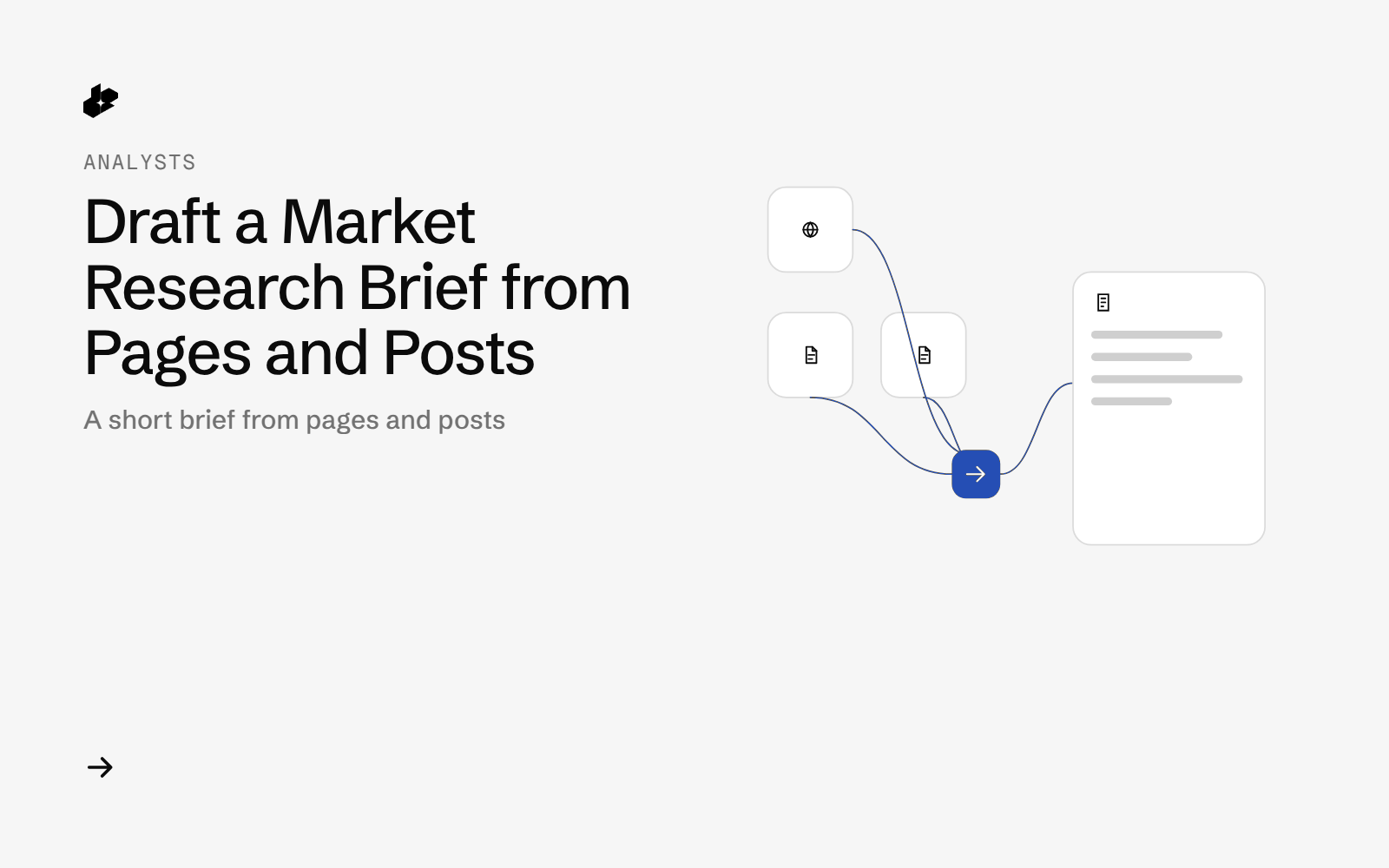
Market Research Brief picks one market. The script pulls several pages of web results, removes repeated URLs, sets aside store and manufacturer pages, reads the text of the top third-party pages, adds a small sample of recent X posts, and writes brief.md: brands named most often, recurring buyer concerns, price mentions, and the sources it read.
The problem
A market brief starts as a pile of roundup articles, store pages and recent posts. Store pages crowd out reviews. Copying prices and brand names by hand loses the URL they came from.
What the app does
- Reads the market, the web query, page offsets, brand names, store domains, concern terms and an extract limit from
config.json. - Dedupes web results across pages.
- Sets aside URLs on the store and brand domains you listed.
- Reads up to 12 remaining pages with Extract, as text, with JavaScript off.
- Skips pages with under 200 characters of text.
- Adds one Latest X search and writes the brief plus CSV files.
How it works
- Search.
GET /webat eachstartvalue. Pages overlap, so URLs are deduped. - Filter. Store and brand domains from the config are set aside.
- Read.
GET /web/extractwithformat=textandjs=falsefor the first pages that remain. - Posts.
GET /twitterwith your X query,sort=Latestand your count. - Count brand names and concern terms per page, and collect dollar amounts from the page text.
The code
def run_live(cfg):
    import requests
    key = api_key()
    s = requests.Session(); s.headers["Authorization"] = key
    raw = {"run_at": now(), "cfg": cfg, "web": [], "extract": [], "x": [], "probes": []}
    for st in cfg["web_starts"]:
        raw["web"].append(call(s, "/web", {"query": cfg["web_query"], "start": st}, f"web start={st}"))
    rows, _ = dedupe(raw)
    targets = [r["url"] for r in rows if not brand_owned(r["url"], cfg)][: cfg["max_extract"]]
    for u in targets:
        raw["extract"].append(call(s, "/web/extract", {"url": u, "format": "text", "js": "false"}, "extract " + dom(u)))
    raw["x"].append(call(s, "/twitter", {"query": cfg["x_query"], "sort": "Latest", "count": cfg["x_count"]}, "x latest"))
    raw["probes"].append(call(s, "/web/extract", {"url": cfg["bad_url"], "format": "text", "js": "false"}, "probe extract bad url"))
    raw["probes"].append(call(s, "/web", {"query": cfg["empty_query"], "start": 0}, "probe web empty query"))
    save_raw(raw, key)
    return raw, key
The key comes from the environment and is not written to the output. Pages that return no text are skipped.
Endpoints
GET /webGET /web/extractGET /twitter
Example output
The 2026-10-15 sample returned 79 web results and 44 unique URLs. It requested 12 pages and kept 8 with usable text. The brief lists the brands named on the most pages, the concern terms, the dollar amounts it found, and the URLs it read. Full text is in sample-output.md.
Run it yourself
The public examples folder linked above includes the script and a README. Install its requirements, set DESEARCH_API_KEY from console.desearch.ai, and use the run command in that README.
What it costs
Each response records X-Desearch-Cost-Usd. The sample write-up does not add those headers into a single total. A run is several web calls, up to 12 extract calls, and one X call, plus the two check calls stored in the raw file. See pricing.
Ideas to extend it
- Save each brief with the date and diff brand counts week to week.
- Raise the extract limit when the first 12 pages are thin.
- Add Reddit threads for the same buyer concerns.