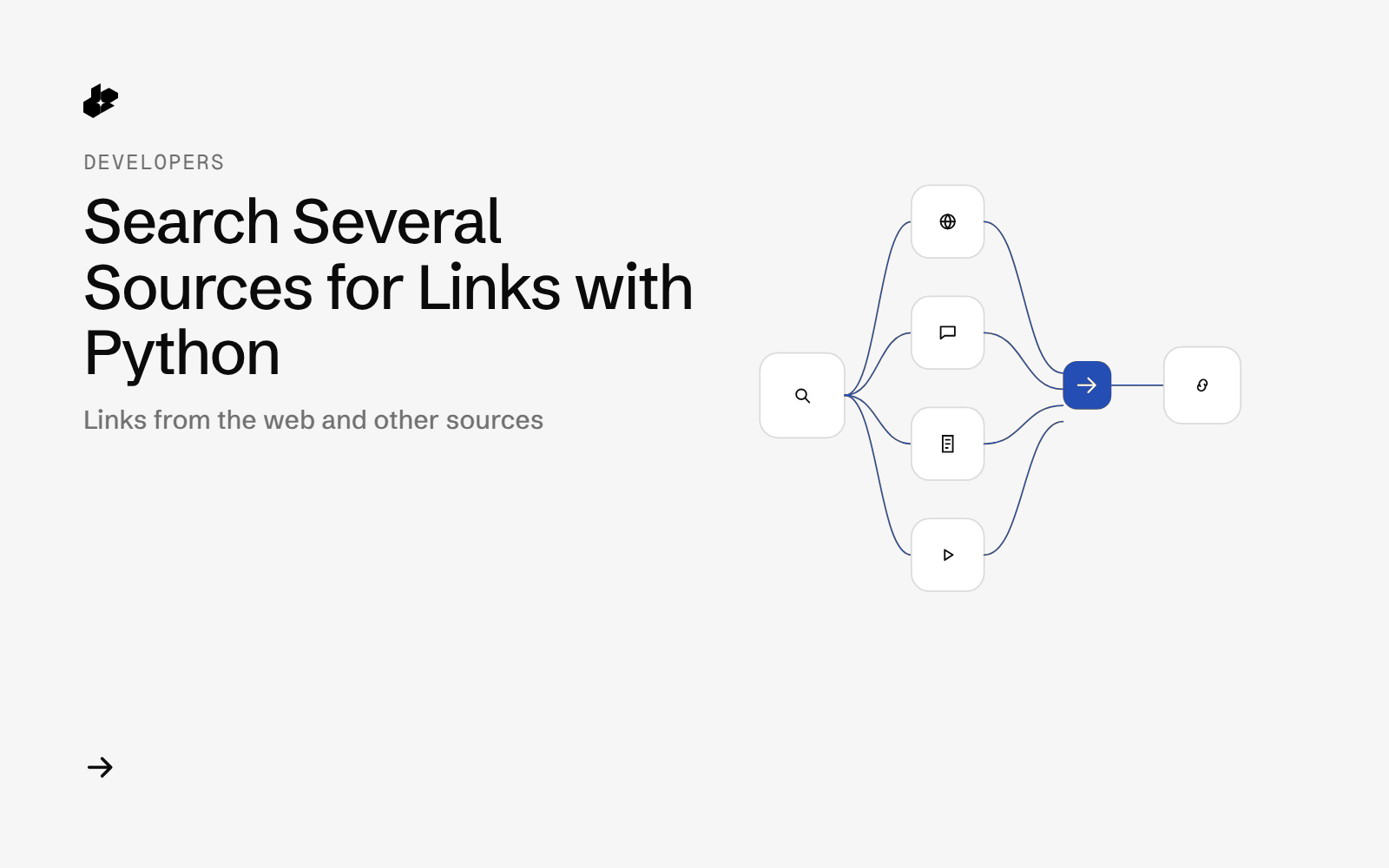
Web Links Search is a short Python example. It asks for links on one prompt from the web, Hacker News, Reddit, Wikipedia, YouTube and arXiv, then prints what came back. There is no summary step. Each source returns its own list of titles, links and snippets.
The problem
Finding links across those sources means repeating the same prompt in each one and copying URLs into one list. A single call that keeps the links grouped by source is enough when you want the URLs, not a written answer.
What the example does
- Sends one prompt and a list of tools.
- Sets
countfor how many results to ask for. - Prints the grouped link lists.
How it works
The file calls web_links_search with prompt, tools and count. The current SDK method with those same arguments is ai_web_links_search. It posts to POST /desearch/ai/search/links/web.
Tools in the file are web, hackernews, reddit, wikipedia, youtube and arxiv.
The code
result = desearch.web_links_search(
    prompt="Bittensor",
    tools=[
        "web",
        "hackernews",
        "reddit",
        "wikipedia",
        "youtube",
        "arxiv",
    ],
    count=10,
)
Set the key in the environment when you use the current client. The file's setup lines use a placeholder string. Do not commit a real key.
The result groups links by source. Web, Hacker News and Reddit rows include position, title, link and snippet. YouTube, arXiv and Wikipedia rows include title, link and snippet.
Endpoints
POST /desearch/ai/search/links/web
Example output
The file documents the shape of the result. It does not include a saved sample run or a measured cost.
Run it yourself
The file linked above is web_links_search.py in the examples repository. Install desearch-py, create a key at console.desearch.ai, and call ai_web_links_search with the prompt, tools and count from the snippet.
What it costs
This example does not record X-Desearch-Cost-Usd. Current responses include that header. See pricing.
Ideas to extend it
- Write each source's links to its own CSV.
- Drop duplicate URLs across sources.
- Pass the links into the page-to-Markdown example.