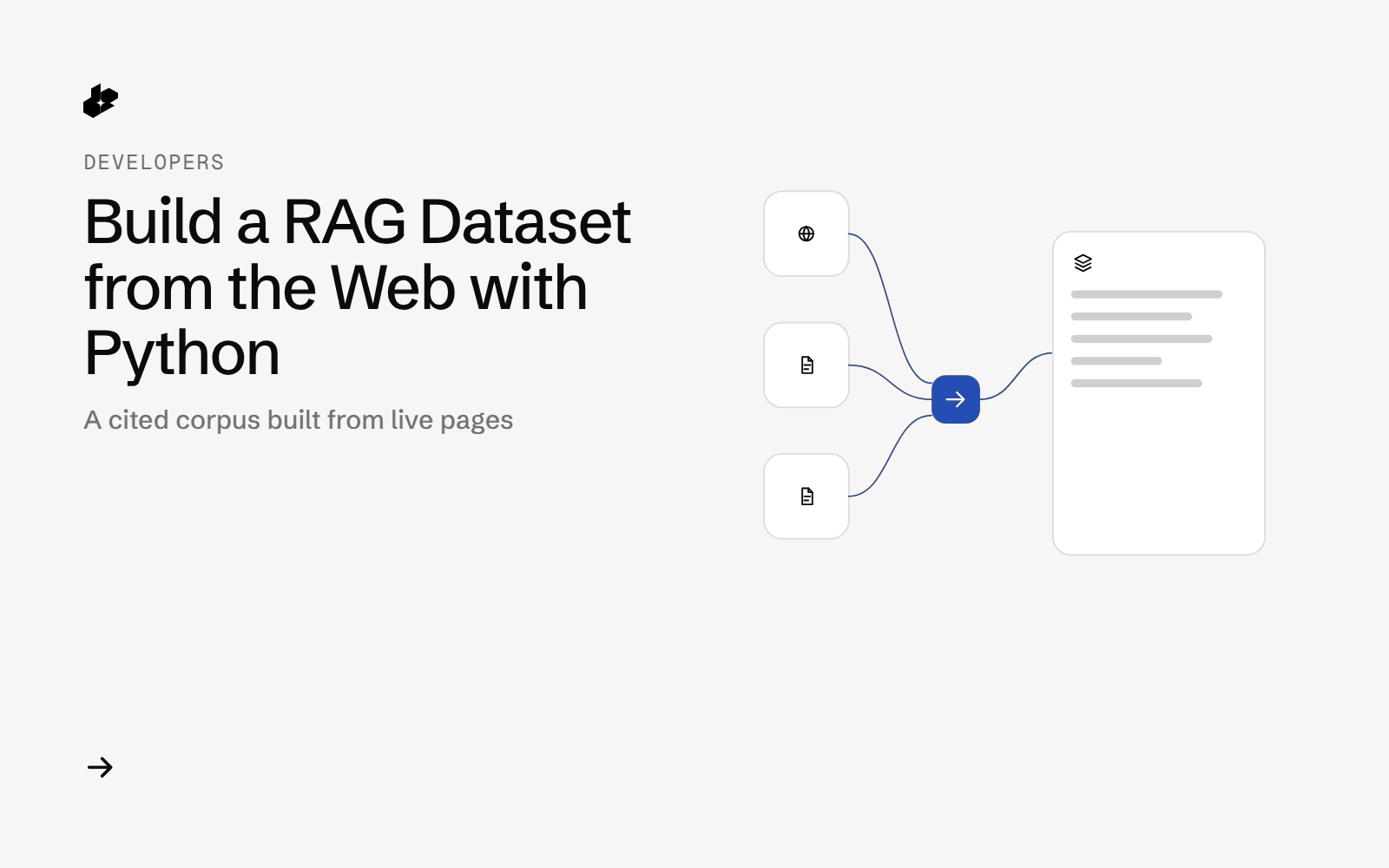
RAG Corpus Builder is a small Python tool for developers who need source material for a retrieval app, an eval set or a research notebook. Give it a topic and a few sub-questions, and it returns a ready-to-index file of text chunks, each one tied to the web page it came from.
The problem
A RAG app is only as good as the documents behind it. Collecting them by hand means searching, opening pages, copying text, cleaning menus and footers, and keeping track of where each paragraph came from. That takes hours per topic and the source links often get lost.
What the app does
- Takes a topic and 3 to 5 sub-questions (from the command line or a small JSON file).
- Finds ranked web links for each sub-question and removes duplicate URLs.
- Reads each page and keeps the main article text, dropping navigation, footers and cookie banners.
- Splits the text into chunks that follow the page's headings.
- Writes
corpus.jsonl(one chunk per row with source URL, page title and heading path),sources.csvand a short run report. - Stops when a spending limit you set is reached.
How it works
- Find pages. For each sub-question it calls
POST /desearch/ai/search/links/webwith the prompt"<topic>: <sub-question>"and gets back ranked links with titles and snippets. - Clean the list. URLs are normalized (no tracking parameters, no
www., no trailing slash) and deduplicated across all sub-questions. A light topic filter skips links that share no words with the topic. - Read pages. For each kept link it calls
GET /web/extractwithformat=html, six pages at a time. - Chunk by heading. The HTML is reduced to the main article. Text is grouped under its
h1toh6path and split into chunks of up to 1,200 characters that never cross a heading. Repeated pages and repeated blurbs are dropped. - Write files and log every call with its cost from the
X-Desearch-Cost-Usdheader.
The code
The two Desearch calls at the heart of the tool:
    def request(self, kind, method, path, params=None, body=None, raw_name=None, save_body=True):
        if self.spent >= self.max_spend:
            raise BudgetExceeded(f"spent ${self.spent:.4f} >= --max-spend ${self.max_spend}")
        t0 = time.time()
        at = dt.datetime.now().astimezone().isoformat(timespec="seconds")
        err, r = None, None
        try:
            r = self.s.request(method, BASE + path, params=params, json=body,
                               headers={"Authorization": self.key}, timeout=self.timeout)
            status = r.status_code
        except Exception as e:                                      # network error / timeout
            status, err = 0, type(e).__name__ + ": " + str(e)[:200]
        lat = round(time.time() - t0, 2)
        h = {k.lower(): v for k, v in (r.headers.items() if r is not None else [])}
        cost = float(h.get("x-desearch-cost-usd") or 0)
        units = int(float(h.get("x-desearch-usage-count") or 0))
        ctype = h.get("content-type", "")
        data, text = None, ""
        if r is not None:
            if "json" in ctype:
                try:
                    data = r.json()
                except ValueError:
                    text = r.text
            else:
                text = r.text
        rec = {"at": at, "kind": kind, "method": method, "path": path, "params": params, "json": body,
               "status": status, "latency_s": lat, "cost_usd": cost, "usage_count": units,
               "service": h.get("x-desearch-service", ""), "content_type": ctype,
               "body_chars": len(text) if text else len(json.dumps(data)) if data is not None else 0,
               "detail": (data or {}).get("detail") if isinstance(data, dict) else None, "error": err,
               "raw": raw_name}
        with self.lock:
            self.spent += cost
            self.calls.append(rec)
            self.log.write(json.dumps(rec, ensure_ascii=False) + "\n"); self.log.flush()
        if raw_name and save_body:
            full = dict(rec, request_headers={"Authorization": "<redacted>"},
                        response_headers={k: v for k, v in h.items() if k.startswith("x-desearch") or k == "content-type"},
                        response=data if data is not None else text)
            self._safe_write(os.path.join(self.outdir, "raw", raw_name), json.dumps(full, indent=1, ensure_ascii=False))
        return rec, data, text
The folder has ragcorpus.py (search, dedupe, extract, chunk, write), an example config in examples/, sample files in samples/ and offline tests in test_ragcorpus.py.
Endpoints
POST /desearch/ai/search/links/webGET /web/extract
Example output
From a run on 2026-10-11 for the topic "home solar batteries" with 5 sub-questions:
| Step | Result |
|---|---|
| Links found | 260 (226 unique) |
| Pages read | 150 (max 3 per site) |
| Pages in the corpus | 139 |
| Chunks | 2,629 (median 479 characters) |
| Chunks with a heading path | 2,574 |
The script writes corpus.jsonl. Each row keeps the source URL, title, heading path, and chunk text.
Run it yourself
The public examples folder linked above includes the script and a README. Install its requirements, set DESEARCH_API_KEY from console.desearch.ai, and use the run command in that README.
Useful flags: --max-pages (default 150), --max-per-domain (default 3), --chunk-chars (default 1200), --max-spend (default $1.00).
What it costs
At the rates on pricing: one link search with count: 50 cost $0.02 and one extracted page cost $0.0005, read from the X-Desearch-Cost-Usd header on 2026-10-11. Five link searches plus 150 pages come to about $0.175. The 150-page run finished in under 2 minutes.
Ideas to extend it
- Load
corpus.jsonlinto your vector database and citesource_urlin every answer. - Re-run weekly and compare
sources.csvto see which pages are new. - Use the same corpus to build question and answer pairs for an eval set.