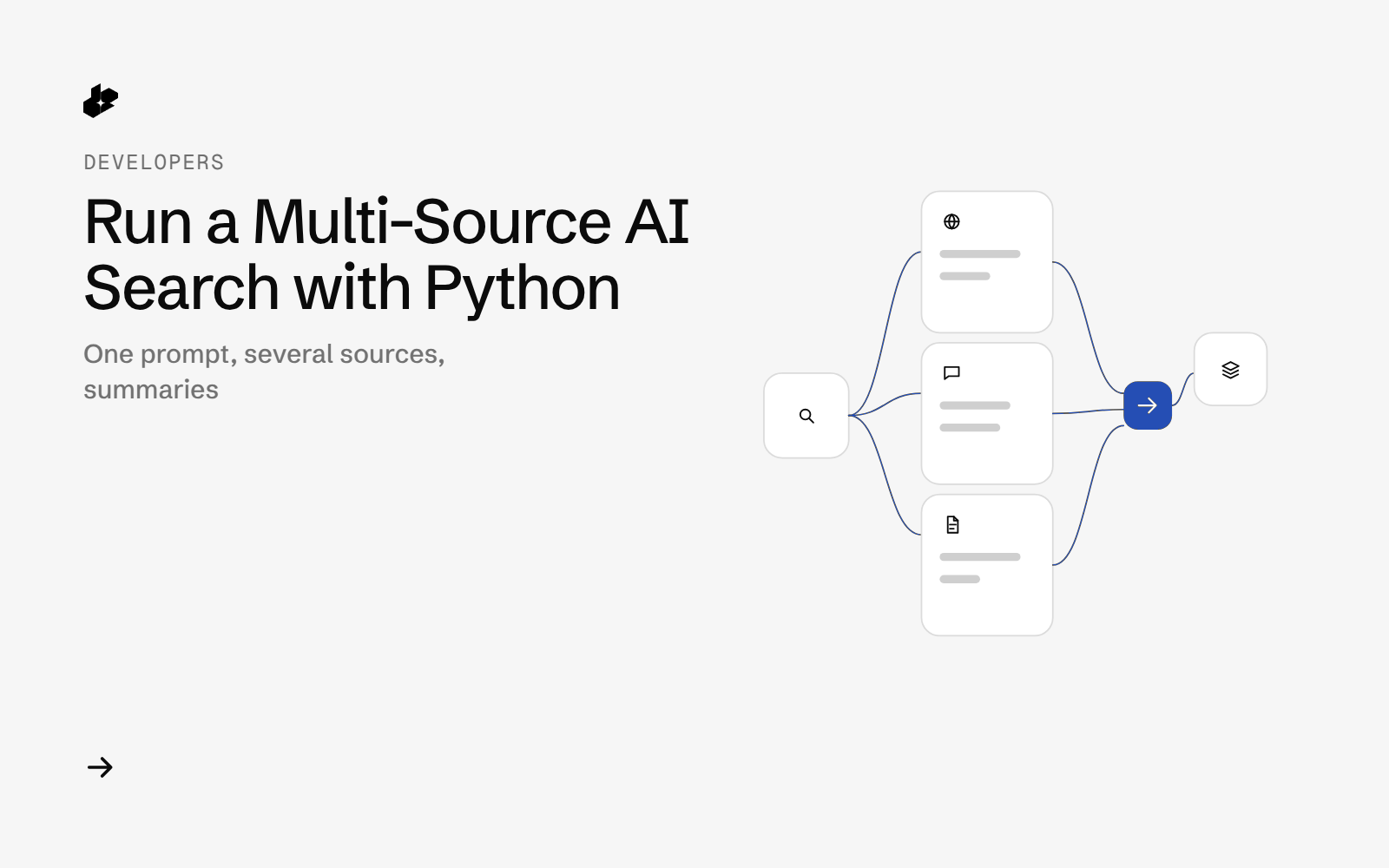
AI Search is a short Python example. One prompt searches the web, X, Reddit, Hacker News, Wikipedia, YouTube and arXiv together. The file asks for links with summaries and limits the window to the past 24 hours.
The problem
A question that spans the web and X means several searches and then a pass to line up the links. One call can return those links and, with LINKS_WITH_FINAL_SUMMARY, a final summary, and still keep the URLs.
What the example does
- Sends one prompt, a tool list, a date filter, a result type and a system message.
- Asks for up to
countresults. - Prints the response, including per-source results and a completion block of key posts, news and sources with URLs.
How it works
The current ai_search method posts to POST /desearch/ai/search. Pass prompt, tools, date_filter, system_message and count. For result_type, the current enum is ONLY_LINKS or LINKS_WITH_FINAL_SUMMARY. Leave out streaming. The file below includes that argument. The current method does not accept it.
The file sets result_type to LINKS_WITH_SUMMARIES. That value is not in the current enum. date_filter is PAST_24_HOURS. Other windows in the file's notes include the past week, month and year.
The code
result = desearch.ai_search(
    prompt="Bittensor",  # The search query
    tools=[
        "web",
        "hackernews",
        "reddit",
        "wikipedia",
        "youtube",
        "twitter",
        "arxiv",
    ],  # List of tools to use for the search
    # model="NOVA",  # The model to use for the search
    date_filter="PAST_24_HOURS",  # Filter results from the past 24 hours
    streaming=False,  # Whether to stream results
    result_type="LINKS_WITH_SUMMARIES",
    system_message="You are a helpful assistant.",
    count=10,
)
Set the key in the environment when you use the current client. The file's setup lines use a placeholder string. Do not commit a real key.
Endpoints
POST /desearch/ai/search
Example output
The file documents the result shape: per-source results, text chunks, completion links, and a completion object with key posts, key news, key sources and summaries. It does not include a saved sample run or a measured cost.
Run it yourself
The file linked above is ai_search.py in the examples repository. Install desearch-py, create a key at console.desearch.ai, and call ai_search with the prompt, tools, date filter, system message and count from the file. Set result_type to ONLY_LINKS or LINKS_WITH_FINAL_SUMMARY, and leave out streaming.
What it costs
This example does not record X-Desearch-Cost-Usd. Current responses include that header. See pricing.
Ideas to extend it
- Write the completion links to a file you can cite.
- Swap the date filter for a start and end date.
- Hand the links to the page-to-Markdown example.