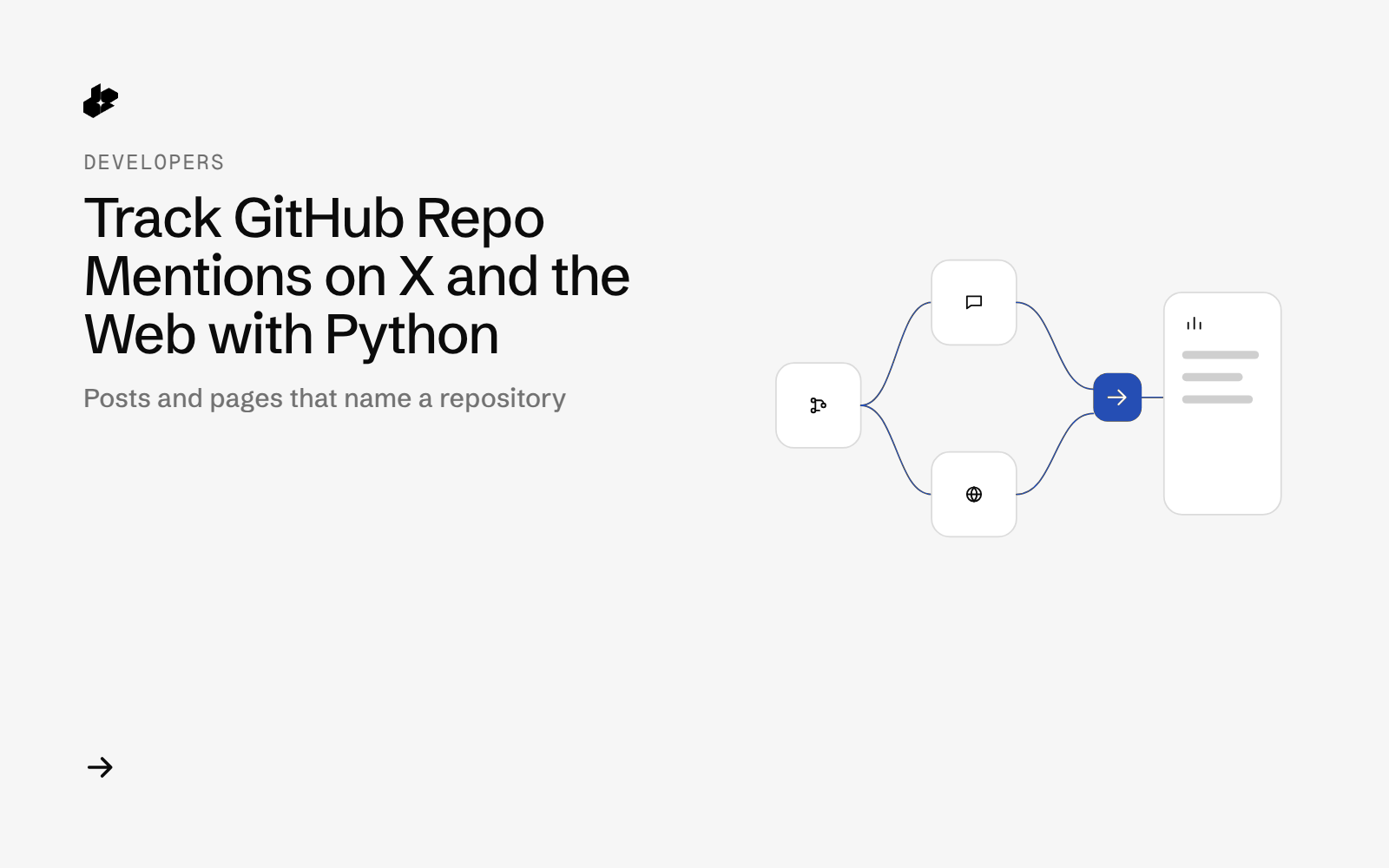
Repo Buzz Tracker is a small Python script for open-source maintainers. Give it a GitHub owner/repo and it returns a day-by-day view of the public X posts and web pages that mention the repo, with the loudest posts and the replies they got.
The problem
Maintainers see stars go up but rarely know why. The answer is usually a post or article somewhere, and searching X by repo URL, by name and by owner/repo by hand misses a lot. A dated list of mentions makes it easy to connect a star jump to its source.
What the app does
- Takes a GitHub
owner/repoand a look-back window. - Searches X by repo URL and by name, with Latest and Top passes.
- Tags each post by how it points at the repo (link, owner/repo, name with context, name only).
- Pulls replies for the 3 loudest posts.
- Finds web pages about the repo.
- Writes
mentions.csvand a day-by-daybuzz.md.
How it works
- X search.
GET /twitterwith a URL query and a name query, each withsort=Latestandsort=Top. - Tag and filter posts by match type and date.
- Replies.
GET /twitter/replies/poston the 3 loudest posts. - Web pages.
POST /desearch/ai/search/links/webwith"<owner>/<repo> github". - Write the CSV, the report and a call log with cost.
The code
    def call(self, method, path, tag, params=None, body=None):
        self.n += 1
        url = BASE + path + ("?" + urllib.parse.urlencode(params) if params else "")
        data = json.dumps(body).encode() if body is not None else None
        req = urllib.request.Request(url, data=data, method=method, headers={
            "Authorization": self.key, "User-Agent": UA, "Content-Type": "application/json"})
        ts = dt.datetime.now().astimezone().isoformat(timespec="seconds")
        t0 = time.perf_counter()
        try:
            r = urllib.request.urlopen(req, timeout=120)
            st, hd, raw = r.status, dict(r.headers), r.read().decode()
        except urllib.error.HTTPError as e:
            st, hd, raw = e.code, dict(e.headers), e.read().decode()
        lat = round(time.perf_counter() - t0, 2)
        try:
            parsed = json.loads(raw)
        except ValueError:
            parsed = None
        items = len(parsed) if isinstance(parsed, list) else None
        if isinstance(parsed, dict) and "search_results" in parsed:
            items = len(parsed.get("search_results") or [])
        bill = {k: v for k, v in hd.items() if k.lower().startswith("x-desearch")}
        cost, src = core.cost_of(bill, items if path == "/twitter" and st == 200 else None)
        self.total += cost
        rec = {"n": self.n, "tag": tag, "ts": ts, "method": method, "url": url, "body": body, "status": st,
               "latency_s": lat, "items": items, "billing_headers": bill, "cost_usd": cost, "cost_source": src}
        self._save(self.out / "raw" / f"{self.n:03d}-{tag}.json",
                   {**rec, "request_headers": {"Authorization": "<redacted>", "User-Agent": UA}, "response": parsed if parsed is not None else raw})
        with open(self.out / "calls.jsonl", "a") as f:
            f.write(json.dumps(rec, ensure_ascii=False) + "\n")
        print(f"[{ts}] {st} {lat}s {tag} items={items} cost={cost} ({src})", file=sys.stderr)
        return st, parsed
repobuzz.py is the CLI and core.py holds tagging and report code. samples/ has the CSV and report from the sample run, and test_repobuzz.py runs offline. It uses only the Python standard library.
Endpoints
GET /twitterGET /twitter/replies/postPOST /desearch/ai/search/links/web
Example output
From a run on 2026-10-13 for a repo on GitHub's weekly trending page, window from 2026-09-29:
| Measure | Result |
|---|---|
| Posts from the URL query | 59 unique |
| Posts from the name query | 79 unique |
| Posts found by both | 4 |
| Posts kept after tagging | 123 |
| Web pages | 10 |
The day-by-day table showed mentions rising from 1 a day to 35 a day over a week, with the loudest post per day linked. Individual authors show as "a developer".
Run it yourself
The public examples folder linked above includes the script and a README. Install its requirements, set DESEARCH_API_KEY from console.desearch.ai, and use the run command in that README.
Useful flags: --strict (keep only clear matches), --web-prompt (change the web search prompt).
What it costs
The sample run made 8 calls and cost $0.0325, summed from the response headers on 2026-10-13. See pricing.
Ideas to extend it
- Run it daily and post the day's mentions to your project chat.
- Overlay star history to match jumps with posts.
- Track a few related repos side by side.