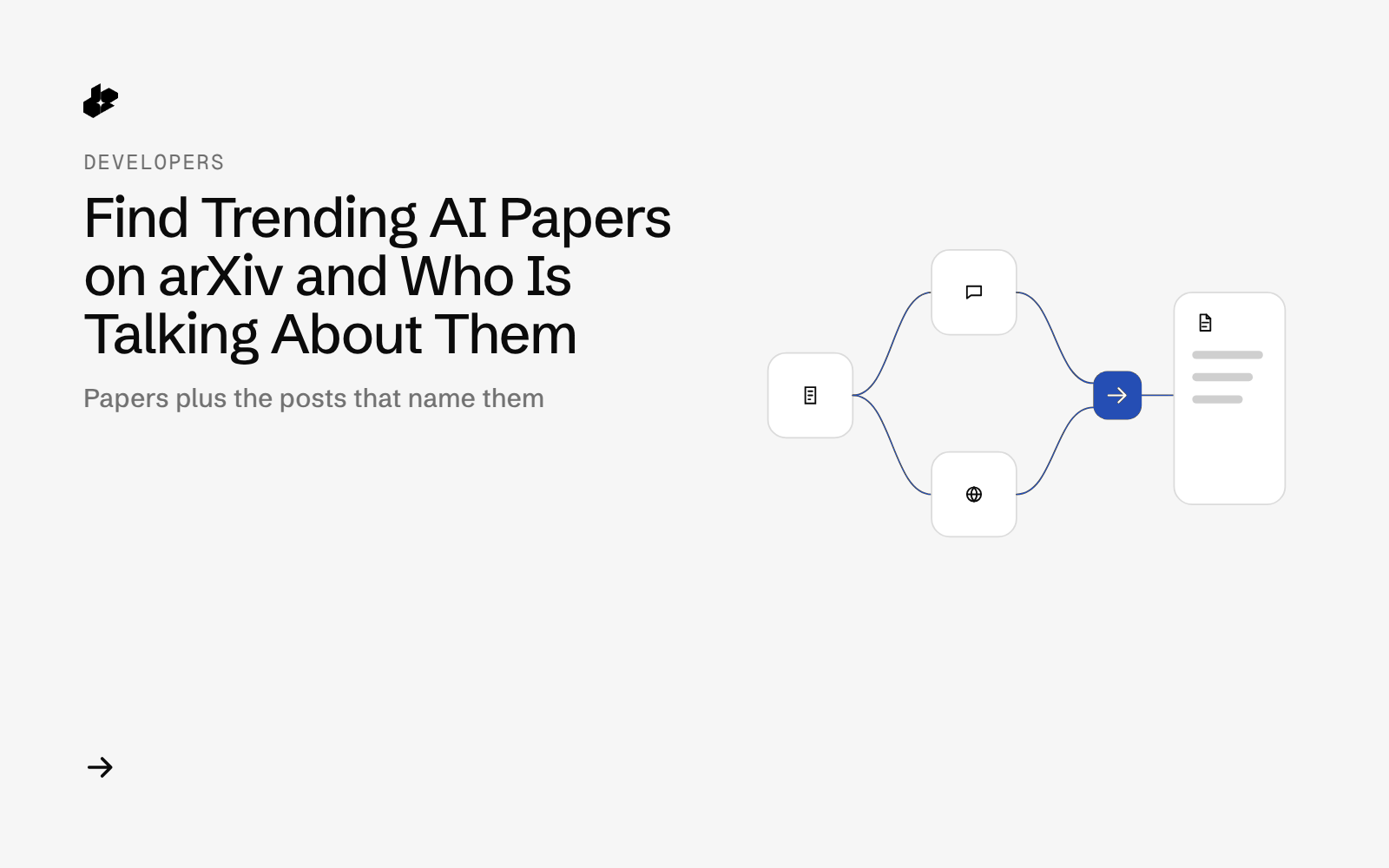
Arxiv Chatter Digest is a small Python tool for researchers and ML engineers. Give it a research topic and it returns recent arXiv papers on it, their abstracts, and the public X posts that mention each paper, so you can see which new papers people are actually discussing.
The problem
Hundreds of papers land on arXiv every week. Lists sorted by date do not tell you which ones the community cares about, and searching X for each paper by hand is slow. Researchers want a short list of recent papers with a sense of the conversation around them.
What the app does
- Takes a research topic in plain words.
- Finds recent arXiv papers on it, using a few wordings of the topic.
- Checks each paper against the public arXiv API for its real title, authors and date.
- Reads the abstract page.
- Searches X for posts that name the paper id or its short title since the paper came out.
- Writes
papers.csvand a Markdown digest of the top papers.
How it works
- Find papers with the hosted MCP tool
ai-search, using only the arXiv source and links-only results. - Check papers. All arXiv link forms are turned into one id and looked up in the free arXiv API.
- Read each abstract page with the
extracttool. - Look for posts with the
x-searchtool, from the paper's date on. - Write the CSV, the digest and a call log with cost per call.
The code
    async def call(self, tool, args, tag):
        async with self.sem:
            ts = dt.datetime.now().astimezone().isoformat(timespec="seconds")
            t0 = time.perf_counter()
            try:
                res = await self.s.call_tool(tool, args)
                err, body = bool(getattr(res, "is_error", False)), res.model_dump(mode="json")
            except Exception as e:  # transport error: log and carry on
                err, body, res = True, {"exception": repr(e)}, None
            lat = round(time.perf_counter() - t0, 2)
        texts = [c.get("text", "") for c in body.get("content", []) or [] if c.get("type") == "text"]
        raw = "\n".join(texts)
        try:
            data = json.loads(raw)
        except ValueError:
            data = raw
        cost = data.get("cost_usd") if isinstance(data, dict) else None
        rec = {"ts": ts, "n": len(self.calls) + 1, "tag": tag, "tool": tool, "args": args, "latency_s": lat, "is_error": err,
               "items": len(data) if isinstance(data, list) else len(data.get("search", [])) if isinstance(data, dict) else int(bool(raw.strip())),
               "cost_usd": cost, "usage_count": data.get("usage_count") if isinstance(data, dict) else None}
        if tool == "x-search" and not err and cost is None:
            rec["cost_calculated_usd"] = core.x_cost_calculated(rec["items"], args.get("count", 20))
        self.calls.append(rec)
        rawdir = self.out / "raw"
        rawdir.mkdir(parents=True, exist_ok=True)
        (rawdir / f"{rec['n']:03d}-{tag}.json").write_text(core.assert_no_key(json.dumps({**rec, "result": body}, indent=1, ensure_ascii=False), self.key))
        with (self.out / "calls.jsonl").open("a") as f:
            f.write(json.dumps(rec, ensure_ascii=False) + "\n")
        return (None if err else data), rec
arxivchatter.py is the CLI and core.py holds the parsing and scoring. samples/ has the CSV and digest from the sample run, and test_arxivchatter.py runs offline.
Endpoints
MCP tool ai-search (arxiv)MCP tool extractMCP tool x-search
Example output
From a run on 2026-10-12 for "graph neural networks": 8 search calls, 15 papers checked against the arXiv API, each abstract read, and one X search per paper. The digest lists the top 10 papers with title, date, abstract, number of X posts found and sample post links. See samples/ in the repo for the full files.
Run it yourself
The public examples folder linked above includes the script and a README. Install its requirements, set DESEARCH_API_KEY from console.desearch.ai, and use the run command in that README.
Useful flags: --days (how far back, default 30), --max-papers (default 15), --posts (X posts per paper, default 20), --render RUN_DIR (rebuild output, no API calls).
What it costs
In the sample run, each ai-search call cost $0.004 (reported), 15 page reads came to about $0.0075 and 15 X searches to about $0.0225 (calculated from published rates, checked 2026-10-12). About $0.062 for the run. See pricing.
Ideas to extend it
- Run it weekly per topic and send the digest to a reading group.
- Add citation counts from another source to compare attention and citations.
- Track one lab's papers over time.