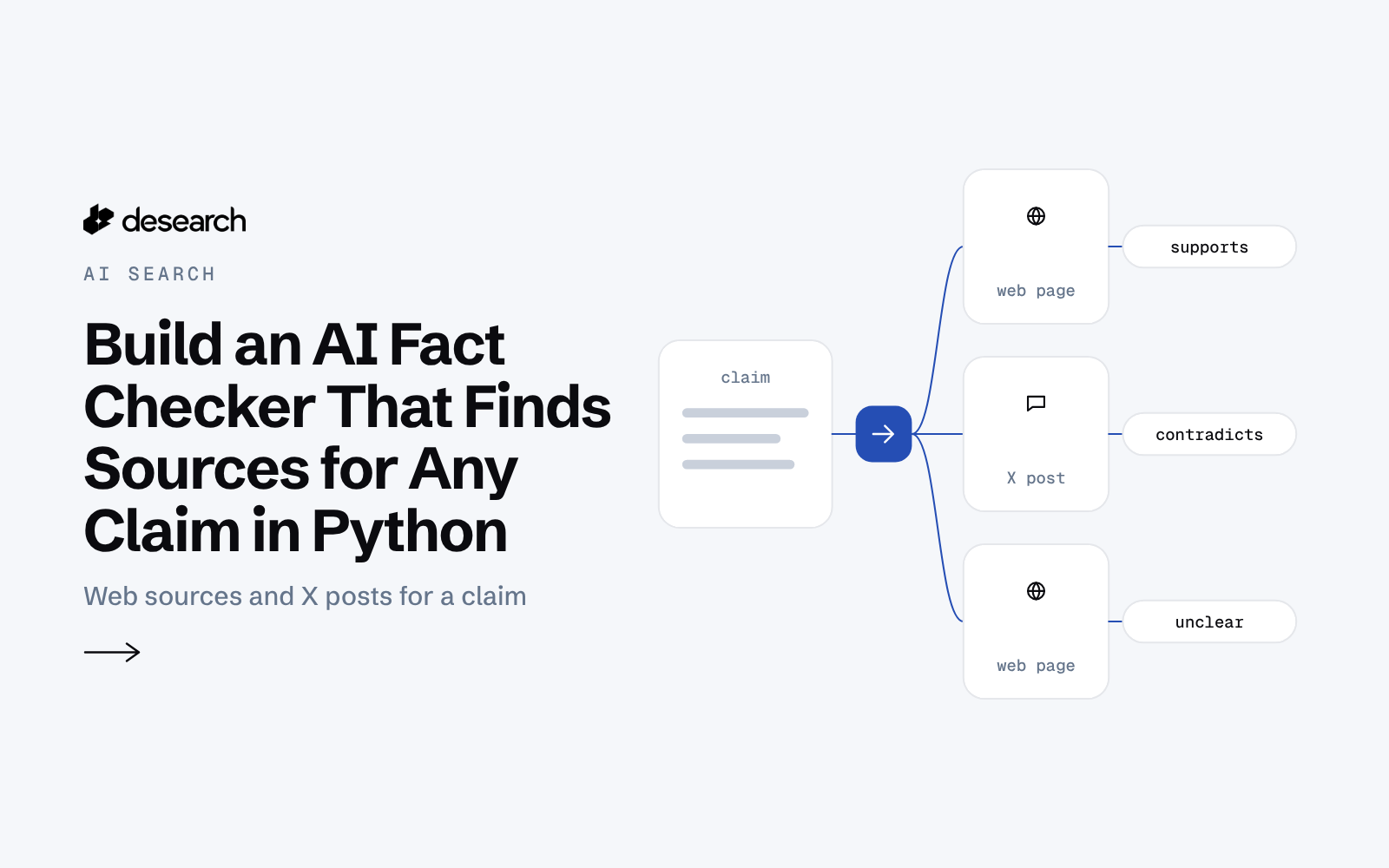
This AI fact checker is a small web app for anyone who wants to see the sources behind a claim before repeating it. Paste one claim and get web sources that back it or push back on it, each with a link, a short summary that keeps only sentences tied to a returned source, and how the topic is discussed on X. It helps you find sources; you still read them and decide.
The problem
A claim shows up in a chat, a post or an AI answer, and checking it means opening a search engine, reading several pages and looking for who said what. A summary without links is hard to trust, and a list of links without context takes time to read. Most people want the few sources that matter, with the sentence that backs each point.
What the app does
- Takes one claim, 8 to 200 characters.
- Returns web sources, deduplicated, each with a link, a snippet and a cue label:
supports,contradictsorunclear. - Shows a summary in which every sentence cites one of the returned sources. Sentences that cite nothing are hidden and counted.
- Shows "No strong sources found" when fewer than two sources match most of the claim's key words.
- Adds X posts about the topic that contain all the search words, with authors shown as "a user".
- Can also search Wikipedia, and serves the same result as JSON from
GET /api/check.
How it works
- Check the input. Blank, too short or junk claims get a 400 before any paid call.
- Find web sources.
POST /desearch/ai/searchwithtools: ["web"],result_type: "LINKS_WITH_FINAL_SUMMARY"andcount: 10returns sources plus a summary that cites them. - See the conversation on X.
GET /twitterwith the claim's first 4 key words,sort: "Top"andcount: 10, run at the same time as step 2. - Label and filter. Each source gets a keyword cue label, summary sentences are kept only when every link they cite is a returned source, and X posts are kept only when they contain all the search words.
- Serve. The page and the JSON endpoint share the same code, with a 6-hour cache header so repeat claims are answered from a CDN.
The code
The core call, copied from the example's README. The key is read from the DESEARCH_API_KEY env var:
curl -s https://api.desearch.ai/desearch/ai/search \
  -H "Authorization: $DESEARCH_API_KEY" -H "Content-Type: application/json" \
  -d '{"prompt": "Octopuses have three hearts and blue blood", "tools": ["web"], "streaming": false, "result_type": "LINKS_WITH_FINAL_SUMMARY", "count": 10}'
The response holds search (each source's title, link, snippet and highlights) and completion, a summary that cites sources as [n](url).
The folder layout:
factcheck/core.py: input checks, request bodies, source cleanup, cue labels, citation check, X post filter, rate limiter, spend cap and cache. No network.factcheck/client.py: the plain-HTTP Desearch client.factcheck/service.py: the/api/checklogic shared by the local server and the hosted function.api/check.py,public/index.html,vercel.json: the hosted version.app.py: local server and CLI.test_core.py: offline tests.
Endpoints
POST /desearch/ai/searchGET /twitter
Example output
A saved run on 2026-10-18 for the claim "The Great Wall of China is visible from space with the naked eye" made 2 calls and cost $0.0055.
| What came back | Count |
|---|---|
| Web sources holding most of the claim's key words | 10 of 10 |
Sources labelled contradicts | 10 |
| Cited summary sentences shown | 3 |
| Uncited summary sentences hidden | 1 |
| X posts that passed the on-topic filter | 1 of 10 |
The top sources included BBC Sky at Night Magazine, Wikipedia and Britannica. One cited summary line reads: "The myth that it is visible from space predates space travel and originated from a 1932 Ripley's Believe It or Not cartoon, but has been debunked by astronaut observations and scientific explanations."
A made-up claim in the same run came back with every source labelled unclear, and the app showed "No strong sources found" instead of a summary.
Run it yourself
python3 -m pip install -r requirements-dev.txt   # only pytest, for the tests
export DESEARCH_API_KEY_FILE=/path/to/key         # or DESEARCH_API_KEY=your_key, or --key-file
python3 app.py                                    # web app at http://127.0.0.1:8000
For a one-off check from the command line:
python3 app.py --cli "Humans only use 10 percent of their brain" --wiki --json out.json --html out.html--wiki(orwiki=1on/api/check) also searches Wikipedia, with one more call.--jsonand--htmlsave the full result as data or as a page.--log-dir runs/todaysaves each API call with the key removed.
What it costs
Measured on 2026-10-18 from the X-Desearch-Cost-Usd header, and the same on 2026-10-19: $0.004 for the web search and $0.0015 for the X search, so $0.0055 per check, or $0.0095 with Wikipedia. Checks served from the cache cost nothing. The hosted version has a daily spend cap, $1.00 by default. See pricing.
Demo
The live demo is paused, and the sample shows a real saved run. Demo. Saved sample run.
Ideas to extend it
- Limit sources to sites you trust with
include_domains, for example a science magazine and an encyclopedia. - Add a browser button that sends the selected text on any page to
/api/check. - Check every factual sentence in a draft article and list the ones with no strong sources.
- Give an agent
/api/checkas a tool so it attaches sources before it answers.