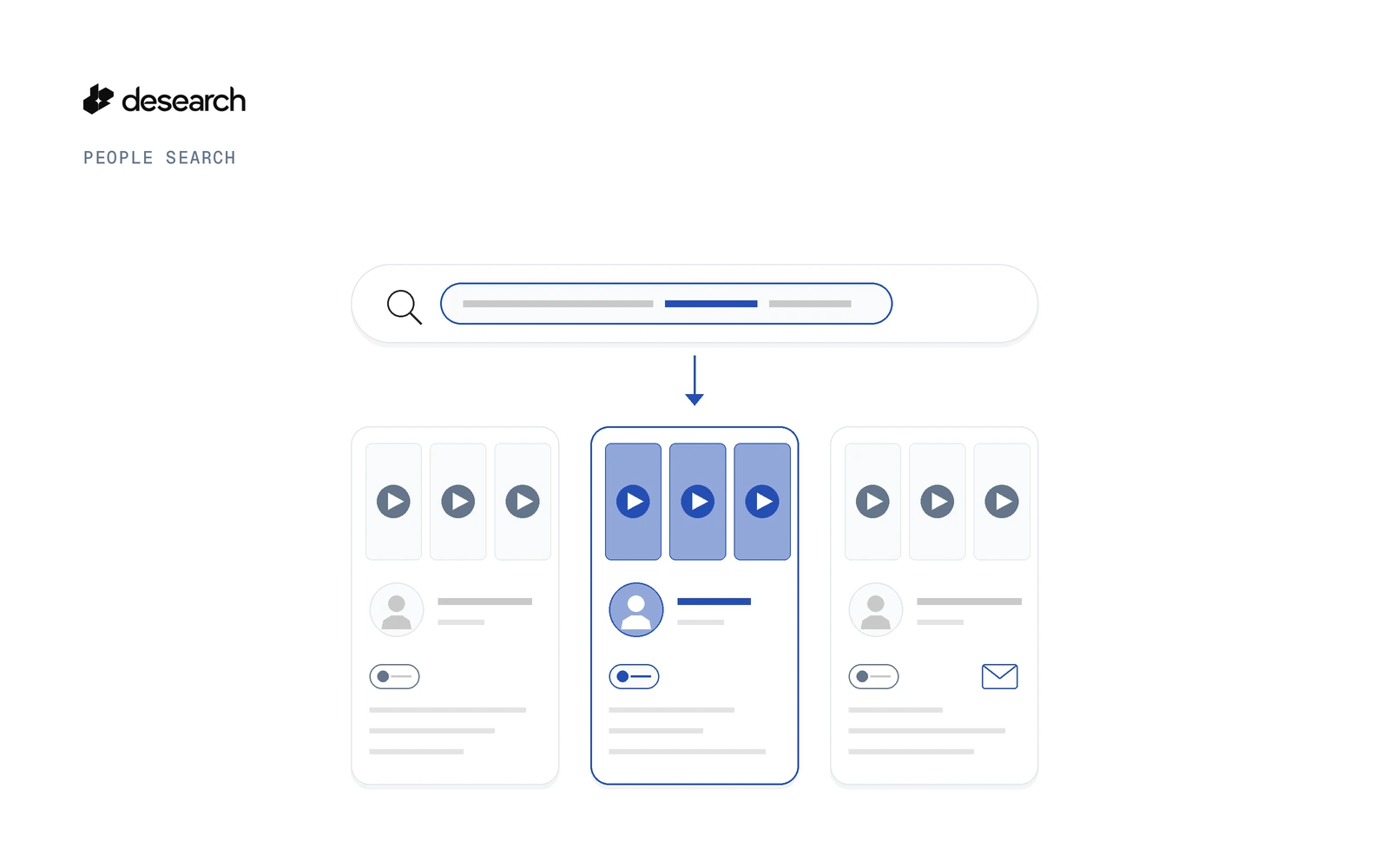
To find TikTok creators by niche, describe the creators you want in plain language and send it as query to TikTok Creator Search, POST /desearch/people/search/tiktok. The search runs in the background and returns a task_id at once. You get back creators, not videos: each account comes with a fit score, the reasons it matched and the videos that prove it. The full reference is in the TikTok Creator Search reference.
This guide covers how TikTok creator search differs from a user search, where it fits, how to start and filter a search, how to read and export the results, and how to keep one creator roster across searches.
What TikTok Creator Search does
TikTok Creator Search finds videos on your topic and accounts whose name or bio matches your description. For each creator it reads the bio, followers, likes, latest videos and a public email in the bio when there is one. It reads public data only.
What comes back is a shortlist of accounts, not a list of videos. Each creator has:
| What you get | How to use it |
|---|---|
| Fit score (0 to 100) | Rank the shortlist, or set min_score to drop weak matches |
| Reasons it matched | See which parts of your description the creator matches |
| Matched videos | Open them and check the fit before you reach out |
That means a reviewer can check each pick without opening every profile.
TikTok user search vs creator search
A TikTok user search or TikTok profile search in the app works when you already know the name you want. You type a handle or a display name and the app finds that account.
TikTok Creator Search answers a different question: which creators should you be talking to that you don't know yet? You describe the niche, the kind of videos and the audience size, and the search returns accounts that fit, ranked by score.
| In-app user or profile search | TikTok Creator Search | |
|---|---|---|
| You start with | A name or handle | A plain-language description of the creators you want |
| You get back | The account you typed | A scored shortlist of matching creators |
| Proof of fit | You check by hand | Reasons and matched videos for each creator |
Where to use it
A TikTok influencer search you can run from code fits any job where you need a fresh shortlist of creators in one niche:
- Product seeding and UGC. Find smaller creators who post about your product category. A follower band plus
require_contactkeeps the list to creators who list a public email in their bio. - Niche creator outreach. Describe the niche in one sentence, raise
min_score, and work through the shortlist round by round withexclude. - Campaign shortlists. Run one search per campaign, label it with
metadata, and export the results for the team to review.
For the same job on YouTube and X, see find creators and influencers by niche. For X accounts by topic, see search Twitter users by topic.
Start a TikTok creator search
Get an API key in Console
Create a key in Desearch Console. New accounts get $5 in API credits after attaching a card in Console, then pay as they go.
Request fields
| Field | Required | What it does |
|---|---|---|
query | Yes | Who you are looking for, in plain language |
count | No | How many creators to find. Default 25, min 5, max 200 |
min_score | No | Keep only creators at or above this fit score, from 0 to 100 |
exclude | No | Handles to leave out, up to 1,000 |
metadata | No | Your own labels for the search, at most 10 keys |
filters | No | TikTok filters, covered in the next section |
cURL example
This request is written from the API schema, not a captured run. Swap in your own description:
curl --request POST 'https://api.desearch.ai/desearch/people/search/tiktok' \
  --header "Authorization: $DESEARCH_API_KEY" \
  --header 'Content-Type: application/json' \
  --data '{
    "query": "TikTok creators who post easy weeknight vegan recipes",
    "count": 25,
    "min_score": 60,
    "metadata": {"campaign": "vegan-seeding"}
  }'
The response includes the task_id. Keep it: every next step uses it.
Narrow the shortlist with filters
TikTok Creator Search takes five filters inside filters:
| Filter | What it does |
|---|---|
min_followers | Drop creators below this audience size |
max_followers | Drop creators above this audience size. Use it for a micro creator shortlist |
require_contact | Keep only creators with a public email in the bio |
keywords | Words the creator should match |
exclude_keywords | Words that rule a creator out |
TikTok has no countries filter, so you can't filter TikTok creators by location.
This request, also written from the schema and not a captured run, asks for smaller creators you can contact, and leaves out two you already reached:
curl --request POST 'https://api.desearch.ai/desearch/people/search/tiktok' \
  --header "Authorization: $DESEARCH_API_KEY" \
  --header 'Content-Type: application/json' \
  --data '{
    "query": "TikTok creators who post easy weeknight vegan recipes",
    "count": 25,
    "min_score": 60,
    "exclude": ["example_handle_1", "example_handle_2"],
    "filters": {
      "min_followers": 5000,
      "max_followers": 100000,
      "require_contact": true
    }
  }'
Add keywords and exclude_keywords to filters when you want to require or rule out words; check the TikTok Creator Search reference for their exact format.
require_contact only keeps creators who list a public email in their bio. People Search never returns private contact details.
Poll the task and read results while it runs
The search runs in the background. Use the task_id with these routes:
| Route | What it does |
|---|---|
GET /desearch/people/tasks/{task_id} | Shows where the search is |
GET /desearch/people/tasks/{task_id}/results | Returns the creators found so far, while the search runs |
POST /desearch/people/tasks/{task_id}/pause | Pauses the search |
POST /desearch/people/tasks/{task_id}/resume | Resumes a paused search |
POST /desearch/people/tasks/{task_id}/cancel | Stops the search |
The same flow in Python, with plain requests. It is written from the routes above, not a captured run:
import os
import requests

BASE = "https://api.desearch.ai/desearch/people"
HEADERS = {"Authorization": os.environ["DESEARCH_API_KEY"]}

resp = requests.post(
    f"{BASE}/search/tiktok",
    headers=HEADERS,
    json={
        "query": "TikTok creators who post easy weeknight vegan recipes",
        "count": 25,
        "min_score": 60,
        "filters": {
            "max_followers": 100000,
            "require_contact": True,
        },
    },
    timeout=60,
)
resp.raise_for_status()
task_id = resp.json()["task_id"]
print("task:", task_id)

# Check the task, then read the creators found so far
task = requests.get(f"{BASE}/tasks/{task_id}", headers=HEADERS, timeout=60)
task.raise_for_status()
print(task.json())

results = requests.get(f"{BASE}/tasks/{task_id}/results", headers=HEADERS, timeout=60)
results.raise_for_status()
print(results.json())
Call the task route again on an interval until the search ends. Then check three fields:
| Field | What it tells you |
|---|---|
completion_reason | Why the search stopped |
coverage_limited | Whether a budget stopped the search before it reached count |
warnings | Anything else worth knowing about the run |
The search covers what it finds in public TikTok data, so it does not promise every creator in a niche. If a search stops before count, broaden the description, lower min_score or relax the filters, then run it again.
Export creators to CSV
When you are happy with the shortlist, download it as CSV for a sheet or CRM:
curl 'https://api.desearch.ai/desearch/people/tasks/TASK_ID/export?format=csv' \
  --header "Authorization: $DESEARCH_API_KEY" \
  --output tiktok-creators.csv
Results stay available for 30 days, so you can export again later without running the search a second time.
Build a creator roster across searches
Creator outreach runs in rounds, and the same creator can turn up in more than one search. GET /desearch/people/profiles lists every creator your searches found, with one entry per person. Each entry has found_by, so you can see which searches found that creator.
You can search the list, filter it (for example has=email to keep only creators with a public email) and sort it by score, recency or audience.
GET /desearch/people/profiles/export downloads the roster as CSV or JSON Lines, up to 10,000 people. The profiles export is not billed.
Pair the roster with exclude: pass the handles you already contacted, and the next search returns only new creators.
From posts to creators (and back)
TikTok Creator Search tells you who is posting about a topic. If you want to know what is being said, start from the videos instead and find TikTok posts by keyword. For a posts export you can open in a sheet, see the TikTok keyword CSV use case.
Once a creator makes your shortlist, you can look closer at one account with two TikTok routes:
GET /desearch/tiktok/profile/{username}for the creator's profileGET /desearch/tiktok/profile/{username}/postsfor the creator's recent posts
For TikTok endpoints in general, see the TikTok API page.
What it costs
TikTok Creator Search: $15.00 / 1000 creators. Confirm current rates in Console.
There is no per-search minimum. When a task starts, count creators are reserved at the route price (cost_usd). At the end you pay only for the qualified creators delivered, and the rest is returned automatically. A search that delivers no creators costs nothing. See Desearch pricing for details.
FAQ
What is TikTok Creator Search?
It is a Desearch People Search route, POST /desearch/people/search/tiktok. You describe the creators you want in plain language, and it returns TikTok creators, not videos, each with a fit score, the reasons it matched and the videos that prove it.
How is it different from a TikTok user search?
A user or profile search in the app finds an account you already know by name. TikTok Creator Search finds creators you don't know yet, from a description of the niche.
Can I find micro creators?
Yes. Set min_followers and max_followers in filters to keep creators inside an audience band.
Can I get creator emails?
Only public ones. With require_contact, the search keeps only creators who list a public email in their bio. It never returns private contact details.
Can I filter TikTok creators by country?
No. TikTok Creator Search has no countries filter.
How do I avoid contacting the same creator twice?
Pass handles you already contacted in exclude, up to 1,000 per search. To see every creator across your searches, use GET /desearch/people/profiles.
Does it find every creator in a niche?
No. It reads public TikTok data and can end before count. Check coverage_limited and warnings when the task ends.
How long are results kept?
30 days.
What does it cost?
TikTok Creator Search: $15.00 / 1000 creators. There is no per-search minimum: you pay only for qualified creators delivered. Confirm current rates in Console.
Get started
- Create an API key in Console. New accounts get $5 in API credits after attaching a card in Console, then pay as they go.
- Run the cURL request above, or use an SDK: desearch-js 1.7.0 or later, or desearch-py 1.5.0 or later, which installs from GitHub until PyPI catches up.
- Check the People Search guide for the full task flow.
- To run the same kind of search on X, YouTube or LinkedIn, see the hub guide: People Search API: find people by description.
Describe your niche in one sentence and find your first TikTok creators. New accounts get $5 in API credits after attaching a card in Console, then pay as they go.