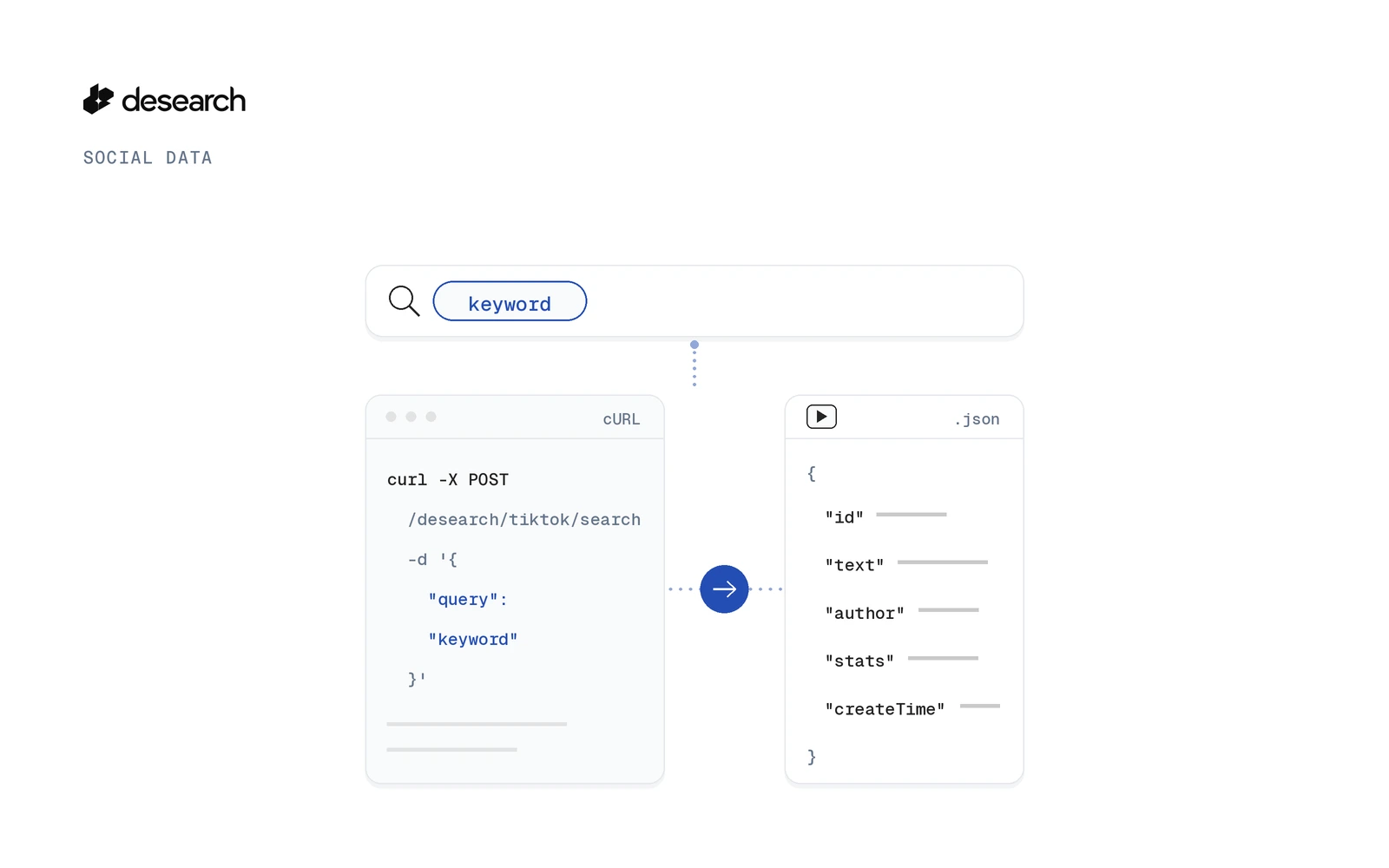
Send a keyword to the TikTok search API at POST /desearch/tiktok/search and you get back a list of public TikTok posts as normalized JSON. Each post carries its caption, author, stats and a video ID you can pass straight to the comments endpoint.
Most guides on this topic describe TikTok's own Research API, which is open only to approved research projects. This one shows keyword search with a single API key you can create today.
This guide walks through one endpoint: the request, the fields in the response, paging with a cursor, the next calls you can chain, and how to read what each call cost. For the product overview, see the TikTok API page.
What a TikTok search API returns
A successful call returns a JSON array of posts. The schema marks every field as nullable, so your code should handle a missing value on any of them.
Post fields
Each post can include:
id: the canonical TikTok video IDurl: the public link to the videotext: the captioncreateTime: when the post was publishedhashtagsandmentions: lists pulled from the captionvideoDuration,videoWidth,videoHeight: basic video metadatathumbnailUrlandmediaUrl: signed CDN links, when present
When the upstream source has its own opaque ID, it comes back as providerId. You don't need it for follow up calls, because id already works with the other TikTok endpoints.
Author and stats objects
The author object holds id, username, nickname, verified and followers. The stats object holds playCount, digCount (likes), commentCount, shareCount and collectCount (saves).
Here is one trimmed result from a real call with the query "ai agents". The creator handle, name and IDs are masked, and the signed CDN links are shortened:
[
  {
    "id": "7699561379182923022",
    "url": "https://www.tiktok.com/@[creator]/video/7699561379182923022",
    "text": "3 AI agents I'd sell to every client if I ran a creative agency. #aiforagencies #agencylife #smallbusinessmarketing #b2bmarketing ",
    "createTime": 1792693845,
    "author": {
      "id": "[author id]",
      "username": "[creator]",
      "nickname": "[creator name]"
    },
    "stats": {
      "digCount": 72,
      "commentCount": 6,
      "shareCount": 1,
      "collectCount": 49
    },
    "hashtags": [
      "aiforagencies",
      "agencylife",
      "smallbusinessmarketing",
      "b2bmarketing"
    ],
    "mentions": [],
    "videoDuration": 133073,
    "videoWidth": 720,
    "videoHeight": 1280,
    "thumbnailUrl": "https://...",
    "mediaUrl": "https://..."
  }
]
Two things to notice. createTime came back as a Unix timestamp in seconds, and this result had no verified, followers or playCount values even though the schema lists them. That is why your code should treat every field as optional.
Search TikTok posts with the TikTok search API
Get an API key in Console
Create a key in Desearch Console. New accounts get $5 in API credits after attaching a card in Console, then pay as they go.
cURL example
The request body takes four fields. query is the only required one.
query: the keyword or phrase to search on TikTokcount: how many results you want, from 1 to 100, default 10. The provider page may be smaller.cursor: leave it out for the first pagesort: a sort option, when supported
curl -X POST https://api.desearch.ai/desearch/tiktok/search \
  -H "Authorization: $DESEARCH_API_KEY" \
  -H "Content-Type: application/json" \
  -d '{"query": "bittensor", "count": 10}'
Python example
import os
import requests

resp = requests.post(
    "https://api.desearch.ai/desearch/tiktok/search",
    headers={"Authorization": os.environ["DESEARCH_API_KEY"]},
    json={"query": "bittensor", "count": 10},
)
resp.raise_for_status()

for post in resp.json():
    author = (post.get("author") or {}).get("username")
    print(post.get("id"), author, post.get("text"))
Note the or {}: since author can be null, this keeps the loop from failing on a post without one.
Page through results, and what happens when a cursor expires
When there is another page, the response includes an x-desearch-next-cursor header. On the last page the header is absent.
To get the next page, send that value back unchanged as cursor, on the same route with the same search query:
cursor = resp.headers.get("x-desearch-next-cursor")
if cursor:
    nxt = requests.post(
        "https://api.desearch.ai/desearch/tiktok/search",
        headers={"Authorization": os.environ["DESEARCH_API_KEY"]},
        json={"query": "bittensor", "count": 10, "cursor": cursor},
    )
A cursor is valid for 24 hours. Any other value, including an expired cursor or one issued for a different route or query, returns a 422 and is not charged. So a stale cursor costs you nothing, but you do need to start again from the first page.
From search to comments with the same id
Python: search, then comments
The id on each search result is the canonical TikTok video ID. You can pass it directly to GET /desearch/tiktok/comments/{video_id} with no ID mapping in between:
import os
import requests

API = "https://api.desearch.ai/desearch/tiktok"
HEADERS = {"Authorization": os.environ["DESEARCH_API_KEY"]}

posts = requests.post(
    f"{API}/search",
    headers=HEADERS,
    json={"query": "ai agents", "count": 5},
).json()

for post in posts:
    video_id = post.get("id")
    if not video_id:
        continue
    comments = requests.get(
        f"{API}/comments/{video_id}",
        headers=HEADERS,
        params={"count": 10},
    ).json()
    print(post.get("url"), comments)
Search a keyword, then read the conversation under the posts that matter.
Profile, profile posts, hashtag and trending endpoints
Search is one of several TikTok endpoints. The same family covers comments, hashtag posts, a single post by ID, profiles, profile posts and trending posts by region. If you want results in a spreadsheet instead of JSON, see how to export TikTok search and hashtag posts to CSV.
Read the cost of each call
Every successful billable response includes these headers:
X-Desearch-Cost-Usd: the cost of the request in US dollarsX-Desearch-Usage-Count: the billable usage units appliedX-Desearch-Service: the pricing service used to calculate the costX-Desearch-Currency: currently always USD
Because TikTok search returns a JSON array, the cost shows up only in these headers, not in the body. Log them next to each call and you always know what a run spent. Current rates are on the pricing and billing page.
What it does not do
Download and no watermark media surfaces are intentionally not exposed. The endpoint is built for finding and reading posts, not for saving clean copies of videos.
Other public social sources
The same pattern works on other networks. You can search Instagram hashtags with an API or search hashtags on X.
FAQ
Can I search TikTok posts by keyword with an API?
Yes. Send the keyword as query to POST /desearch/tiktok/search and you get a list of normalized public TikTok posts.
How many results do I get per request?
Set count from 1 to 100. The default is 10, and the provider page may be smaller than what you ask for.
How do I get the next page?
Send the x-desearch-next-cursor header from the previous response back unchanged as cursor, on the same route with the same query, within 24 hours.
Can I get comments for a search result?
Yes. Pass the post id to /desearch/tiktok/comments/{video_id}.
Does it return downloadable or no watermark video files?
No. Download and no watermark media surfaces are intentionally not exposed.
How do I know what a call cost?
Read the X-Desearch-Cost-Usd header on the response. Current prices are at the pricing page.
Get started
Run your first TikTok search. Get an API key in Console and try the request above. New accounts get $5 in API credits after attaching a card in Console.