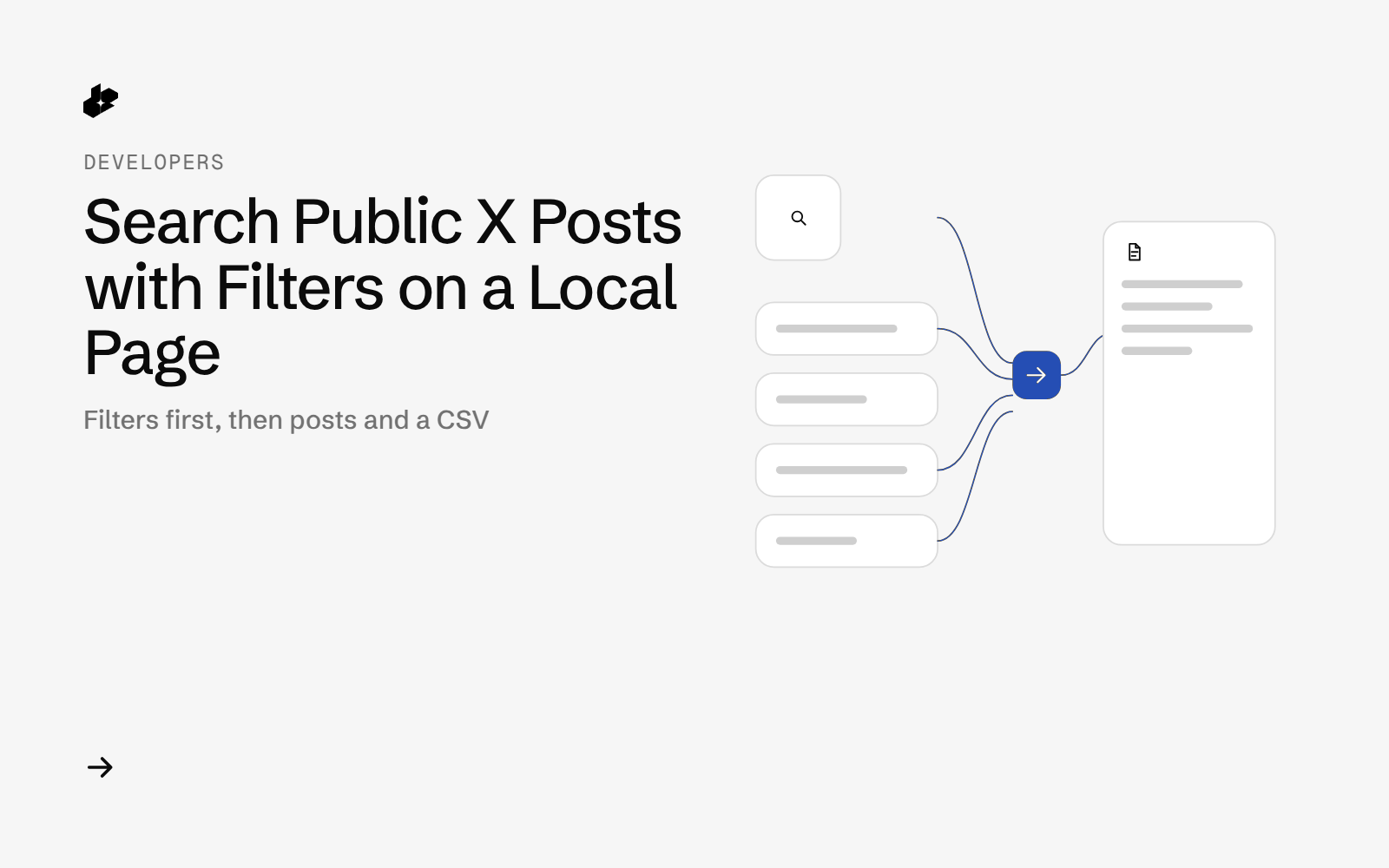
Tweet Search is a one-page local web app for public X posts. You type a query, set filters, and see time, text, likes, replies and a link. Download CSV exports the same search. The server is the Python standard library. It calls GET /twitter. Author handles are not shown, and mentions in the text are shown as @user.
How this differs
Export Twitter search results to CSV is a command-line export of one query and a date window. Find X posts for a prompt is one AI links call that prints the posts it received. This example is a local page: language, likes, replies, reposts, verified, video, image, quote and dates are form fields, the results render in the browser, and a bad form returns HTTP 400 without calling the API.
The problem
A one-shot script is a good export. It is a poor way to try filters. Changing language, a likes floor, or a date means editing the command and running it again. A small form lets you see what came back, including rows that fall outside the filter you set, and then download that page as CSV.
What the app does
- One search box, plus an optional "any of" list that becomes
(a OR b)in the query. - Filters: sort (Latest or Top), count (1 to 100), language, min likes, min replies, min reposts, verified, blue verified, video, image, quote, and a date range.
- Checks the form before any API call. A blank query, a count outside 1 to 100, a bad language code, a negative number, a bad date, a reversed range, or a future start date returns HTTP 400 and does not call the API.
- Shows how many posts came back versus how many you asked for, and flags rows that fall outside your filters.
- Links use
https://x.com/i/status/<id>.
How it works
- Validate.
core.validatebuilds theGET /twitterparams or raisesFormError. - Search. The local server calls
GET /twitterwith the key in theAuthorizationheader. - Rows. Each post becomes time (UTC), text, likes, replies, reposts and a status link.
core.rowrewrites mentions to@user. - CSV.
/search.csvsends the same rows astext/csv.
The code
The query builder:
def build_query(terms):
    """Several terms always become (a OR b). A single term is passed as-is."""
    terms = [t.strip() for t in terms if t and t.strip()]
    if not terms:
        raise FormError("Enter a search term.")
    return terms[0] if len(terms) == 1 else "(" + " OR ".join(terms) + ")"
One result row:
def row(p):
    """One public result row. No author name or handle: the link uses x.com/i/status/<id>."""
    t = parse_time(p.get("created_at"))
    u = p.get("user") or {}
    return {"id": str(p.get("id", "")),
            "created_utc": t.strftime("%Y-%m-%d %H:%M") if t else "",
            "text": HANDLE_RE.sub("@user", " ".join(str(p.get("text") or "").split())),
            "lang": p.get("lang") or "",
            "likes": p.get("like_count") or 0, "replies": p.get("reply_count") or 0,
            "reposts": p.get("retweet_count") or 0,
            "verified": bool(u.get("verified")), "blue": bool(u.get("is_blue_verified")),
            "video": has_media(p, "video"), "image": has_media(p, "photo"),
            "link": f"https://x.com/i/status/{p.get('id')}"}
The page calls the API only after validation:
            if u.path not in ("/search", "/search.csv"):
                return self._send(404, "not found", "text/plain")
            try:
                params = core.validate(form)
The key is read from DESEARCH_API_KEY and is not written into the HTML. Optional logs store Authorization: <redacted>.
Endpoints
GET /twitter
Example output
A search on 2026-10-16 sent a term plus an "any of" group, sort Latest, count 15. The page noted 15 of 15 requested posts returned in 5.55 s and the header cost was $0.00225. Separate checks of language, minimum likes, replies, reposts, blue verified, video, quote and a three-day window each returned about 20 posts. The image filter had 1 row whose returned media had no photo. The app flagged that row.
Run it yourself
The public examples folder linked above includes app.py, core.py, offline tests and a README. Install its requirements, set DESEARCH_API_KEY from console.desearch.ai, run python3 app.py --port 8000, and open http://127.0.0.1:8000.
What it costs
The 15-post sample cost $0.00225 by X-Desearch-Cost-Usd. A separate run of 20 posts cost $0.003. A form that fails validation makes no call. See pricing.
Ideas to extend it
- Remember the last form in the browser so the next search starts from it.
- Add the query string as a column in the CSV.
- Save each response under
--log-dirwhen you want a raw copy with the key redacted.