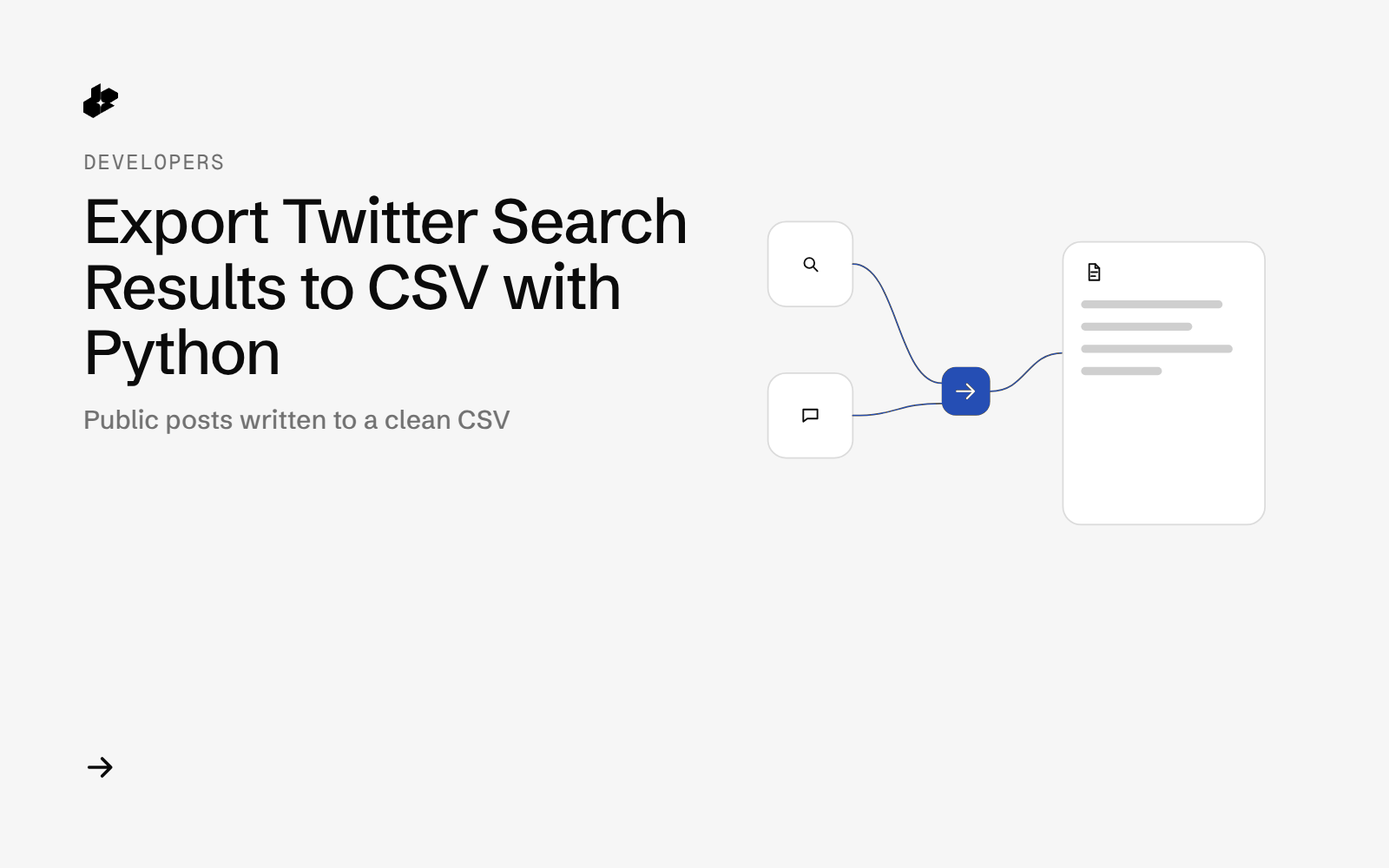
Tweet Scraper to CSV is a small Python script that runs an X query through GET /twitter and writes the public posts Desearch returned to a CSV: id, date, text, likes, reposts, replies, link and author.
The problem
A search on X is easy to read and hard to reuse. Copying posts into a sheet by hand drops dates, mixes duplicates, and keeps posts from outside the window you meant to study.
What the app does
- ORs your terms inside parentheses, and quotes any term that has a space.
- Calls
GET /twitterwith sort, a UTC start date, an optional end date, language and count. - Drops duplicate ids and any post dated outside the UTC window, then sorts newest first.
- Writes
posts.csvplus a snapshot of the query, how many posts were kept, and the header cost. - By default the author column says "a user". An org account you name can be shown as itself.
How it works
- Build the query. Terms go inside parentheses so later filters apply to the whole group.
- Search.
GET /twitterwith the key in theAuthorizationheader. - Clean. Duplicate ids and posts outside the date window are removed in code.
- Write the CSV,
snapshot.json,calls.jsonland a redacted raw response.
The code
The query builder:
def build_query(terms, extra=""):
    """OR terms always go inside parentheses: ("a b" OR c) extra."""
    xs = [t if (" " not in t or t.startswith('"')) else f'"{t}"' for t in terms if t.strip()]
    if not xs:
        raise ValueError("at least one search term is required")
    q = "(" + " OR ".join(xs) + ")"
    return f"{q} {extra}".strip()
The search call:
def search(c, query, tag="search", **params):
    p = {"query": query, **{k: v for k, v in params.items() if v not in (None, "")}}
    st, body = c.get("/twitter", p, tag)
    return st, (body if st == 200 and isinstance(body, list) else [])
The folder has tweets_csv.py, core.py, offline tests and a sample run from 2026-10-15.
Endpoints
GET /twitter
Example output
The sample run made 1 call, kept posts inside the date window, and cost $0.0075 by the X-Desearch-Cost-Usd header. date is UTC. link is https://x.com/i/status/<id>.
Run it yourself
The public examples folder linked above includes the script and a README. Install its requirements, set DESEARCH_API_KEY from console.desearch.ai, and use the run command in that README.
What it costs
The sample call returned X-Desearch-Cost-Usd: 0.0075. One call returns up to the count you set. See pricing.
Ideas to extend it
- Schedule it and append each day's CSV.
- Add a column for the query that found the post.
- Keep a second file of the ids that fell outside the window.