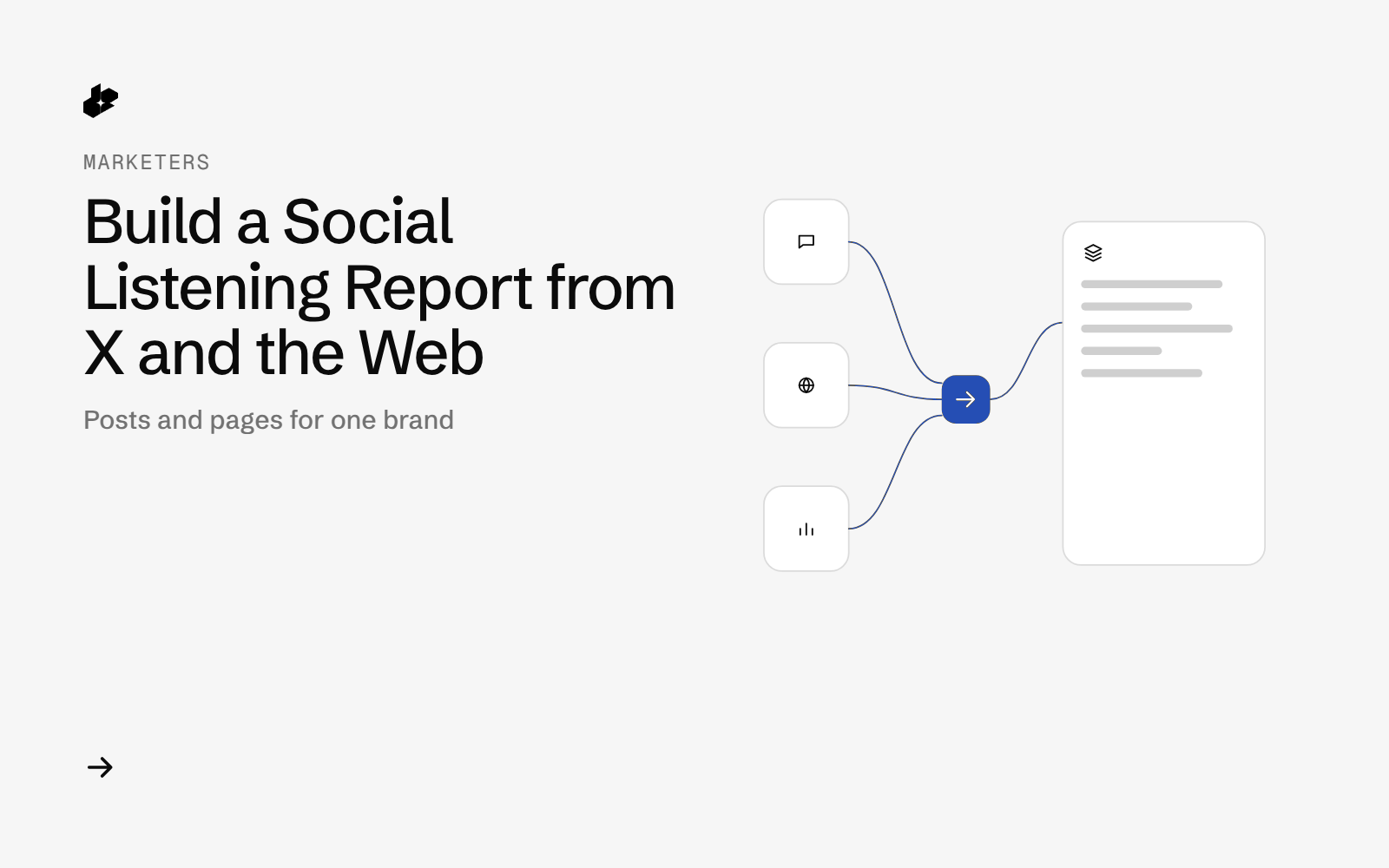
Social Listening Report picks one brand or topic. The script pulls the public X posts Desearch returned for the last 7 days and three pages of web results, then writes mentions.csv and report.md with posts by day, top posts by engagement, and top web domains. Authors are shown as Account A, Account B and so on.
The problem
A week of posts and pages about a brand is more than one search box can hold. Latest posts on a busy name can fill a result page in a few hours, and web results mix the brand's own pages with everyone else's.
What the app does
- Reads the brand, the X query, the web query and the page offsets from
config.json. - Pulls Latest and Top public posts on X since 7 days ago.
- Pulls three web result pages and drops duplicate URLs.
- Marks a row on topic when the brand word appears in the post text, or in the page title, snippet or URL.
- Writes a CSV and a Markdown report.
How it works
- Posts.
GET /twittertwice:sort=Latestwith your count, andsort=Topwith count 20. OR terms stay inside parentheses so they group with the date filter. - Pages.
GET /webat eachstartvalue in the config. URLs are deduped across pages. - Label. A row is on topic only when the brand word is in the retrieved text, title, snippet or URL.
- Write the sheet and the report.
The code
def run_live(cfg):
    import requests
    key = api_key()
    s = requests.Session(); s.headers["Authorization"] = key
    since = (dt.date.today() - dt.timedelta(days=7)).isoformat()
    raw = {"run_at": now(), "cfg": cfg, "since": since, "x": [], "web": [], "probes": []}
    raw["x"].append(call(s, "/twitter", {"query": cfg["x_query"], "sort": "Latest", "count": cfg["x_count"], "start_date": since}, "x latest"))
    raw["x"].append(call(s, "/twitter", {"query": cfg["x_query"], "sort": "Top", "count": 20, "start_date": since}, "x top"))
    for st in cfg["web_starts"]:
        raw["web"].append(call(s, "/web", {"query": cfg["web_query"], "start": st}, f"web start={st}"))
    raw["probes"].append(call(s, "/twitter", {"query": cfg["empty_query"], "sort": "Latest", "count": 20}, "probe x nonsense"))
    raw["probes"].append(call(s, "/web", {"query": cfg["empty_query"], "start": 0}, "probe web nonsense"))
    raw["probes"].append(call(s, "/twitter", {"query": "", "count": 20}, "probe x blank query"))
    raw["probes"].append(call(s, "/web", {"query": "", "start": 0}, "probe web blank query"))
    save_raw(raw, key)
The key comes from the environment and is not written to the output. The extra calls at the end are stored in the raw file with the rest of the run.
Endpoints
GET /twitterGET /web
Example output
The 2026-10-15 sample returned 70 X posts (50 Latest and 20 Top), 69 unique, of which 68 named the brand in the text. The web calls returned 48 results over 3 pages and 38 unique URLs, and all 38 named the brand. 27 were the brand's own pages or app store listings. 11 were other threads, videos and articles. The 50 Latest posts covered about 2.5 hours, so a busy name needs a more frequent run, or Top, for a week view.
Run it yourself
The public examples folder linked above includes the script and a README. Install its requirements, set DESEARCH_API_KEY from console.desearch.ai, and use the run command in that README.
What it costs
Each response records X-Desearch-Cost-Usd on the call log. The sample write-up does not add those headers into a single total. See pricing.
Ideas to extend it
- Run it every morning and keep the CSVs.
- Split the web rows into the brand's own domains and everyone else.
- Add the complaint themes from a separate pass over the same posts.