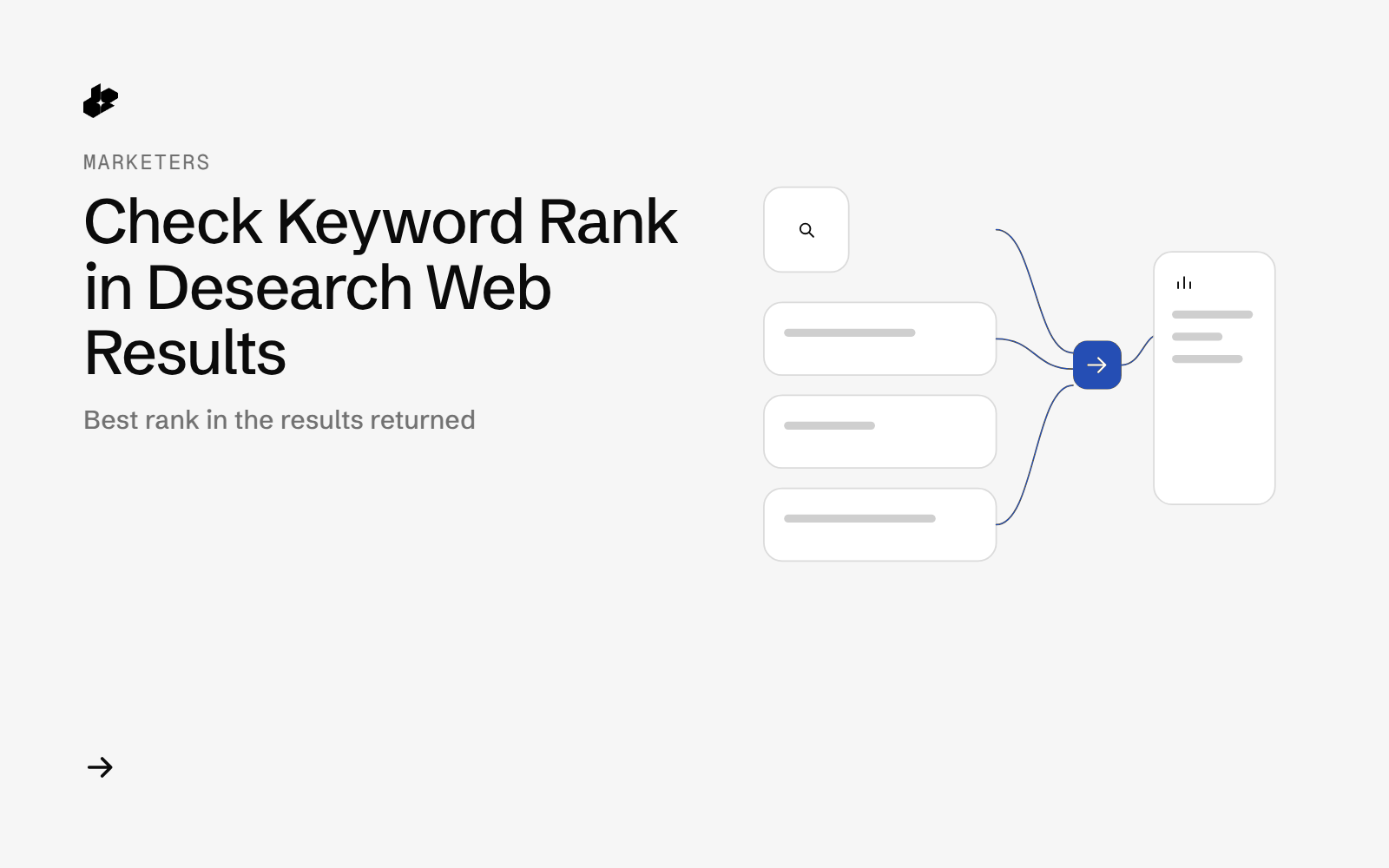
SERP API Rank Checker is a small Python CLI. It takes a list of keywords and one domain, calls GET /web for each keyword, dedupes the results by URL, and reports the best rank that domain got in the results Desearch returned. A second run can diff ranks against the first. Output is JSON plus CSV.
It reports the search results Desearch returned at the time of the run. It does not claim to match the live ranking of any particular search engine.
The problem
Checking a domain on a list of keywords means running each query, scanning the results, and writing down the position. Doing it again next week means doing the same work and then comparing the two sheets.
What the app does
- Reads one keyword per line and one domain.
- Requests two pages per keyword by default, stepping the
startoffset by 20. - Removes duplicate URLs and records how many new URLs each page added.
- Writes the best rank per keyword, the matching URL, and an optional diff against an earlier summary.
- Logs every call with status, latency and header cost.
How it works
- Search.
GET /webwithqueryandstartfor each page of each keyword. - Merge. Results are deduped by URL. The best rank is the earliest row whose domain matches.
- Diff. A later run can compare best ranks to a saved
summary.json. - Write CSV, JSON, the call log and redacted raw responses.
In the measured runs, start=20 added more new URLs than start=10, which mostly repeated the first page. The default walks 0, then 20.
The code
def check_keyword(c, kw, domain, pages, step=20):
    got = []
    for p in range(pages):
        start = p * step
        st, body = c.get("/web", {"query": kw, "start": start}, f"{re.sub(r'[^a-z0-9]+', '-', kw.lower()).strip('-')[:30] or 'blank'}-s{start}")
        got.append((start, core.items_of(body) if st < 300 else []))
    rows, stats = core.merge_pages(got)
    return {"keyword": kw, "rows": rows, "page_stats": stats, **core.keyword_summary(kw, domain, rows)}
The folder has rank_check.py, core.py, offline tests and a sample keyword file.
Endpoints
GET /web
Example output
Ten keywords with two pages each is 20 calls. Each GET /web in that run carried X-Desearch-Cost-Usd: 0.001, so the run cost $0.02. Median latency across 40 calls was 1.92 seconds.
A blank keyword line is skipped before any call. A query with loose matches can still return a full page, so "not in the results" is the useful signal.
Run it yourself
The public examples folder linked above includes the script and a README. Install its requirements, set DESEARCH_API_KEY from console.desearch.ai, and use the run command in that README.
The same search is available as the web-search tool on the Desearch MCP server if you want one keyword without the script.
What it costs
$0.001 per GET /web call in the 2026-10-16 sample. Twenty calls cost $0.02. See pricing.
Ideas to extend it
- Run it weekly and keep the diff files.
- Alert when a keyword's best rank moves past a threshold you set.
- Add the page title next to the matching URL in a sheet.