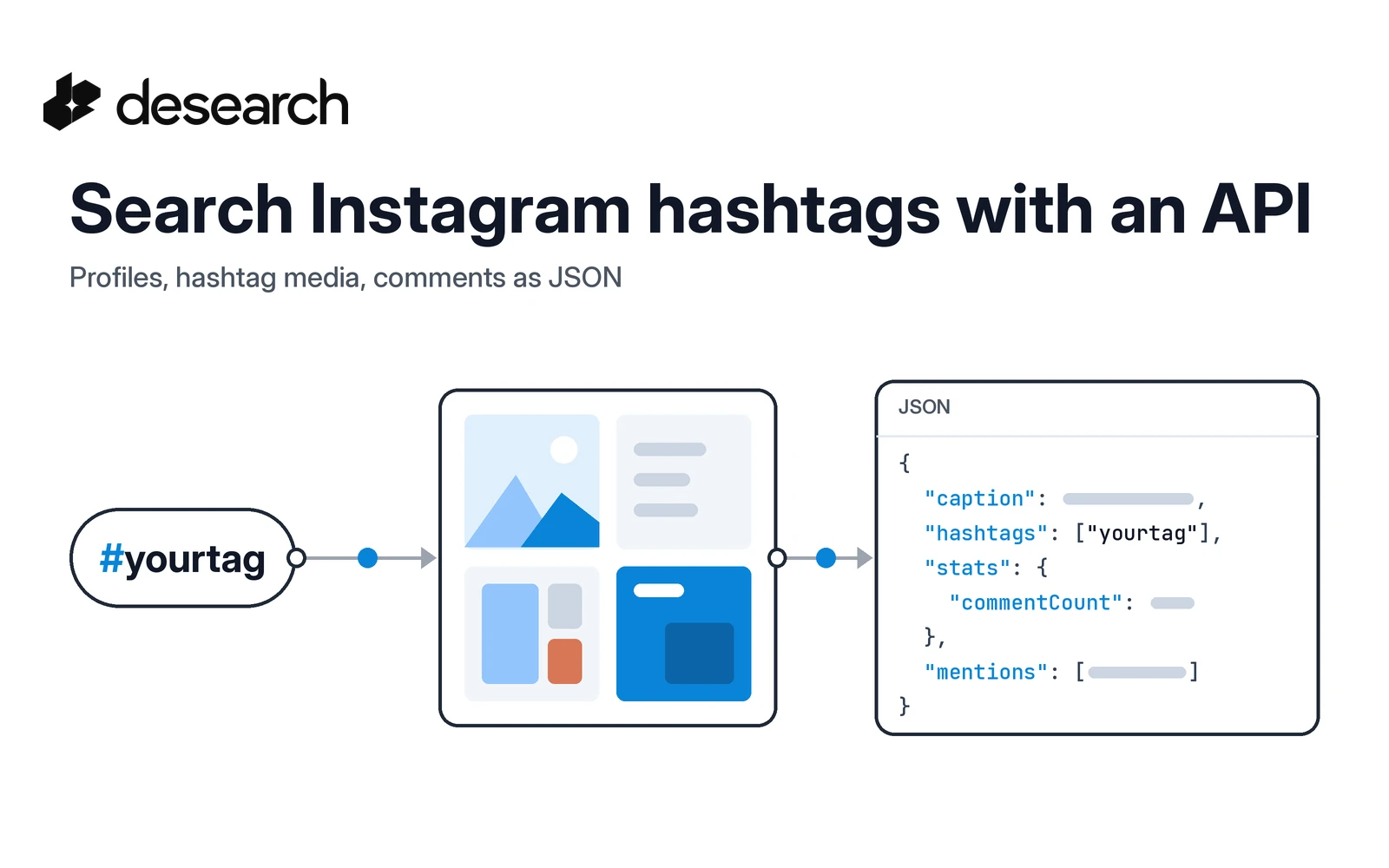
Hashtags are how a topic gathers on Instagram. If you want an agent or a dashboard to follow one, you need three things: a way to find the accounts behind a topic, a way to pull recent posts for a hashtag, and a way to read what people say under a post. The Desearch Instagram endpoints cover all three over plain REST and return public data as structured JSON, so you get more than a basic Instagram search API: profiles, hashtag media, and comments from one key.
This guide follows the same pattern as our X hashtag search guide, applied to Instagram. You will:
- Search public profiles by keyword
- Pull public media for a hashtag
- Read the comments on one post
- Count which hashtags show up next to yours
For the product overview, see the Instagram API page.
Before you start
- Create an account in Desearch Console and create an API key.
- Store it as
DESEARCH_API_KEYand keep it server-side. - Base URL:
https://api.desearch.ai - Auth:
Authorization: $DESEARCH_API_KEY(raw key)
The examples use plain HTTP (curl and Python requests), so every field maps directly to the API reference.
A note on scope: these endpoints return public Instagram data only. Private accounts, login-only views, posting, messaging, and download-only media are not exposed.
Step 1: Search public profiles by keyword
Start by finding accounts that talk about your topic. POST /desearch/instagram/search takes a keyword, username, or phrase and returns matching public profiles. It is a profile search, not a general post search, so it is the right first step for "who is active on this topic?"
curl --request POST 'https://api.desearch.ai/desearch/instagram/search' \
  --header "Authorization: $DESEARCH_API_KEY" \
  --header 'Content-Type: application/json' \
  --data '{"query": "bittensor", "count": 10}'
| Body field | Required | Notes |
|---|---|---|
query | yes | Keyword, username, or phrase |
count | no | Number of results (default 10) |
The response is a JSON array. Each item looks like this (values shortened):
{
  "id": "0000000000",
  "type": "profile",
  "username": "example_creator",
  "title": "Example Creator",
  "url": "https://www.instagram.com/example_creator/",
  "followers": 12000,
  "mediaCount": 150
}
followers and mediaCount give you a quick way to rank accounts before you look closer. Not every profile returns them, so read both with .get() and a default. mediaCount here is the search result's own field; profile endpoints may report post totals under a different name, so don't treat them as the same value.
Step 2: Pull public media for a hashtag
Next, get the posts gathered under a hashtag. GET /desearch/instagram/hashtag/{tag} takes the tag without the #.
curl 'https://api.desearch.ai/desearch/instagram/hashtag/bittensor?count=10' \
  --header "Authorization: $DESEARCH_API_KEY"
| Parameter | Required | Notes |
|---|---|---|
tag (path) | yes | Hashtag without # |
count | no | Number of media objects (default 20) |
Each media object in the array includes:
| Field | What it holds |
|---|---|
id, shortcode | Identifiers for the post |
url | Public link to the post or reel |
caption | Post text |
createTime | When it was posted (ISO 8601) |
mediaType | For example image or video |
author.username | Who posted it |
stats.likeCount, stats.commentCount | Engagement counts |
hashtags | Every hashtag in the caption, without # |
mentions | Accounts mentioned in the caption |
A trimmed example:
{
  "id": "0000000000000000000",
  "shortcode": "EXAMPLE123",
  "url": "https://www.instagram.com/p/EXAMPLE123/",
  "caption": "Example caption text #yourtag #example",
  "createTime": "2026-01-15T10:30:00.000Z",
  "mediaType": "video",
  "author": { "username": "example_creator" },
  "stats": { "likeCount": 120, "commentCount": 8 },
  "hashtags": ["yourtag", "example"],
  "mentions": []
}
Not every post carries every stats key, so read them with .get() and a default rather than assuming they exist.
Step 3: Read the comments on one post
Pick a post with real discussion (sort by stats.commentCount) and pull its comments with GET /desearch/instagram/comments/{media_id}. Pass the shortcode from Step 2 as the media id.
curl 'https://api.desearch.ai/desearch/instagram/comments/EXAMPLE123?count=10' \
  --header "Authorization: $DESEARCH_API_KEY"
Each comment includes:
| Field | What it holds |
|---|---|
id | Comment id |
mediaId | The post it belongs to |
text | Comment text |
createTime | When it was posted |
author.username | Who wrote it |
likes | Like count on the comment |
replies | Replies to the comment |
This is the layer that tells you how people react, not only what got posted. It is useful input for sentiment checks or for an agent summarizing a conversation.
If you already have a post link, GET /desearch/instagram/media/{id} accepts a shortcode, id, or public URL and returns that single media object.
Step 4: Put it together in Python
This script runs the whole flow: pull hashtag media, find the most discussed post, read its comments, and count which hashtags appear alongside yours.
import os
from collections import Counter

import requests

BASE = "https://api.desearch.ai"
HEADERS = {"Authorization": os.environ["DESEARCH_API_KEY"]}
TAG = "bittensor"

# 1. Public media for the hashtag
media = requests.get(
    f"{BASE}/desearch/instagram/hashtag/{TAG}",
    headers=HEADERS,
    params={"count": 20},
    timeout=60,
).json()

# 2. Hashtags that show up next to ours
co_tags = Counter(
    h.lower()
    for m in media
    for h in m.get("hashtags", [])
    if h.lower() != TAG
)
print("Related hashtags:", co_tags.most_common(10))

# 3. Most discussed post
top = max(media, key=lambda m: m.get("stats", {}).get("commentCount", 0))
print("Top post:", top.get("url"), top.get("stats", {}))

# 4. Its comments
comments = requests.get(
    f"{BASE}/desearch/instagram/comments/{top.get('shortcode')}",
    headers=HEADERS,
    params={"count": 10},
    timeout=60,
).json()

for c in comments:
    print(c.get("author", {}).get("username"), ":", c.get("text"))
The related-hashtag count is often the most useful output. It shows the neighboring topics your audience uses, which helps you widen a monitor or pick the next tag to track.
To give this to an agent, wrap each step as a tool: search_profiles(query), hashtag_media(tag), and post_comments(media_id). Each returns JSON the model can read without any HTML parsing.
What it costs
Instagram endpoints are billed by usage. Every successful billable response includes X-Desearch-Cost-Usd, X-Desearch-Usage-Count, X-Desearch-Service, and X-Desearch-Currency headers, so you can log what each call used. Check Console for the current rates on your account, and see the pricing page for how billing works.
What these endpoints do not cover
- Private or login-only data. Only public profiles, media, and comments are returned.
- Posting or messaging. These are read-only endpoints.
- Instagram trending. There is no trending endpoint for Instagram.
- General post search by keyword. Keyword search returns profiles. For posts, go through a hashtag or a profile's posts (
GET /desearch/instagram/profile/{username}/posts).
Frequently asked questions
Can I search Instagram posts by keyword?
Keyword search (POST /desearch/instagram/search) returns public profiles. To get posts on a topic, use the hashtag endpoint or pull a profile's posts.
Do I include the # in the hashtag?
No. Pass the tag without #, for example /desearch/instagram/hashtag/bittensor.
How do I get comments for a post?
Take the post's shortcode from the hashtag or media response and call GET /desearch/instagram/comments/{media_id} with it.
Is the data public only?
Yes. Private, authenticated, messaging, and publishing surfaces are not exposed.
Can I use the Python SDK?
The examples here use plain REST calls with requests, which work from any language. Check the social API guide for the full endpoint list.
Want to track a hashtag of your own? Get a key in Console and start from the Instagram hashtag media reference.