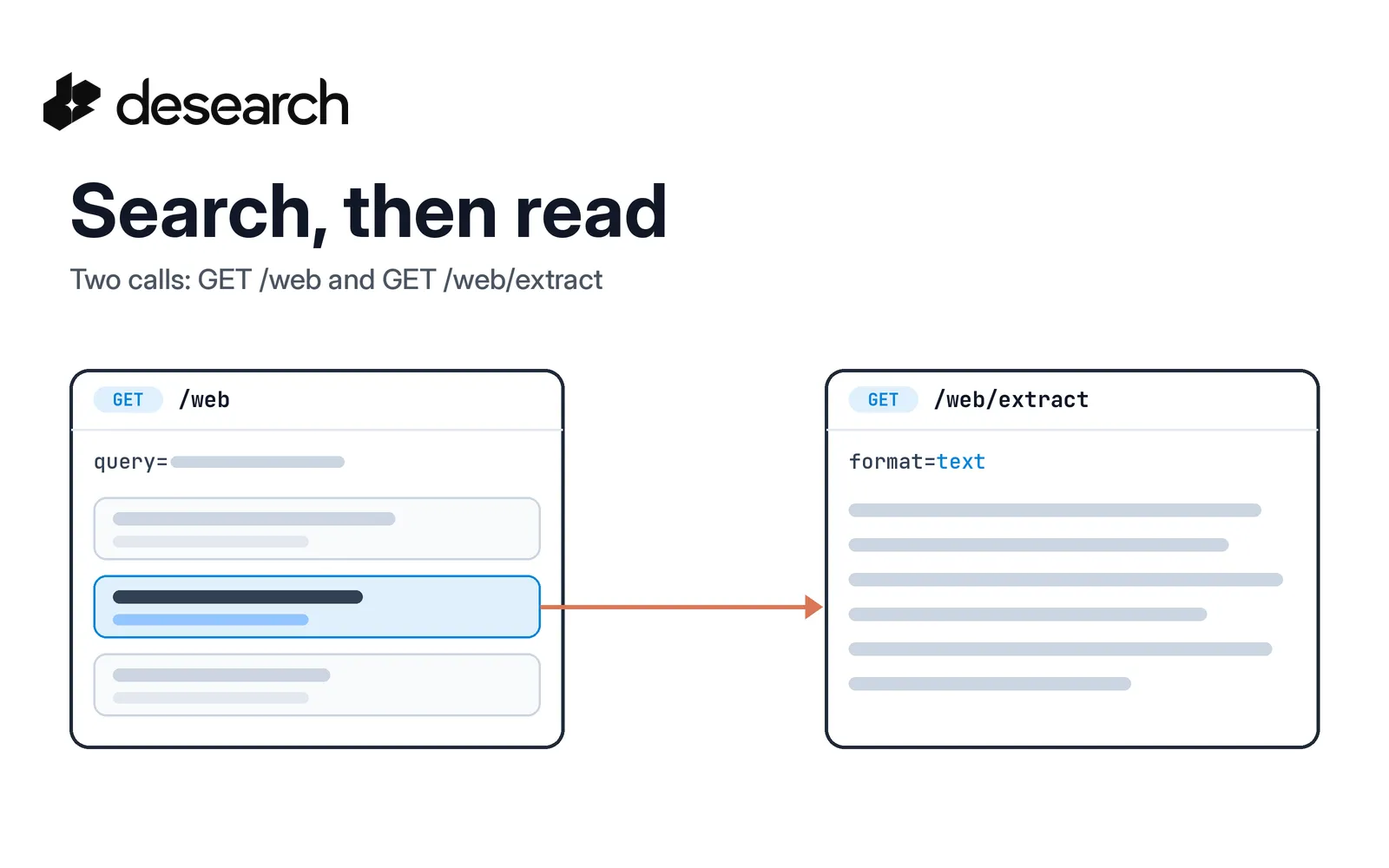
Most agent tasks that touch the web follow the same loop, and a web search API is only half of it. First the agent finds candidate pages. Then it reads the ones that look useful. Search results alone give you a title, a link, and a short snippet. That is enough to choose a page, but rarely enough to answer from it.
Desearch covers both steps with two plain GET calls:
GET /webreturns search results for a query.GET /web/extractreturns the text (or HTML) of one URL.
This guide walks through both calls, then joins them in a short Python script your agent can use as a tool. For the product pages, see the Web Search API and the Extract API.
The basics
- Base URL:
https://api.desearch.ai - Auth:
Authorization: $DESEARCH_API_KEY(the raw key from Desearch Console) - Endpoints:
GET /webandGET /web/extract
Both calls take query string parameters. There is no request body.
Step 1: Find pages with GET /web
GET /web takes two parameters:
| Parameter | Required | What it does |
|---|---|---|
query | yes | The search query string |
start | no | How many results to skip, for pagination. Default 0, maximum 100 |
There is no page size parameter. To get the next page, raise start (for example 10 for the second page, 20 for the third).
curl --get 'https://api.desearch.ai/web' \
  --header "Authorization: $DESEARCH_API_KEY" \
  --data-urlencode 'query=python requests timeout' \
  --data-urlencode 'start=0'
The response is a JSON object with a data array. Each item has:
| Field | Use it for |
|---|---|
title | A short label for the page |
link | The URL to read in step 2 |
snippet | Short preview text. It can be empty, so do not rely on it |
{
  "data": [
    {
      "title": "Example result",
      "link": "https://example.com/page",
      "snippet": "Short preview text."
    }
  ]
}
Treat the snippet as a hint for ranking which links to open, not as evidence. The evidence comes from step 2.
Step 2: Read a page with GET /web/extract
GET /web/extract fetches one public URL and returns its content.
| Parameter | Required | What it does |
|---|---|---|
url | yes | The page to extract |
format | no | text (default) or html |
curl --get 'https://api.desearch.ai/web/extract' \
  --header "Authorization: $DESEARCH_API_KEY" \
  --data-urlencode 'url=https://example.com' \
  --data-urlencode 'format=text'
The response body is the page content as plain text, not JSON. Read it as a string.
/web/crawl still exists as a deprecated alias. Use /web/extract in new code.
Read what each call cost
Every successful billable response carries cost headers:
| Header | Meaning |
|---|---|
X-Desearch-Cost-Usd | Request cost in USD |
X-Desearch-Usage-Count | Billable usage units |
X-Desearch-Service | Pricing service for the request |
X-Desearch-Currency | Currency code |
The /web JSON body can also include cost_usd and usage_count. The extract body is plain text, so for extract, headers are the only place to read cost. Make headers your default for both.
Put it together in Python
This script searches, opens the top few links, and returns page text with its source URL. It uses plain HTTP so every field maps to the docs.
import os
import requests

API = "https://api.desearch.ai"
HEADERS = {"Authorization": os.environ["DESEARCH_API_KEY"]}


def search(query, start=0):
    resp = requests.get(
        f"{API}/web",
        headers=HEADERS,
        params={"query": query, "start": start},
        timeout=60,
    )
    resp.raise_for_status()
    return resp.json().get("data", [])


def extract(url):
    resp = requests.get(
        f"{API}/web/extract",
        headers=HEADERS,
        params={"url": url, "format": "text"},
        timeout=90,
    )
    if not resp.ok:
        return "", resp.headers.get("X-Desearch-Cost-Usd")
    return resp.text, resp.headers.get("X-Desearch-Cost-Usd")


def search_then_read(query, max_pages=3, max_chars=4000):
    pages = []
    for result in search(query)[:max_pages]:
        url = result.get("link")
        if not url:
            continue
        text, cost = extract(url)
        pages.append({
            "title": result.get("title"),
            "url": url,
            "text": text[:max_chars],
            "extract_cost_usd": cost,
        })
    return pages


if __name__ == "__main__":
    for page in search_then_read("python requests timeout"):
        print(page["url"], len(page["text"]), page["extract_cost_usd"])
Hand the result to your model as the tool output. Each page keeps its url next to its text, so the agent can cite what it read. Trim text to fit your context budget, and skip pages that return empty text.
If your agent also needs a written answer with citations from one request, compare this pattern with links only or cited answers in one request. For the wider agent loop, read how to build AI agents with search APIs, and for the concept split, AI search vs web search APIs.
What it costs
The pricing page lists Web Search at $1.00 per 1,000 searches and Extract at $0.50 per 1,000 pages. Confirm the current rates for your account in Console, and use the cost headers to see what each call used.
Frequently asked questions
How many results does GET /web return?
There is no count parameter. Page through results with start, which skips that many results and accepts up to 100.
What formats can GET /web/extract return?
text (the default) or html, set with format.
Should I use /web/crawl or /web/extract?
Use /web/extract. /web/crawl is a deprecated alias.
How do I authenticate?
Send your API key in the Authorization header. Get a key in Desearch Console.
Start building
Create a key in Desearch Console, then keep the references open while you build: GET /web and GET /web/extract.