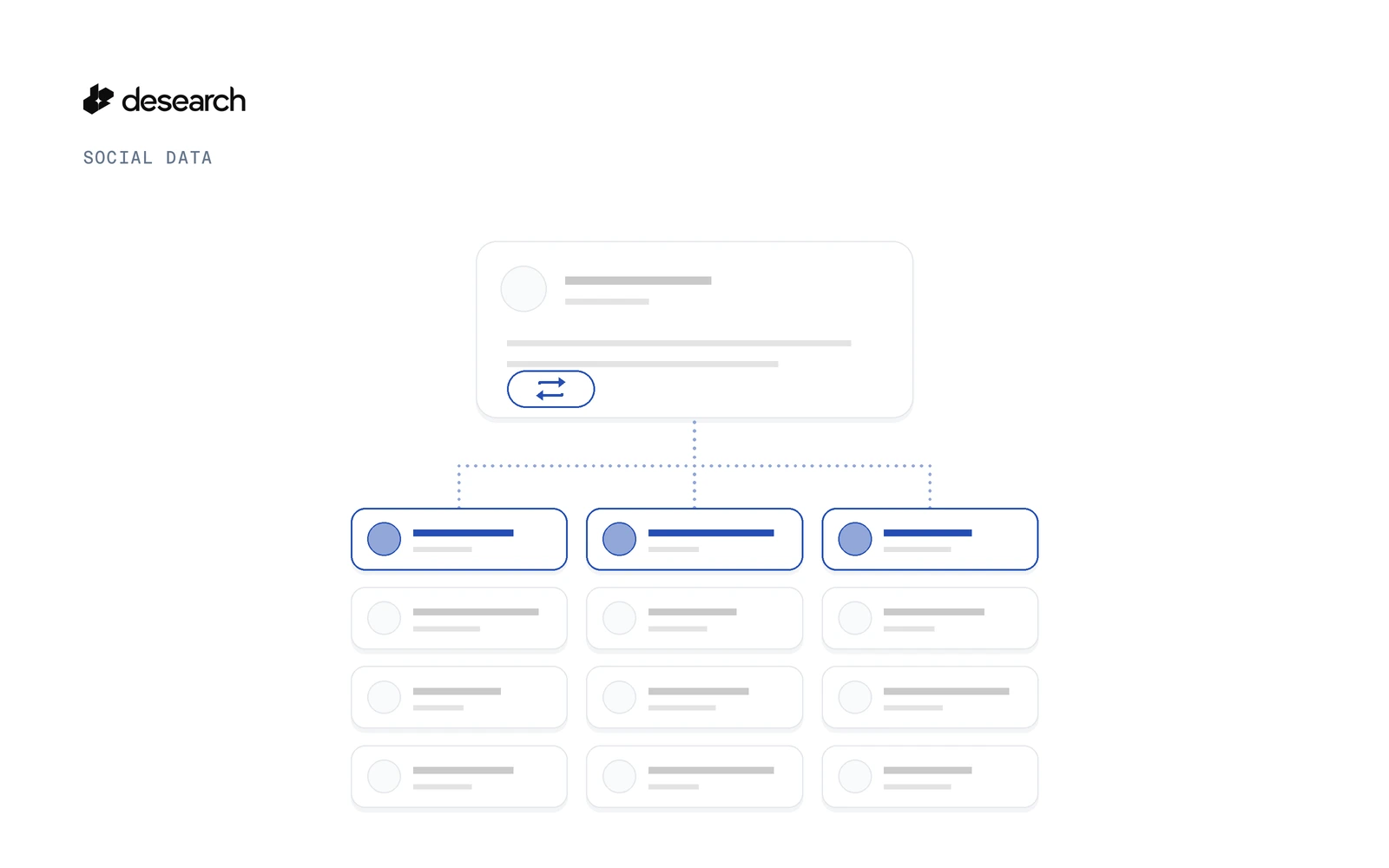
To get the accounts that retweeted an X post with the Desearch X search API, send the post id to GET https://api.desearch.ai/twitter/post/retweeters. You get back a page of users and a next_cursor. Send that cursor back unchanged to get the next page, and stop when next_cursor is null.
This guide covers finding the post ID, making the first request, paging to the end, and reading the billing headers so you can see what each page cost. It is the companion to how to get replies to an X post with an API. For the product overview, see the X API page.
What the retweeters endpoint returns
You send one post ID. The response is an object with a users array, the accounts that reposted the post, plus a next_cursor for the next page.
The shape looks like this. It is written from the API schema, not a captured run:
{
  "users": [
    { "...": "one user object per account" }
  ],
  "next_cursor": "..."
}
Read user fields with .get(), and check the retweeters API reference for the full user schema.
This endpoint lists the users behind one post you already know. If you want to look up a known account by handle instead, see the X user lookup app.
Step 1: Find the post ID
The post ID is the number at the end of a post URL:
https://x.com/<username>/status/<post_id>If you found the post through search, every result already carries an id. Keyword search is covered in how to find old tweets by keyword.
Step 2: Make your first request
Get an API key in Console
Create a key in Desearch Console. New accounts get $5 in API credits after attaching a card in Console, then pay as they go.
Request parameters
| Parameter | Required | What it does |
|---|---|---|
id | Yes | The ID of the post whose retweeters you want |
cursor | No | Leave it out on the first page. On later pages, send the previous page's next_cursor |
cURL example
curl --get 'https://api.desearch.ai/twitter/post/retweeters' \
  --header "Authorization: $DESEARCH_API_KEY" \
  --data-urlencode 'id=POST_ID'
Replace POST_ID with the number from Step 1.
Step 3: Page through retweeters with next_cursor
The API reference sets three paging rules:
- Send the cursor back unchanged. In the reference's words, "send the previous page's next_cursor back unchanged." Pass it as
cursor, with the sameid. - Stop on null. "next_cursor is null on the last page."
- No repeats in one chain. "Each user is returned at most once per cursor chain." If you follow one chain from the first page to the last, you don't need to remove duplicate users yourself.
Python example
This loop is written from the API schema with plain requests. It is not a captured run. It collects users page by page until next_cursor is null, and logs the cost header for each page:
import os
import requests

url = "https://api.desearch.ai/twitter/post/retweeters"
headers = {"Authorization": os.environ["DESEARCH_API_KEY"]}
post_id = os.environ["POST_ID"]

users = []
cursor = None
while True:
    params = {"id": post_id}
    if cursor:
        params["cursor"] = cursor

    resp = requests.get(url, headers=headers, params=params, timeout=60)
    resp.raise_for_status()
    page = resp.json()

    users.extend(page.get("users") or [])
    print(len(page.get("users") or []), resp.headers.get("X-Desearch-Cost-Usd"))

    cursor = page.get("next_cursor")
    if cursor is None:
        break

print(len(users))
Keep the cursor as a string and pass it through as is. Don't parse, trim or rebuild it.
Step 4: See what each page cost
The reference describes billing for this endpoint like this: "each request reserves 20 units and is billed for the number of unique users it returns, never more than 20. A page with no new users is not charged."
In practice:
- You are billed for the unique users a page returns, with a maximum of 20 per request.
- A page with no new users is not charged.
Billable responses carry four headers:
X-Desearch-Cost-UsdX-Desearch-Usage-CountX-Desearch-ServiceX-Desearch-Currency
Log them on every page, as the loop above does with X-Desearch-Cost-Usd, and you can sum what a full chain cost. For how usage turns into billing, read pricing and billing, and see current rates on the pricing page.
Put retweeters next to replies
Retweeters show who spread a post. Replies show who answered it. Together they give your agent both sides of the reaction to one post:
GET /twitter/post/retweeters?id=POST_IDfor the accounts that reposted it, paged withnext_cursor.GET /twitter/replies/post?post_id=POST_IDfor the replies to it. See the replies API reference and the replies how-to.
FAQ
Is there an API to get the retweeters of an X post?
Yes. Call GET https://api.desearch.ai/twitter/post/retweeters with the post id. The response has a users array and a next_cursor.
How do I get the next page of retweeters?
Send the previous page's next_cursor back unchanged as cursor, with the same id.
How do I know I reached the last page?
next_cursor is null on the last page. Stop there.
Can the same user show up twice?
Not within one cursor chain. Each user is returned at most once per cursor chain.
How is a retweeters request billed?
Each request is billed for the number of unique users it returns, never more than 20. A page with no new users is not charged. Current rates are on the pricing page.
How do I see what a page cost?
Read the X-Desearch-Cost-Usd response header. X-Desearch-Usage-Count, X-Desearch-Service and X-Desearch-Currency come with it.
How do I find a post ID?
Take the number after /status/ in the post URL, or read id from any X search result.
Get started
Get an API key in Console and pull the retweeters of your first X post. New accounts get $5 in API credits after attaching a card in Console, then pay as they go.
Reference: X post retweeters API reference