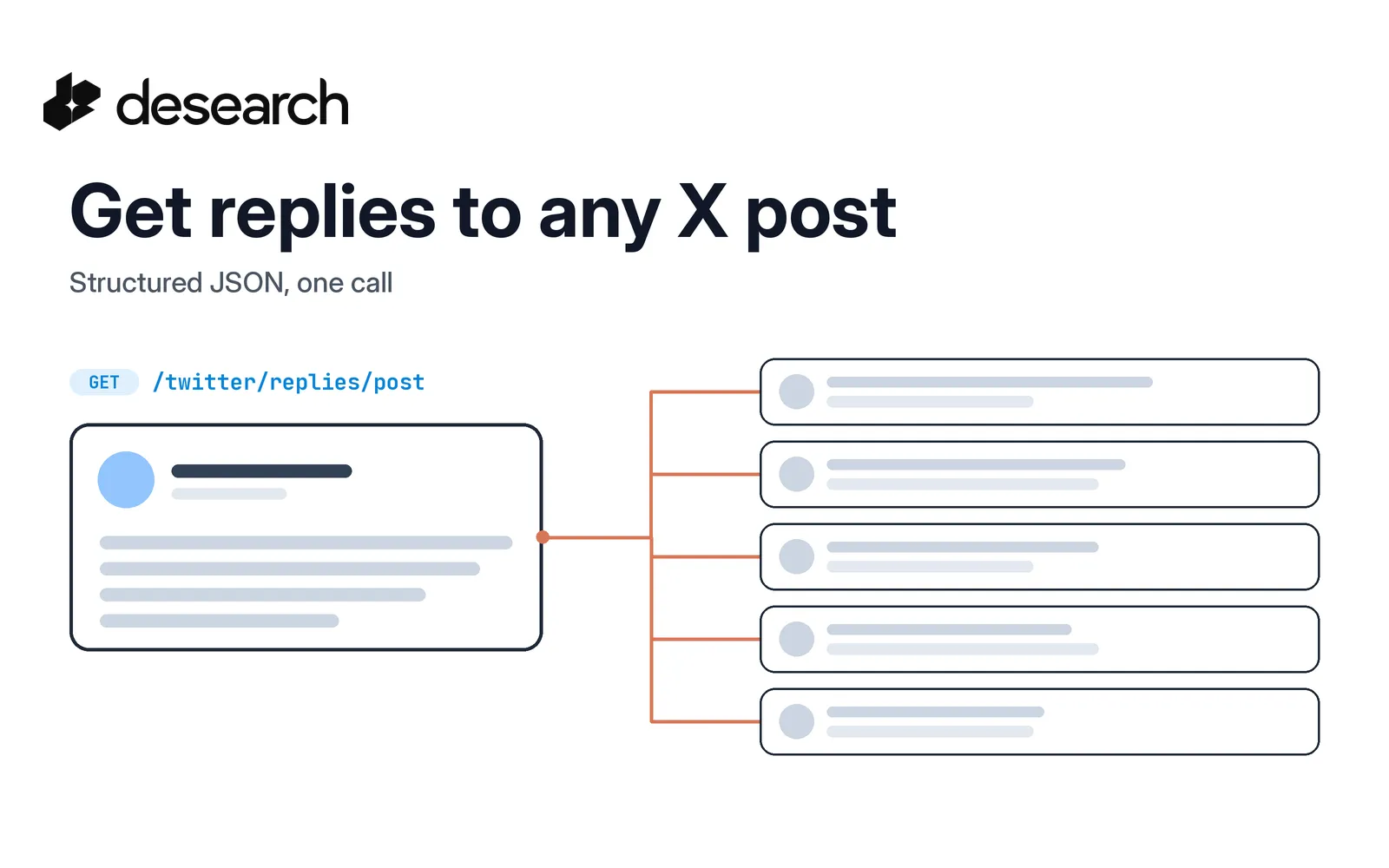
The replies under a post are often more useful than the post itself. They show how people reacted, which questions came up, and who joined the conversation. If you want to read those replies in code, for a research agent, a support tool, or a launch review, you need them as structured data, not a screenshot.
This guide walks through the Desearch replies endpoint, GET /twitter/replies/post, from finding a post ID to filtering replies and adding context about the original post. If you are new to X data on Desearch, start with how to get started with Twitter API data analysis.
The basics
- Base URL:
https://api.desearch.ai - Auth:
Authorization: $DESEARCH_API_KEY(the raw key from Desearch Console) - Endpoint:
GET /twitter/replies/post
What you get from the replies endpoint
You send one post ID. You get back a JSON array of reply posts. Each reply is a full post object, so you can read its text, author, and engagement the same way you would read any other X post from Desearch.
Fields you will use most:
| Field | Use it for |
|---|---|
id | The reply's post ID |
text | The reply text |
url | A link to the reply on X |
created_at | When the reply was posted |
user | The author, including username and name |
like_count, reply_count | Engagement on the reply |
in_reply_to_status_id | The post this reply answers |
conversation_id | The thread the reply belongs to |
Read these with .get(). Not every field is filled on every post.
Step 1: Find the post ID
The post ID is the number at the end of a post URL:
https://x.com/<username>/status/<post_id>
If you found the post through search, every result already carries an id. Keyword and hashtag searches are covered in how to find old tweets by keyword and how to search hashtags on X.
Step 2: Call GET /twitter/replies/post
The endpoint takes three query parameters:
| Parameter | Required | What it does |
|---|---|---|
post_id | yes | The ID of the post whose replies you want |
count | no | How many replies to ask for, from 1 to 100. Default 10 |
query | no | An advanced search query to filter replies |
curl --get 'https://api.desearch.ai/twitter/replies/post' \
  --header "Authorization: $DESEARCH_API_KEY" \
  --data-urlencode 'post_id=POST_ID' \
  --data-urlencode 'count=20'
A trimmed response looks like this:
[
  {
    "id": "REPLY_ID",
    "text": "Reply text.",
    "url": "https://x.com/example/status/REPLY_ID",
    "created_at": "Fri Mar 20 19:51:26 +0000 2026",
    "user": { "username": "example", "name": "Example" },
    "like_count": 3,
    "reply_count": 2,
    "in_reply_to_status_id": "POST_ID",
    "conversation_id": "POST_ID"
  }
]
count is an upper limit, not a promise. You can get fewer replies than you asked for. A count above 100 is rejected with a 422 validation error.
Some items can be replies to other replies in the same conversation. Check in_reply_to_status_id if you only want direct replies to the original post.
Step 3: Narrow replies with query
query filters the replies with an advanced search query. Pass a keyword to keep only replies that mention it, or an operator such as lang:en:
curl --get 'https://api.desearch.ai/twitter/replies/post' \
  --header "Authorization: $DESEARCH_API_KEY" \
  --data-urlencode 'post_id=POST_ID' \
  --data-urlencode 'count=20' \
  --data-urlencode 'query=pricing'
If nothing matches, you get an empty array. That is a valid result, not an error.
Step 4: Add context about the original post
Replies make more sense next to the post they answer. Two related calls help:
GET /twitter/post?id=POST_IDreturns the original post as one JSON object, with the same post fields as the replies.GET /twitter/post/retweeters?id=POST_IDreturns an object with ausersarray of accounts that reposted it, plus anext_cursor. Pass that value back ascursorto get the next page of reposters.
Together they give your agent the post, the replies, and the accounts that spread it.
Put it together in Python
This script fetches the original post and a sample of its direct replies, and returns a compact summary your agent can read.
import os
import requests

API = "https://api.desearch.ai"
HEADERS = {"Authorization": os.environ["DESEARCH_API_KEY"]}


def get_post(post_id):
    resp = requests.get(f"{API}/twitter/post", headers=HEADERS,
                        params={"id": post_id}, timeout=60)
    resp.raise_for_status()
    return resp.json()


def get_replies(post_id, count=20, query=None):
    params = {"post_id": post_id, "count": count}
    if query:
        params["query"] = query
    resp = requests.get(f"{API}/twitter/replies/post", headers=HEADERS,
                        params=params, timeout=60)
    resp.raise_for_status()
    replies = resp.json()
    cost = resp.headers.get("X-Desearch-Cost-Usd")
    return (replies if isinstance(replies, list) else []), cost


def reply_digest(post_id, count=20, query=None):
    post = get_post(post_id)
    replies, cost = get_replies(post_id, count, query)
    direct = [r for r in replies if r.get("in_reply_to_status_id") == post_id]
    return {
        "post": {"url": post.get("url"), "text": post.get("text")},
        "replies": [
            {
                "author": (r.get("user") or {}).get("username"),
                "text": r.get("text"),
                "url": r.get("url"),
                "likes": r.get("like_count"),
            }
            for r in direct
        ],
        "replies_cost_usd": cost,
    }


if __name__ == "__main__":
    digest = reply_digest(os.environ["POST_ID"], count=20)
    print(digest["post"]["url"], len(digest["replies"]), digest["replies_cost_usd"])
Set POST_ID to any public post ID and run it. Each reply keeps its url, so your agent can link back to what it quotes.
Limits to plan for
- Replies are a sample. The endpoint returns a set of replies for the post, not the full thread. Do not treat the result as every reply, and do not use its length as a reply total.
- No pagination for replies. There is no cursor on this endpoint. Each call returns up to
countreplies. countruns from 1 to 100. Higher values return a422.- Fields can be missing. Read optional fields with
.get().
If you need a broader view of a conversation, combine the replies sample with keyword search through the X search API docs.
What it costs
Replies are billed as X Search posts. The pricing page lists X Search at $0.15 per 1,000 posts, billed by posts returned, with a 10-post minimum per request, never above the number of posts you requested. Because of that minimum, a call that returns fewer than 10 posts, or none, can bill for more posts than you got back. Confirm the current rate for your account in Console.
Every billable response also carries X-Desearch-Cost-Usd and X-Desearch-Usage-Count headers, so you can log what each call used.
Frequently asked questions
Does the API return every reply to a post?
No. It returns a sample of replies, up to count. Plan for that and do not present the result as the full thread.
What is the maximum count?
100. The default is 10, and values above 100 return a 422 error.
Can I filter replies by keyword?
Yes. Pass a keyword or an advanced search operator in query.
Can I page through more replies?
No. The replies endpoint has no cursor. The reposters endpoint, GET /twitter/post/retweeters, does return a next_cursor.
How do I find a post ID?
Take the number after /status/ in the post URL, or read id from any X search result.
Next steps
Create a key in Desearch Console, then keep the GET /twitter/replies/post reference open while you build.