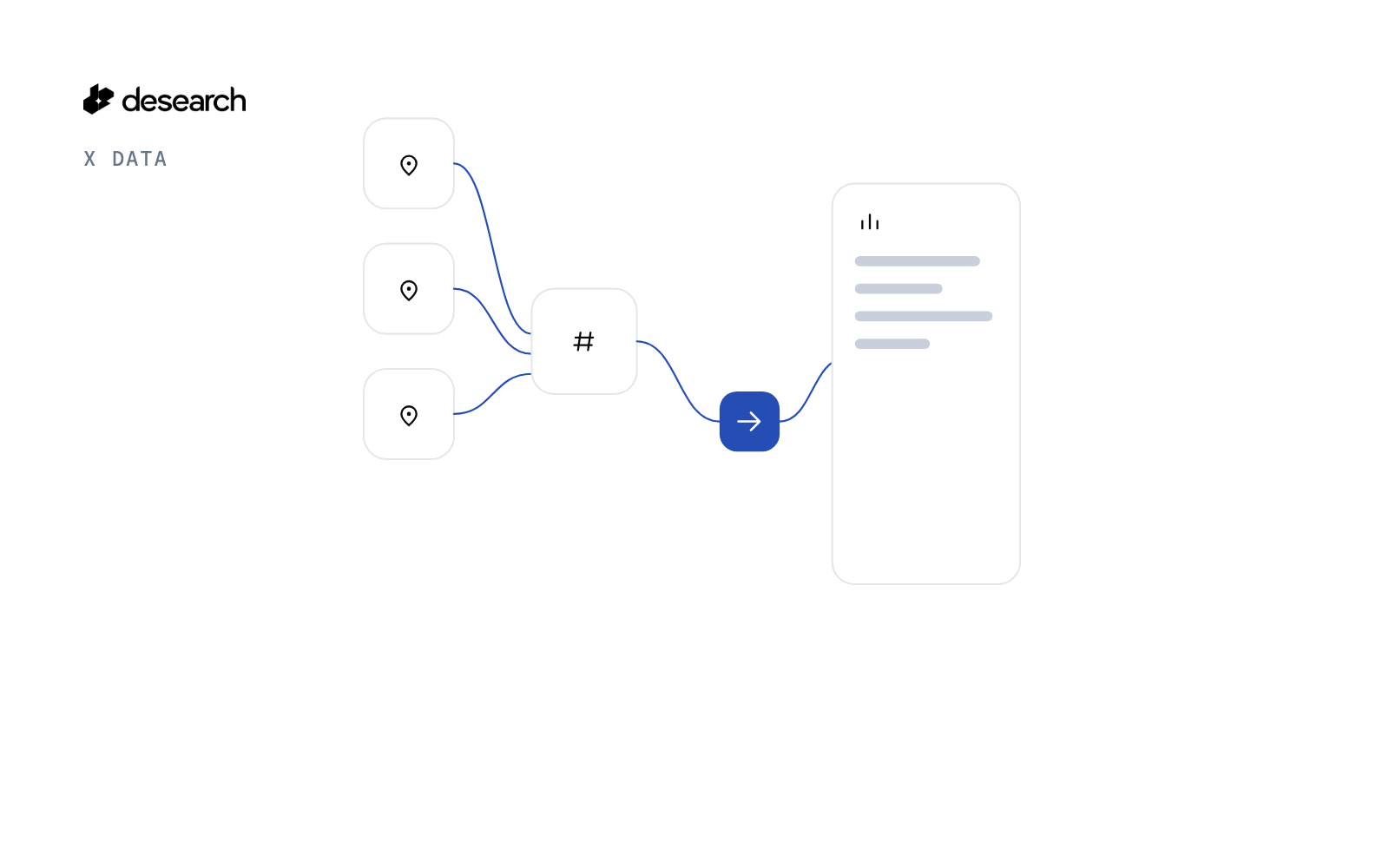
Trending Hashtags Finder reads X trends for the countries you choose, keeps names that start with #, and then samples the latest posts for the top tags. The shortlist says whether people are still posting the tag, in which language, and which other hashtags show up beside it.
How this differs
TikTok trending hashtags by region counts tags on the TikTok trending feed. Twitter trends by city and the X trends dashboard list trending topics for places. This script stays on X, keeps only hashtag trends, and checks recent posts so a tag that is listed but quiet does not look active.
The problem
A trend list mixes names, events and hashtags. A hashtag can sit on the list after people have stopped posting it. Social teams need the hashtags, across the countries they care about, with a look at posts from the last few hours.
What the app does
- Calls
GET /twitter/trendsonce per country (Worldwide is WOEID1). - Keeps trends whose name starts with
#, merges them, and ranks tags that appear in more than one country first. - For the top tags, calls
GET /twitterwithsort=Latestand a UTC start day, then drops posts older than--hoursin code. - Writes
shortlist.md,shortlist.csvandsummary.jsonwith rank, sample size, distinct accounts, minutes since the newest post, posts per hour in the sample, median likes, main language, co-used hashtags and a plain verdict (use, cooling, skip). - Example post links use
https://x.com/i/status/<id>.
How it works
- Trends.
GET /twitter/trends?woeid=<id>&count=<30 to 100>per country. - Merge. One row per hashtag, case-insensitive, with the countries it trends in and its best rank.
- Sample.
GET /twitterfor each top hashtag.start_dateis a whole UTC day, so posts older than the hour window are removed after the response. - Verdict. Skip a tag when the sample looks spammy or comes from few accounts. Mark it cooling when the newest post is over 3 hours old.
The code
Merging hashtags across countries:
def merge_countries(by_country):
    """One row per hashtag (case-insensitive), with the countries it trends in and its best rank."""
    rows = {}
    for label, tags in by_country.items():
        for rank, tag in tags:
            r = rows.setdefault(tag.lower(), {"hashtag": tag, "countries": {}, "best_rank": rank or 999})
            r["countries"][label] = rank
            r["best_rank"] = min(r["best_rank"], rank or 999)
    return sorted(rows.values(), key=lambda r: (-len(r["countries"]), r["best_rank"], r["hashtag"].lower()))
The query and the hour filter:
def build_query(tags):
    """X search query. Several tags are always wrapped as (a OR b)."""
    tags = [t for t in tags if t]
    if not tags:
        raise ValueError("no tags")
    return tags[0] if len(tags) == 1 else "(" + " OR ".join(tags) + ")"
def keep_after(posts, start):
    """Drop posts created before `start` (aware datetime). The API can return edge posts from before start_date."""
    kept, dropped = [], 0
    for p in posts:
        t = parse_time(p.get("created_at"))
        if t is None or t < start:
            dropped += 1
        else:
            kept.append(p)
    return kept, dropped
The live calls:
    for r in rows[: a.top]:
        q = core.build_query([r["hashtag"]])
        st, body = c.get("/twitter", {"query": q, "sort": "Latest", "count": a.sample,
                                      "start_date": start.strftime("%Y-%m-%d")}, f"x-{slug(r['hashtag'])}")
        posts = body if st < 300 and isinstance(body, list) else []
        kept, dropped = core.keep_after(posts, start)
        s = core.post_stats(r["hashtag"], kept, now)
        s["dropped_old"] = dropped
        stats[r["hashtag"].lower()] = s
The key is read from DESEARCH_API_KEY and sent as the Authorization header. Raw files store Authorization: <redacted>. The client refuses to write a file that contains the key.
Endpoints
GET /twitter/trendsGET /twitter
Example output
The 2026-10-16 sample asked for US, GB, IN, JP and Worldwide, 50 trends each. Each place returned 5 hashtags out of 50 trends. The run made 12 calls (5 trend lists, 6 hashtag searches, 1 empty check) and the header totals added to $0.0539. Posts per hour is measured inside the sample, so a busy tag shows a large number.
Run it yourself
The public examples folder linked above includes find_hashtags.py, core.py, offline tests and a README. Install its requirements, set DESEARCH_API_KEY from console.desearch.ai, and use the run command in that README.
What it costs
The sample run printed $0.0539 from X-Desearch-Cost-Usd headers across 12 calls. Each trend list and each hashtag search is its own call. See pricing.
Ideas to extend it
- Save the shortlist each morning and compare verdicts day to day.
- Add a language filter on the sample search.
- Keep a second file of hashtags that trended but were not sampled.