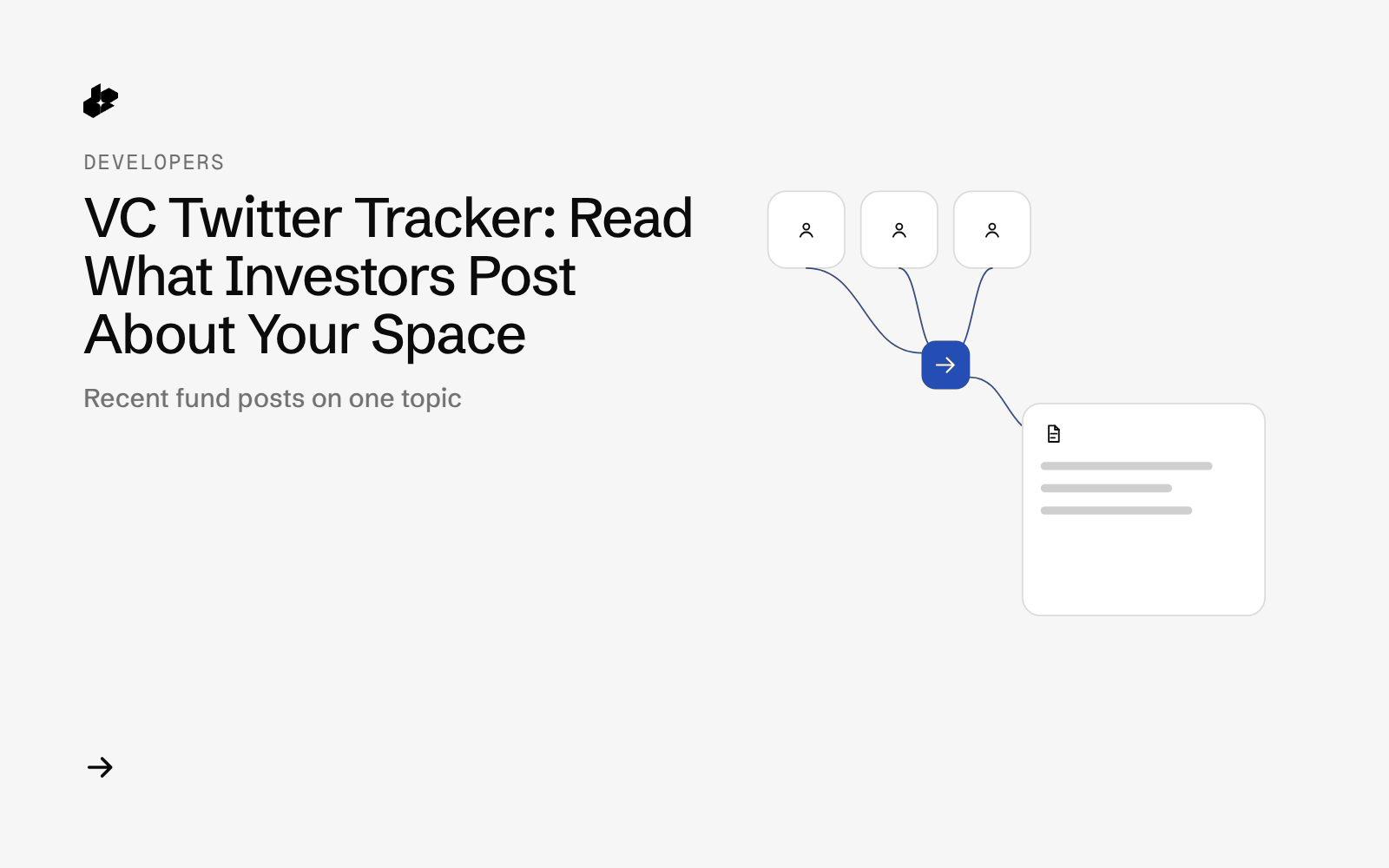
Investor Topic Tracker is a small Python script for founders preparing a raise. Give it 10 to 15 investor or fund accounts on X and one topic, and it returns a reading list of what each account has posted in public about that topic, newest first.
The problem
Before pitching, founders want to know which investors talk about their space and what they say. VC Twitter is full of signal, but scrolling 15 timelines and searching each one for a topic takes hours.
What the app does
- Reads
investors.jsonwith a topic, an X search query, topic words and a list of accounts. - Asks for each account's posts that match the query.
- Sorts posts newest first and counts posts with a topic word.
- Ranks accounts by their newest topic post and flags activity in the last 30 days.
- Writes
investors.csvand a shortshortlist.md.
How it works
- Search per account.
GET /twitter/post/userwithuser,queryandcount. - Count posts that contain one of your topic words.
- Sort posts by date in code, newest first.
- Write the CSV and the reading list.
The code
def fetch(cfg, key, count):
    import requests
    s = requests.Session(); s.headers["Authorization"] = key
    calls = []
    for h in cfg["handles"]:
        params = {"user": h, "query": cfg["query"], "count": count}
        at = now_local().isoformat(timespec="seconds"); t0 = time.time()
        r = s.get(f"{BASE}/twitter/post/user", params=params, timeout=120)
        try:
            body = r.json()
        except ValueError:
            body = {"_text": r.text[:500]}
        posts = body if isinstance(body, list) else (body.get("data") or body.get("tweets") or [])
        hdr = {k: r.headers.get(k) for k in COST_HEADERS}
        calls.append({"handle": h, "params": params, "at": at, "seconds": round(time.time() - t0, 2),
                      "status": r.status_code, "headers": hdr, "posts": posts if isinstance(posts, list) else [],
                      "body_if_not_list": None if isinstance(body, list) else body})
        print(f"{at} {h:18s} {r.status_code} posts={len(calls[-1]['posts'])} cost={hdr['X-Desearch-Cost-Usd']}", flush=True)
    return calls
The folder has investor_topic_tracker.py, an example investors.json and the sample run in output/.
Endpoints
GET /twitter/post/user
Example output
From a run on 2026-10-13 for the topic "AI agents" across 12 fund accounts, 20 posts each:
| # | Account | Posts with topic term / returned | Newest topic post (UTC) | Last 30 days |
|---|---|---|---|---|
| 1 | Investor A | 20 / 20 | 2026-10-12 17:45 | yes |
| 2 | Investor B | 14 / 20 | 2026-10-12 16:08 | yes |
| 3 | Investor C | 20 / 20 | 2026-10-09 17:33 | yes |
The output is a reading list of public posts, not a view on anyone's plans.
Run it yourself
The public examples folder linked above includes the script and a README. Install its requirements, set DESEARCH_API_KEY from console.desearch.ai, and use the run command in that README.
Useful flags: --count (posts per account, default 20, max 100), --from-raw FILE (offline rebuild, no API calls).
What it costs
The script makes one call per account and prints the total from the X-Desearch-Cost-Usd header at the end of each run. See pricing.
Ideas to extend it
- Run it weekly before a raise and read only new posts.
- Track two or three topics side by side.
- Add an LLM step that summarizes each account's view in one line.