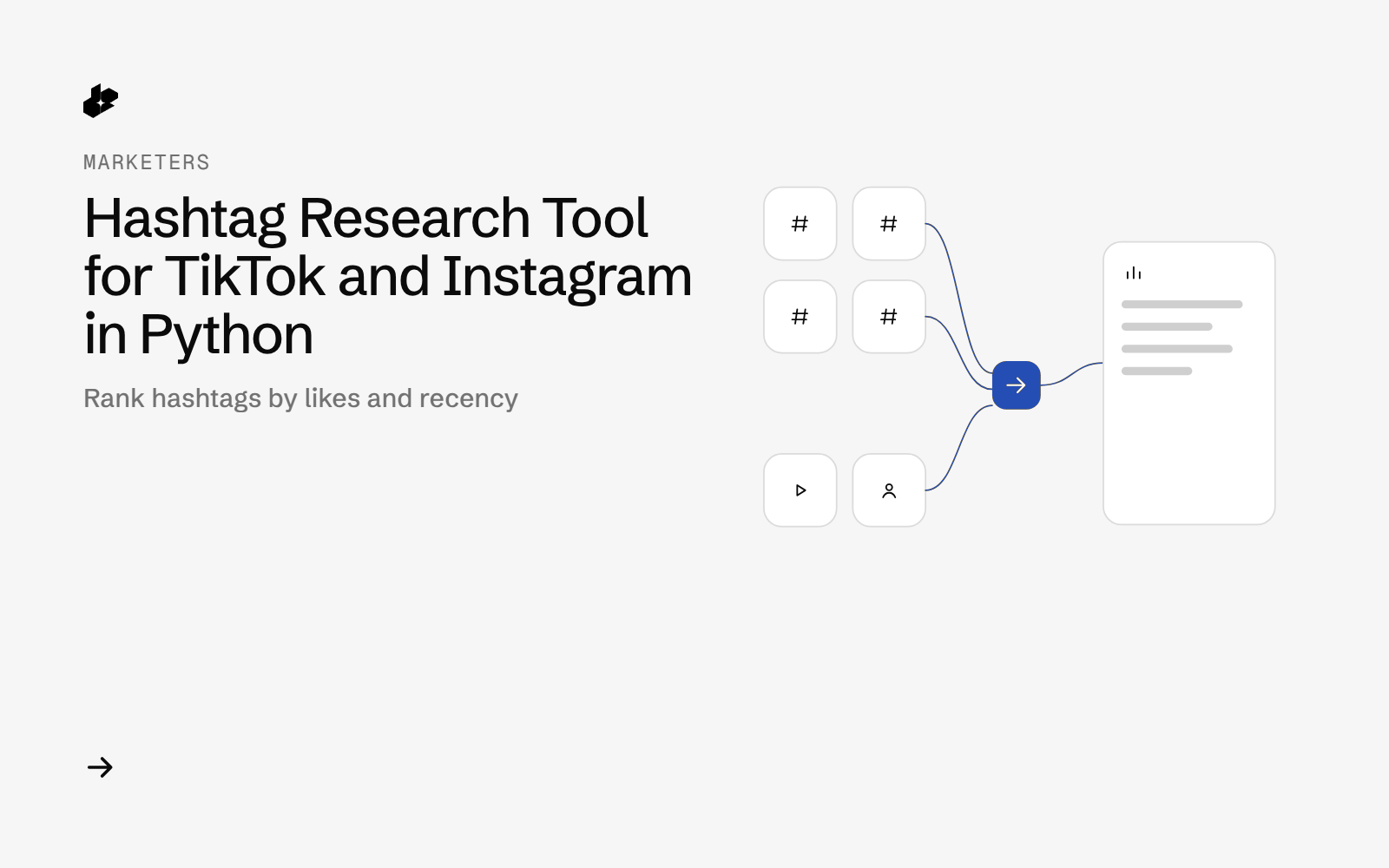
Hashtag Shortlist is a small hashtag research tool for creators and social teams. Give it a niche and 8 to 10 candidate hashtags, and it pulls top public posts for each tag on TikTok and Instagram, ranks the tags per platform, and gives you 5 to use.
The problem
Picking hashtags is often guesswork. A tag with millions of posts can be dominated by old content or a few big creators, while a smaller tag can have fresh, engaged posts. Checking each tag on two apps by hand is slow and hard to compare.
What the app does
- Takes a niche label and a list of candidate tags.
- Pulls top public posts per tag on TikTok and Instagram.
- Ranks tags per platform on median likes per post, share of recent posts and creator spread.
- Shows how recent each tag's posts are.
- Writes a shortlist with "use these 5" per platform, CSVs and a scatter chart.
How it works
- Pull posts.
GET /desearch/tiktok/hashtag/{tag}andGET /desearch/instagram/hashtag/{tag}for every tag. - Measure. Median likes, share of posts in the last 30 days, newest and median post age, distinct creators; TikTok also shows median plays.
- Rank tags per platform.
- Write the shortlist, CSVs, chart and a cost line.
The code
def call(session, costs, platform, tag, count):
    t0 = time.time()
    r = session.get(f"{BASE}/desearch/{platform}/hashtag/{tag}", params={"count": count}, timeout=120)
    lat = round(time.time() - t0, 2)
    try:
        data = r.json()
    except ValueError:
        data = {"non_json": r.text[:300]}
    items = len(data) if isinstance(data, list) else 0
    cost = r.headers.get("X-Desearch-Cost-Usd")
    uc = r.headers.get("X-Desearch-Usage-Count")
    costs.append({"ts": dt.datetime.now(TBILISI).isoformat(timespec="seconds"), "platform": platform, "tag": tag,
                  "count": count, "status": r.status_code, "latency_s": lat, "items": items,
                  "unique_items": len({p.get("id") for p in data}) if isinstance(data, list) else 0,
                  "usage_count": int(uc) if uc else None, "cost_usd": round(float(cost), 6) if cost else None})
    print(f"  {platform:<9} #{tag:<22} {r.status_code} {lat:>5.2f}s items={items} billed={uc} cost={costs[-1]['cost_usd']}", flush=True)
    return data if r.ok and isinstance(data, list) else []
The folder has one script, hashtag_shortlist.py, and the sample run in output/.
Endpoints
GET /desearch/tiktok/hashtag/{tag}GET /desearch/instagram/hashtag/{tag}
Example output
From a run on 2026-10-07 for the niche "home gym" with 8 tags, 15 posts per tag:
| Platform | Use these 5 |
|---|---|
| TikTok | #homeworkout #garagegym #homegym #workoutfromhome #homefitness |
| #homeworkout #garagegym #homegymsetup #homefitness #garagegymlife |
The ranking shows which tags have engaged, recent posts from many creators. It does not promise reach.
Run it yourself
The public examples folder linked above includes the script and a README. Install its requirements, set DESEARCH_API_KEY from console.desearch.ai, and use the run command in that README.
Useful flags: --count (posts per tag, 1 to 20, default 15), --platforms tiktok (one platform only), --from-raw FILE (offline, no cost).
What it costs
The sample run made 16 calls and returned 198 posts for $0.41 total, from the cost headers on 2026-10-07. Billing is per item returned, and empty results cost nothing. A tag with no posts costs nothing. See pricing.
Ideas to extend it
- Re-run monthly; tags change fast.
- Feed the top tags into the TikTok trend board for a deeper look.
- Add your own past posts to compare their tags with the shortlist.