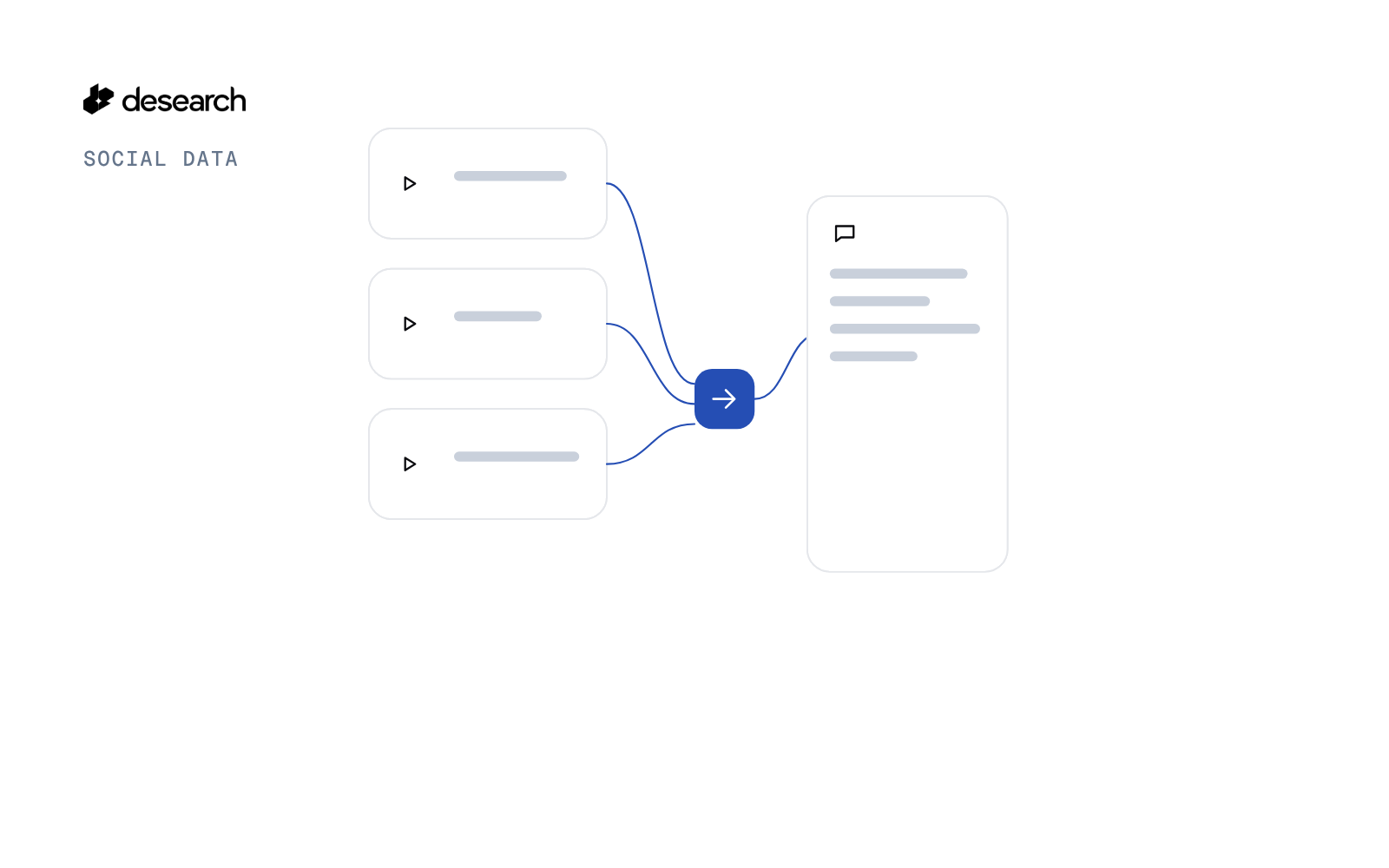
TikTok Comments Export turns a few video ids or links into one CSV of the public comments Desearch returned, plus a short summary: comments per page, a simple question / complaint / praise tag, and the top 10 by likes.
How this differs
Voice of customer analysis from Instagram and TikTok comments starts from a brand's public usernames, reads the latest posts on both apps, and sorts comments into groups. This script does not read Instagram and does not look up a profile. You pass TikTok video links you already have, and it writes a CSV of those comment pages.
The problem
The comments you care about are often on a few specific videos: your own, a partner's, or one post in a topic you track. Opening each video and copying comments loses likes and time. A sheet you can sort is the useful file.
What the app does
- Takes TikTok video ids or links (the long number in the video URL).
- Calls
GET /desearch/tiktok/comments/{video_id}once per page. - When the list has no cursor field, sends the running offset as
cursorand dedupes anyway. - Builds a
comment_keyfrom a short hash of commenter id, time and text when the response has no comment id. - Shows commenters as
Viewer N. Mentions in the text become[viewer]and links become[link]. - Tags each comment with a keyword rule: question, complaint, praise, or blank.
- Writes the CSV and a summary.
--from-rawrebuilds the file from saved JSON.
How it works
- Comments.
GET /desearch/tiktok/comments/{video_id}?count=...for each video and page. - Dedupe. Same
comment_keyon a later page is dropped. - Tag. A question mark or a question word, a complaint word, or a praise word. The tag is a starting point for reading, not a classifier.
- Sort in the sheet. The order inside a page is not by likes or by time.
The code
The comment key and the tag:
def comment_key(c):
    """Comment id if returned; the API returned none in testing, so fall back to a hash of author id + time + text."""
    if c.get("id"): return str(c["id"])
    a = (c.get("author") or {}).get("id") or ""
    return "h" + hashlib.sha256(f"{a}|{c.get('createTime')}|{c.get('text')}".encode()).hexdigest()[:12]


def tag(text):
    low = text.lower()
    return next((n for n, rx in TAGS if re.search(rx, low)), "")
The live calls:
def run_live(a):
    import requests
    key = os.environ.get("DESEARCH_API_KEY") or open(os.path.expanduser(os.environ["DESEARCH_KEY_FILE"])).read().strip()
    s = requests.Session(); s.headers["Authorization"] = key
    raw = {"count": a.count, "pages": a.pages, "started": now(), "calls": []}
    for v in a.videos:
        vid, cursor = video_id(v), None
        for i in range(a.pages):
            params = {"count": a.count}
            if cursor: params["cursor"] = cursor
            rec = call(s, vid, params, f"{vid[-6:]} p{i+1}"); raw["calls"].append(rec)
            if not comments(rec): break
            cursor, rec["cursor_kind"] = next_cursor(rec, a.count * (i + 1))
    if a.empty_check:
        rec = call(s, a.empty_check, {"count": 5}, "empty-result check"); rec["probe"] = True; raw["calls"].append(rec)
    os.makedirs("evidence", exist_ok=True)
    json.dump(raw, open(f"evidence/raw-{a.label}.json", "w"), indent=1, default=str)
    return raw
The key comes from the environment and is sent as the Authorization header. Video links in the CSV are rebuilt from the id, with no account name in them.
Endpoints
GET /desearch/tiktok/comments/{video_id}
Example output
A test run on 2026-10-16 used 2 videos, 10 comments per page, and 3 pages each. It wrote a CSV of unique comments in under 10 seconds. Commenters are Viewer N. reply_count is blank when the response has no reply data. You get the public comments returned for those pages, not every comment on a video.
Run it yourself
The public examples folder linked above includes tiktok_comments.py and a README. Install its requirements, set DESEARCH_API_KEY from console.desearch.ai, and use the run command in that README.
What it costs
Each response records X-Desearch-Cost-Usd. The sample write-up does not publish a dollar total. Keep --count and --pages small on the first run and read the header before you scale. See pricing.
Ideas to extend it
- Sort the summary by tag before you read the top likes.
- Add the video caption as a column from a saved post export.
- Keep a file of comment keys you have already read.