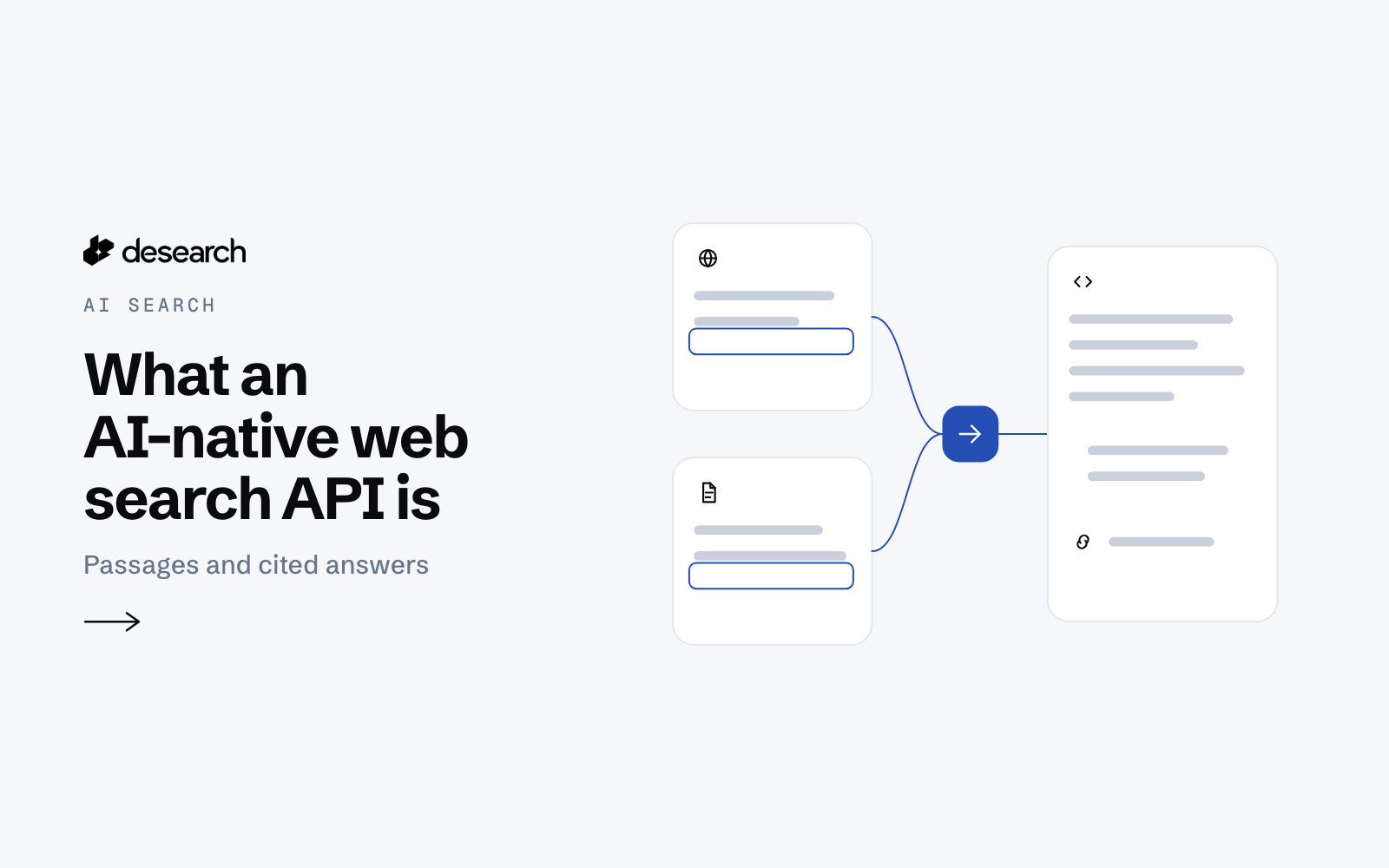
An AI-native web search API is a search API built for a model or an agent to read the results, not a person scanning a results page. It takes the question your app is working on, searches the web, and returns sources as structured data: URLs, titles, the passages that match, dates, and, when you ask for one, a short answer with citations that point back to those sources.
This post explains what that means in practice, how it differs from a classic keyword search API, and what to check before you put one behind an agent.
Classic search API vs AI-native search API
A classic search API answers a keyword query with a ranked list: a title, a URL and a snippet for each result. That is the shape of a results page, turned into JSON. It works well when your own code decides what to do next: filter the links, rerank them, fetch the pages, or show them in your product.
An AI-native search API goes further for the model. It returns the text a model needs to reason with, and it can return an answer that is already tied to its sources. In short: a classic search API returns ranked titles, URLs and snippets; an AI-native search API returns the source passages and a cited answer a model can use directly.
For how the two compare on cost and latency, see Traditional vs AI-Native Search API: Cost, Latency.
Desearch offers both shapes:
- The Web Search API (
GET /web) returns SERP-style results: up to 20 ranked results per call, each with a title, URL and snippet. - Search (
POST /search) returns ranked pages from the Desearch index, each with the passage that best matches the query, and can add a short summary with numbered citations. - The AI Search API (
POST /desearch/ai/search) takes a natural-language prompt and searches X posts and the web in one call, with an optional written answer.
What makes a search API AI-native
The label is not about a single feature. It is about who reads the response. Five traits matter most when the reader is a model.
1. It returns structured JSON a tool can pass on
An agent calls search as a tool, and the tool result goes straight into the model's context. The response needs a stable shape: named fields, not HTML. With POST /search, each item in results has a url, a title, highlights and a published_date. The guide's advice to tool authors is direct: treat results[] (and summary when requested) as the tool result.
2. It returns the passage, not only the link
A model cannot read a link. It needs the text. POST /search includes, for each result, the passage that best matches the query (highlights, on by default). When the passage is not enough, set page_text: true to include the full page text with each result. For a URL you already have, the Extract API returns the page body.
3. It can return an answer tied to its sources
Set summary: true on POST /search and the response also has a short answer in summary.text. Each [n] in that text is the index of an entry in summary.citations, which gives the url and title of the cited page. Every cited page is also in results, so your code can match each sentence to its passage before anything reaches the user.
The summary is optional. If it could not be written, summary is null, meta.notices contains "Summary unavailable.", and the results are still returned.
4. It lets the request control the sources
An agent should not have to trust every site on the web. POST /search lets each request set:
include_domains: only pages on these domains or their subdomains (at most 100).exclude_domains: never pages on these domains (at most 1,200).start_dateandend_date: only pages published in this range (YYYY-MM-DD).mode:balanced(the default) favors relevance,fastreturns results sooner.
5. It fits how agents connect and spend
Agents call tools, and every call has a cost. Two details help here. First, Desearch is also available as a hosted MCP server at https://mcp.desearch.ai/mcp, so an MCP client can add it by URL. Listing the tools works without a key; calling a tool needs your API key in the Authorization header. Second, billable responses report their own cost: JSON object bodies may include cost_usd, usage_count, service and currency, and the same values come back in the X-Desearch-Cost-Usd, X-Desearch-Usage-Count, X-Desearch-Service and X-Desearch-Currency headers. An agent loop can read them after each call and keep a running total.
A first AI-native search request
Only query is required. This request asks for ten results and a cited summary:
curl --request POST 'https://api.desearch.ai/search' \
  --header "Authorization: $DESEARCH_API_KEY" \
  --header 'Content-Type: application/json' \
  --data '{
    "query": "latest Bittensor subnet 22 updates",
    "count": 10,
    "summary": true
  }'
The response has ranked results and a summary with text and numbered citations (index, url, title). The fields an agent usually reads:
| Field | What it holds |
|---|---|
results[].url / title | The page to cite |
results[].highlights | Passages that best match the query |
results[].published_date | YYYY-MM-DD when known; can be null |
summary.text | Short answer; [n] marks the citation with that index |
summary.citations[] | index, url and title of each cited page |
meta.notices | Notes on the answer |
Treat a null date as unknown, not as recent.
When you need X posts as well as web pages
Some questions are about what people are saying right now, not only what pages say. The AI Search API (POST /desearch/ai/search) takes a prompt and the sources to search in tools: web, twitter, or both:
curl --request POST 'https://api.desearch.ai/desearch/ai/search' \
  --header "Authorization: $DESEARCH_API_KEY" \
  --header 'Content-Type: application/json' \
  --data '{
    "prompt": "latest research on AI search benchmarks",
    "tools": ["web", "twitter"],
    "streaming": false,
    "count": 10
  }'
Web results come back in search, each with a link, title, snippet and highlights. X posts come back in tweets. By default the response also has completion, a summary over the results. An empty search or tweets array, or a tool_no_results warning, means that source found nothing; it does not mean the other source failed. Build your agent to treat that as a valid outcome.
Which one to use
- Your code decides what to read: use ranked links from
GET /web, then fetch the pages you pick with the Extract API. - Your model needs web passages and a cited answer: use
POST /searchwithsummary: true. - The question needs X posts too: use
POST /desearch/ai/searchwithtools: ["web", "twitter"]. - Your agent runs in an MCP client: connect the hosted MCP server and use your client's live tool list.
What to check before you rely on one
Whichever API you choose, test it against the questions your users ask, not generic ones. Check that every cited sentence maps to a returned source, that the passages actually say what the answer says, that dates are present when freshness matters, and that empty results are handled without breaking the agent. A citation tells you where a sentence came from; it does not prove the sentence is true.
Try it
Create an API key in Desearch Console, store it as DESEARCH_API_KEY on your server, and run the POST /search request above. The full parameter lists and response schemas are in the API reference.