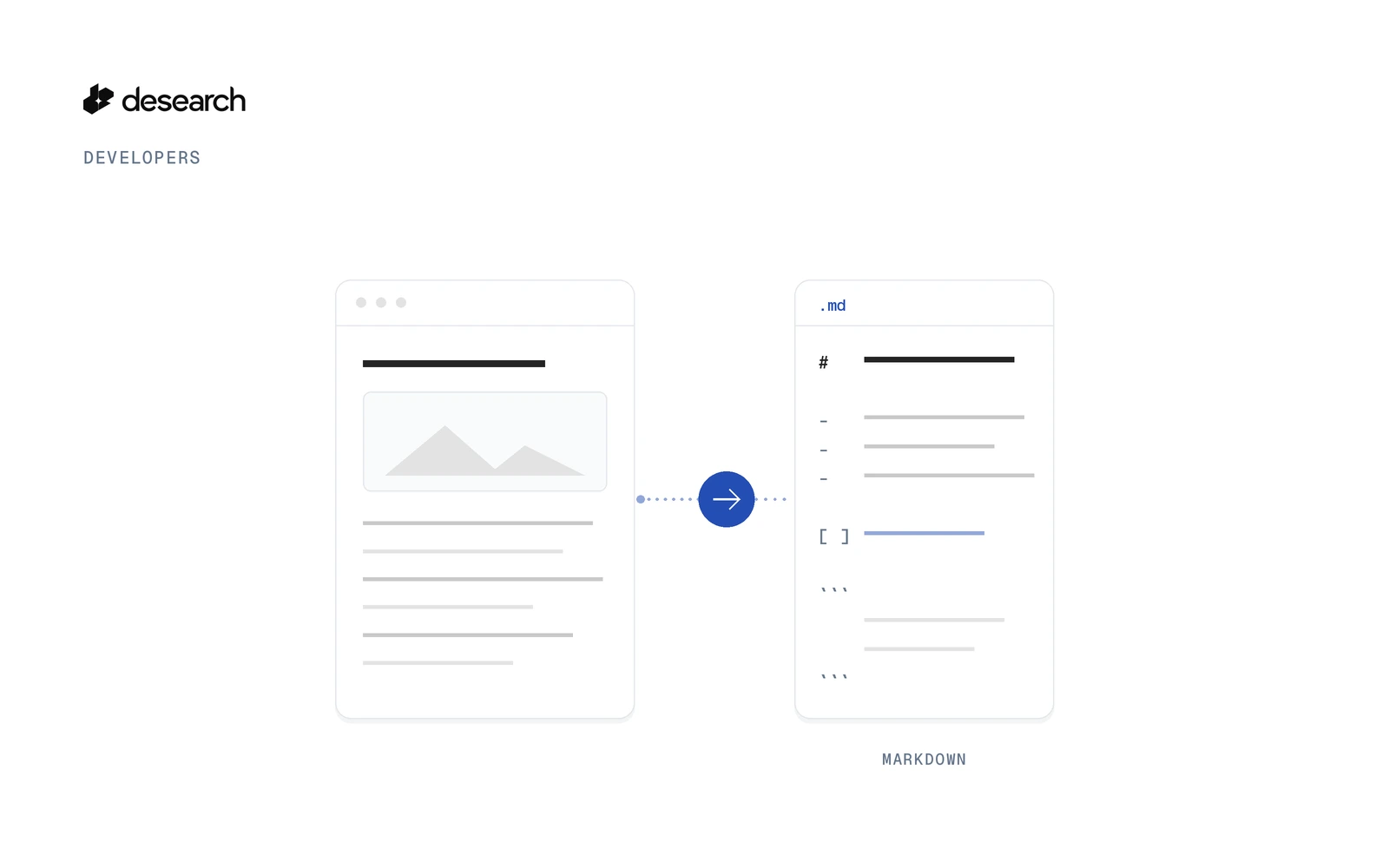
A web scraping API can turn a list of URLs into Markdown files for notes, docs search, or a writing pipeline. The tool in this guide reads each URL with GET /web/extract, converts the HTML to Markdown locally, and writes one .md file per page that has text.
page2md.py reads URLs from the command line or from a text file. For each one it calls GET /web/extract with js=false and format=html. It keeps headings, lists, links, and code blocks, drops navigation, footers, forms, and scripts, and writes a short front matter block. If a page comes back with no readable text, it tries once more, then marks that URL empty and writes no file.
The worked example is Turn Web Pages into Markdown with Python. The source is the page-to-markdown-api folder in the Desearch Python examples repo.
The basics
- Base URL:
https://api.desearch.ai - Auth:
Authorization: $DESEARCH_API_KEY(the raw key from Desearch Console) - Endpoint:
GET /web/extract - Parameters:
url(required),format(htmlortext, defaulttext),js(trueorfalse, defaultfalse) - SDK:
desearch-py1.2.1 exposesweb_crawl(url, format="text"), which callsGET /web/crawlwithurlandformat. The 1.2.1 package has noextractmethod andweb_crawlhas nojsparameter. The example callsGET /web/extractfrom the standard library.
The example CLI uses the standard library. requirements.txt lists pytest only. The snippets below are taken from that folder.
Get a key
Create a key in Desearch Console. The example reads DESEARCH_API_KEY, or a file path from DESEARCH_API_KEY_FILE:
def api_key():
    path = os.environ.get("DESEARCH_API_KEY_FILE")
    key = pathlib.Path(path).expanduser().read_text().strip() if path else os.environ.get("DESEARCH_API_KEY", "").strip()
    if not key:
        raise SystemExit("Set DESEARCH_API_KEY_FILE (a file holding your key from console.desearch.ai) or DESEARCH_API_KEY")
    return key
Point the file form at a path outside the project:
export DESEARCH_API_KEY_FILE=~/.desearch_keyThe key is sent on the request. It is not written into the Markdown files.
Make one call
This asks for the HTML of one page, with JavaScript rendering left off:
curl --get 'https://api.desearch.ai/web/extract' \
  --header "Authorization: $DESEARCH_API_KEY" \
  --header 'User-Agent: page-to-markdown/0.1 (+https://desearch.ai)' \
  --data-urlencode 'url=https://example.com' \
  --data-urlencode 'format=html' \
  --data-urlencode 'js=false'
The body is the page HTML, not JSON. format defaults to text. The example sends html so the local converter can keep headings, lists, links, and code blocks. js must be the string true or false. The example sends false.
The example builds that request with the standard library:
BASE = "https://api.desearch.ai"
UA = "page-to-markdown/0.1 (+https://desearch.ai)" q = urllib.parse.urlencode({"url": url, "format": self.fmt, "js": "false"})
req = urllib.request.Request(f"{BASE}/web/extract?{q}", headers={"Authorization": self.key, "User-Agent": UA})| Parameter | Required | What it sends |
|---|---|---|
url | yes | The page to read. |
format | no | html or text. Default text. The example sends html. |
js | no | true or false. Default false. The example sends false. |
wait | no | Extra wait in milliseconds, from 0 to 30000. Applied only when js=true. The example omits it. |
This mode reads the HTML the server sends. The parameter list for the endpoint is in the Extract API reference. The product page is Web scraping API.
Use the HTTP call above for format=html and js=false on GET /web/extract. In desearch-py 1.2.1, web_crawl accepts url and format only.
What the tool writes
The flags match the example on main:
python page2md.py urls.txt --out out/urls.txt has one URL per line. Lines that start with # are skipped. --out defaults to out.
    ap.add_argument("urls", nargs="+", help="URLs, or a .txt file with one URL per line")
    ap.add_argument("--out", default="out", help="folder for .md files, calls.jsonl, raw/ and summary.md")
    ap.add_argument("--format", default="html", choices=["html", "text"], help="Extract format to convert from")
    ap.add_argument("--no-retry", action="store_true", help="skip the one retry on an empty 200")
For each URL the tool calls page_to_markdown(). That function exists in page2md.py:
def page_to_markdown(client, url, tag="page", retry=True):
    """Fetch one URL. Retries once (after 2 s) when a 200 comes back empty. Returns a result dict."""
A blank or malformed URL is skipped locally, before any call. A 200 response with no readable text is tried once more. The tool then marks that URL empty and writes no file. A page that returns an error, or that cannot be reached, comes back as a non-200 status with a short detail message.
--out receives:
pages/: one Markdown file per page that has text, with front matter for the source URL, title, time, status, attempts, and word countsummary.md: one row per URL, including status, attempts, words, and latency
What a run returned
On 2026-10-15 at 15:35 (Asia/Tbilisi) the tool ran python page2md.py urls.txt --out out/ over 10 URLs: 3 static pages, 3 docs pages, 2 news pages, 1 page that builds its content with JavaScript, and 1 URL that does not exist.
7 of 10 URLs became Markdown files. The console lines for that run show 24 words on the shortest page and 4,031 words on the longest. Responses with status 200 took 0.83 to 4.83 seconds, with a median of 1.3 seconds.
The page that builds its text in the browser came back empty. This mode reads the HTML the server sends, and the tool flags pages that come back empty, so that URL was flagged and no file was written. Two URLs returned status 404, and no file was written for them.
The saved Markdown for the Python tutorial starts like this:
---
source: https://docs.python.org/3/tutorial/introduction.html
title: "3. An Informal Introduction to Python - Python 3.15.0 documentation"
fetched: 2026-10-15T15:35:58+04:00
status: 200
attempts: 1
words: 2459
---

# 3. An Informal Introduction to Python

In the following examples, input and output are distinguished by the presence or absence of prompts ...
What to expect
- This mode reads the HTML the server sends. Articles, docs, and reference pages convert well. Pages that build their text in the browser come back with little or no text. The tool flags those pages.
- A page that does not exist, or that cannot be reached, returns a non-200 status with a short
detailmessage. Checksummary.mdfor those rows. - Validate URLs before you send them. The tool skips blank or malformed URLs locally.
- Send your own
User-Agentheader. The example sendspage-to-markdown/0.1 (+https://desearch.ai).
What it costs
Extract is listed at $0.50 per 1,000 pages on the pricing page (reference rate as of 7 May 2026). That is $0.0005 per page. Console shows the rate on your account.
On 2026-10-15, each of the seven pages that became a Markdown file was $0.0005, the same as that rate.
Run the example
The example folder includes page2md.py, core.py, offline tests, a sample URL list, sample output, and a README.
python3 -m venv .venv && . .venv/bin/activate
pip install -r requirements.txt   # pytest only; the tool itself uses the standard library
Set DESEARCH_API_KEY_FILE or DESEARCH_API_KEY, then run:
python page2md.py urls.txt --out out/
python page2md.py https://example.com https://docs.python.org/3/tutorial/introduction.html
The offline tests do not call the API. On 2026-10-15 they reported 11 passed.
You can also import page_to_markdown and pass a client that does not write to disk:
import page2md
client = page2md.Client(page2md.api_key())          # out=None: nothing written to disk
r = page2md.page_to_markdown(client, "https://example.com")
print(r["status"], r["words"], r["cost_usd"])
print(r["markdown"])
Ideas to extend it
- Run it on a sitemap to build a Markdown copy of your own docs for search or Q&A.
- Diff today's Markdown against yesterday's to see what changed on a page.
- Wrap
page_to_markdown()in a small web service that takes?url=and returns Markdown.
Frequently asked questions
How do I turn one URL into Markdown?
Call GET /web/extract with url, format=html, and js=false. The example converts that HTML locally and writes one file when the page has text.
What if the page comes back empty?
This mode reads the HTML the server sends. The tool flags a page with no readable text. It tries once more, then writes no file.
How do I keep a bad URL from becoming a call?
The tool skips a blank or malformed URL locally. The check requires an http or https scheme and a host.
Where is the full example?
The CLI, the converter, the offline tests, and a sample run are in page-to-markdown-api. A walkthrough of the same tool is on Turn Web Pages into Markdown with Python.