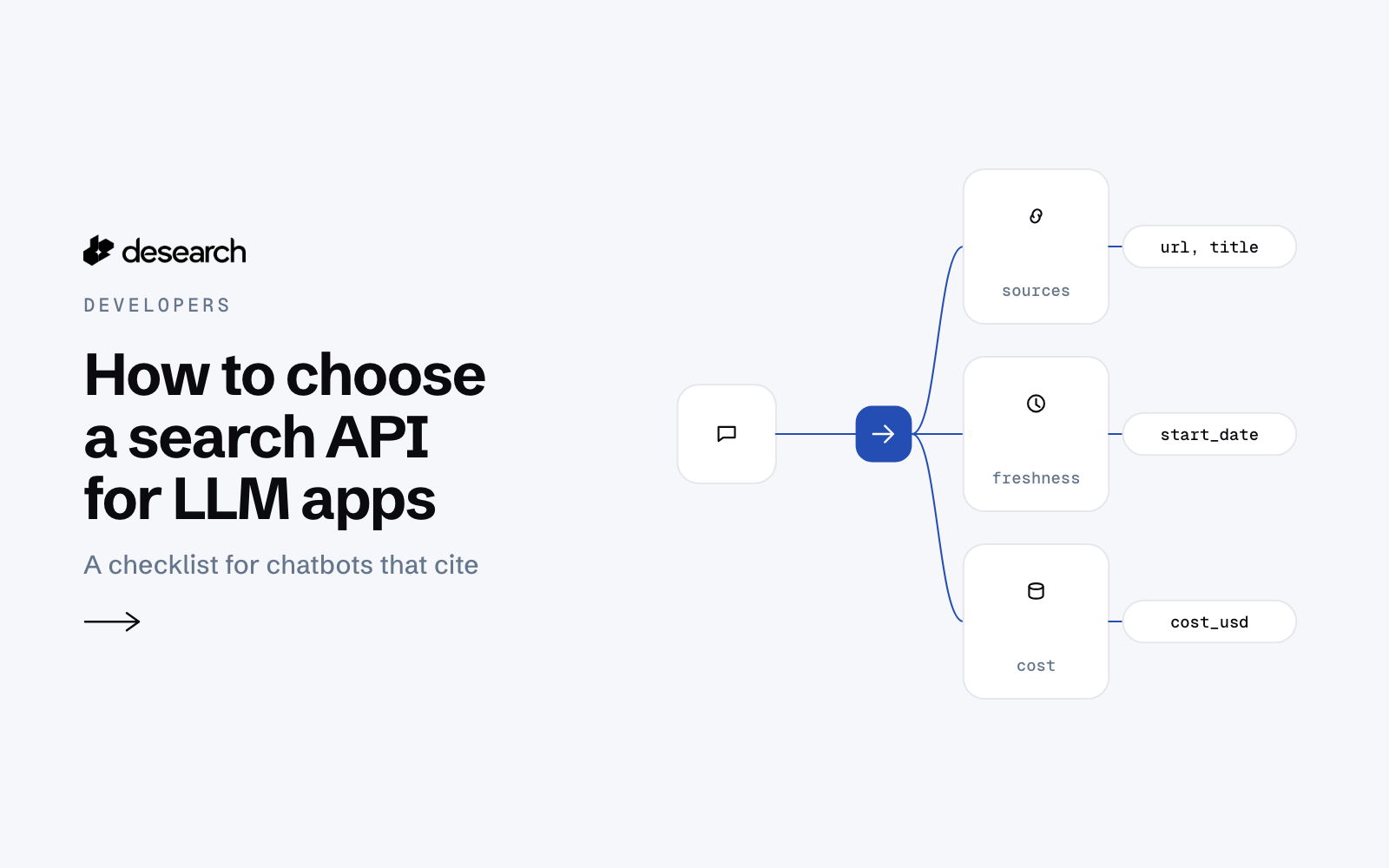
A language model on its own answers from what it learned in training. When a user of your LLM app or internal chatbot asks about something recent, the model needs live web results, and a search API is one way to get them. The best search API for an LLM is the one whose answers your model can quote and your team can check: every result tied to a URL, the right amount of text per result, filters for date and domain, a clear cost on each call, and errors you can plan for.
This checklist walks through what to test before you commit, using the Desearch Search API as the worked example.
1. Every result should come with a source you can cite
An internal chatbot that answers without a link is hard to trust. Before anything else, check that each result in the response carries the page it came from.
In the Desearch Search API (POST /search), each item in results has a url and a title. If you set summary: true, the response also includes a short answer in summary.text, where [n] marks the citation with that index in summary.citations. Every cited page is also in results, so your app can show the answer and the links side by side. The summary has no extra charge.
Here is the first call from the docs:
curl --request POST 'https://api.desearch.ai/search' \
  --header "Authorization: $DESEARCH_API_KEY" \
  --header 'Content-Type: application/json' \
  --data '{
    "query": "Who won the 2024 Nobel Prize in Physics?",
    "count": 10,
    "summary": true
  }'
And the shape of what comes back:
{
  "results": [
    {
      "url": "https://www.nobelprize.org/prizes/physics/2024/summary/",
      "title": "The Nobel Prize in Physics 2024",
      "published_date": "2024-10-08",
      "highlights": [
        "The Nobel Prize in Physics 2024 was awarded jointly to John J. Hopfield and Geoffrey Hinton."
      ]
    }
  ],
  "summary": {
    "text": "John J. Hopfield and Geoffrey Hinton won the 2024 Nobel Prize in Physics [1].",
    "citations": [
      {
        "index": 1,
        "url": "https://www.nobelprize.org/prizes/physics/2024/summary/",
        "title": "The Nobel Prize in Physics 2024"
      }
    ]
  },
  "meta": { "notices": [] },
  "cost_usd": 0.003,
  "usage_count": 10,
  "service": "Search API",
  "currency": "USD"
}
2. The response should fit your context window
Search results take up room in the prompt, and longer prompts usually cost more and leave less space for the rest of the conversation. A good search API lets you choose how much text you get back.
The Search API returns highlights by default: the passage of each page that best matches the query. That is often enough for a chatbot answer. When the model needs the whole page, set page_text: true to include the full page text. You also pick the number of results with count: 10 (the default), 15 or 20.
If your app already knows which page it needs, for example a link the user pasted, you do not need a search at all. The Desearch Extract API fetches a public URL and returns its content as text, markdown or HTML.
3. You should control freshness
Internal chatbots get asked "what changed this week?" more often than you might expect. Check whether the API can limit results by date, and whether it tells you the date of each page.
The Search API takes start_date and end_date (YYYY-MM-DD) to return only pages published in that range. Each result has published_date when it is known. It can be null, so your prompt should handle a result without a date instead of guessing one.
There is also a mode setting: fast returns results sooner, and balanced (the default) favors relevance. A chatbot that answers in a live chat window and a research job that runs overnight may want different settings.
4. Domain filters matter inside a company
An internal chatbot often has rules about where answers may come from: your own public docs, a set of trusted publishers, or anything except a few sites.
The Search API has include_domains (only return pages on these domains or their subdomains, at most 100) and exclude_domains (never return pages on these domains, at most 1,200). When both apply, exclusion wins over include_domains and site:.
One honest limit to plan for: a web search API searches the public web. The Search API searches the web from the Desearch index. Your private wiki and tickets stay in your own retrieval system, and the chatbot combines both.
5. Some questions need more than web pages
Questions about a launch, a market or a public figure often have their freshest answers in posts, not articles. If your users ask those, check whether the API covers them.
Desearch AI Search (POST /desearch/ai/search) takes a natural-language prompt and searches X posts (twitter) and the web (web) in one call, with an optional summary. Use POST /search when you need web results only.
6. You should see the cost of every call
Usage-based pricing is easy to reason about only if each response tells you what it cost. Billable Desearch responses expose the cost in headers: X-Desearch-Cost-Usd, X-Desearch-Usage-Count, X-Desearch-Service and X-Desearch-Currency. JSON object bodies may also include cost_usd, usage_count, service and currency. Log them per request and you can see what the search part of each chatbot answer costs; model tokens and your other services are billed separately. Rates are on the pricing page, and Console shows the rates for your account.
7. Errors should be documented, so you can plan for them
A chatbot should degrade gracefully, not crash. Read the error list before you build:
401: missing, invalid, revoked or wrong-environment API key.422: a bad parameter name, enum or request body.429: a rate or account limit. Add retry with backoff.500: retry later.
Partial results matter too. If the Search API could not write a summary, summary is null, meta.notices contains "Summary unavailable.", and the results are still returned. Your app can then answer from the results alone.
8. It should plug into the way you build
Check how the API reaches your code. Desearch offers plain REST, a Python SDK (pip install desearch-py) and a JavaScript SDK (npm install desearch-js, Node.js 20.18.1 or later). For agents and chat clients that speak the Model Context Protocol, there is a hosted MCP server at https://mcp.desearch.ai/mcp.
Whatever the route, keep the key on the server: store it as DESEARCH_API_KEY in an environment variable or a secret manager, and never ship it in a browser bundle.
The checklist
| Question | What to look for in the Search API |
|---|---|
| Can the model cite its sources? | url and title on every result; summary.citations with index |
| Does it fit the context window? | highlights by default, page_text on request, count of 10, 15 or 20 |
| Can you control freshness? | start_date, end_date, published_date (can be null) |
| Can you limit where answers come from? | include_domains, exclude_domains |
| Do you need posts as well as pages? | AI Search with tools: ["web", "twitter"] |
| Can you see the cost? | Cost headers on billable responses; JSON object bodies may also include cost_usd |
| Are failures predictable? | Documented 401, 422, 429, 500; summary: null with a notice |
| Does it fit your stack? | REST, Python and JavaScript SDKs, hosted MCP |
The fastest way to decide is to run your own questions through it. Take the questions your users really ask, call the API with them, and read the results with the checklist above next to you. If you are also weighing providers against each other, our comparison of web search APIs for AI agents is a good next read.
To try it, create an API key in Desearch Console and start with the Search API guide.