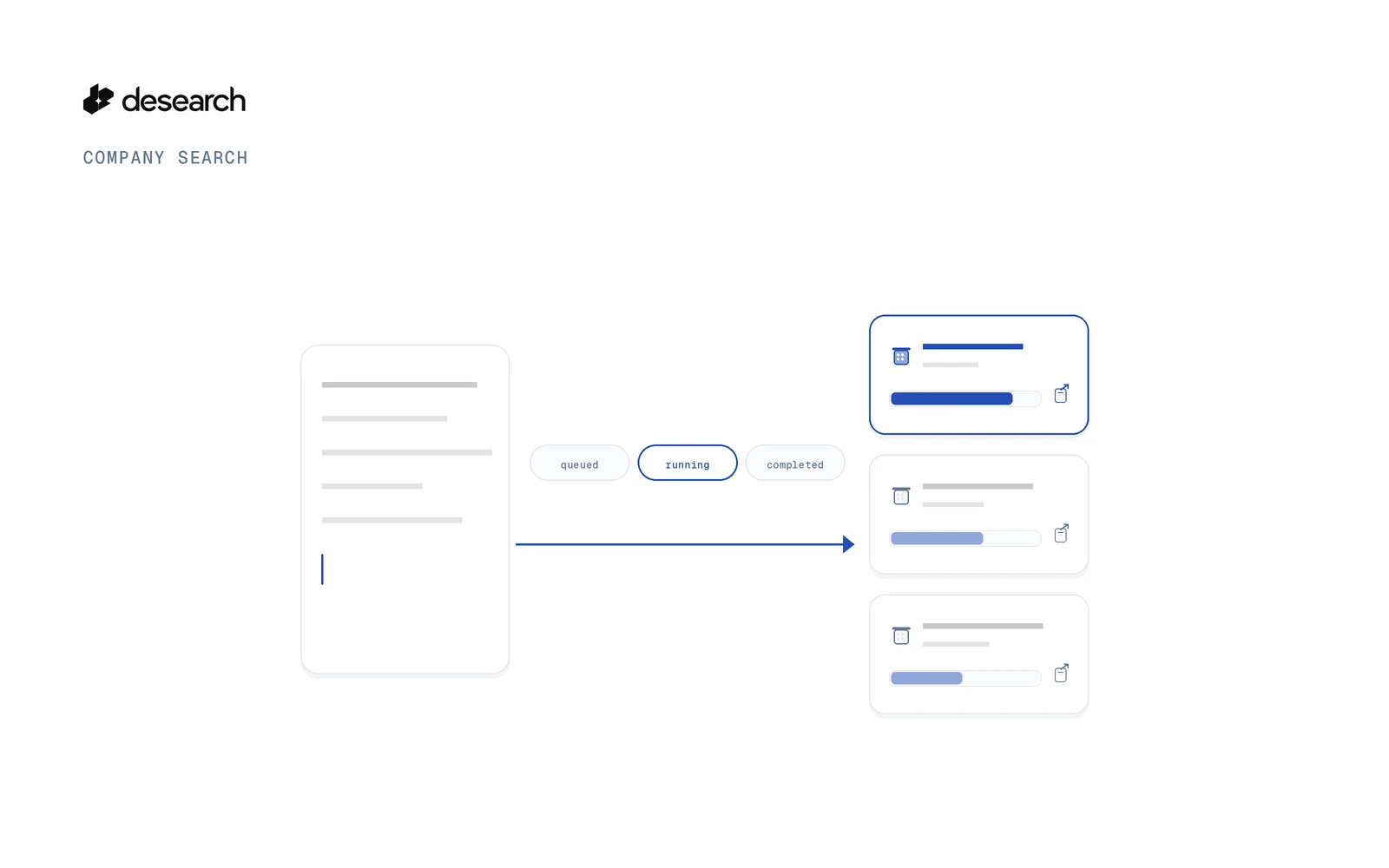
The Company Search API takes a plain-language description of the companies you want and returns a task_id at once. You poll the task and read the companies it delivers, each with a fit score and the pages it came from. Companies, not pages.
This guide shows what to send, what comes back, how to read and check it, how to export it, and what it costs.
What the Company Search API returns
Web Search returns pages. Company Search returns companies, like a company search engine you call from code. You describe the kind of company you want, and each result is one company, read from its own site and the web.
Each company comes with these fields:
| Field | What it holds |
|---|---|
domain | The company's website domain |
name | The company name |
description | What the company says it does |
industry | The industry it works in |
location | City, address and country when found |
socials | Public social profiles linked from the site |
pages | The pages the company was read from |
score | The fit score, with reasons and per-criterion checks |
You choose how many companies to ask for with count: 5 to 200, default 25. The Console playground accepts 5 to 50.
If you work with a company data API today, the difference is the starting point. You don't need a list of names or domains. You start from a description.
Start a company search task
Create an API key in Desearch Console, then send the search:
curl --request POST 'https://api.desearch.ai/desearch/companies/search' \
  --header "Authorization: $DESEARCH_API_KEY" \
  --header 'Content-Type: application/json' \
  --header "Idempotency-Key: $(uuidgen)" \
  --data '{
    "query": "Construction companies based in Queensland, Australia",
    "count": 5
  }'
The fields:
query: what you are looking for, in plain words, 3 to 1000 characters.count: how many companies to find, 5 to 200.filters.countries(optional): country codes to keep, up to 20.
The Idempotency-Key header protects you from a double send. If you send the same key again, you get the first task back with HTTP 200 and you are not charged again.
The response is HTTP 202 with status set to queued, a task_id and reserved_cost_usd. It holds no companies yet. Those come from the task.
Poll the task until it ends
Call GET /desearch/companies/tasks/{task_id} every few seconds. The task has ended when its status is completed, partial, failed, cancelled or expired. Check the task, not a results page, to know when it is done.
When it ends, read two fields:
| Field | What it tells you |
|---|---|
completion_reason | Why the search stopped, for example count_reached, rounds_exhausted, no_candidates, zero_qualified, cost_limit or time_limit |
coverage_limited | Whether a limit stopped the search before it reached count |
A task can end as completed with no companies at all. In that case completion_reason is zero_qualified, result_count is 0 and billed_units is 0: the search found candidates, none of them matched your description, and the reserved cost was refunded.
If the task delivered fewer companies than count, describe the companies more broadly, or start a new search and put the domains you already have in exclude.
You can also pause, resume or cancel a task with POST /desearch/companies/tasks/{task_id}/pause, /resume and /cancel.
Read the results with a cursor
Read companies with GET /desearch/companies/tasks/{task_id}/results. Set limit from 1 to 500 (default 100). Leave out cursor on the first call, then pass next_cursor back on the next one. has_more tells you if there is more to read.
A company is published before every stage has run on it. Its enrichment.status is partial first, then complete. A cursor returns only new companies, so it does not bring back the newer version of a company you already read. To get the latest version of every company, read again without a cursor, or wait for the task to end and read once.
Results are kept for 30 days after the task ends (results_expire_at).
The same flow in Python
This version uses plain requests. We ran it with a real key on 2026-11-16 and it printed 5 companies:
import os, time, uuid, requests

BASE = "https://api.desearch.ai"
HEADERS = {"Authorization": os.environ["DESEARCH_API_KEY"]}

task = requests.post(
    f"{BASE}/desearch/companies/search",
    headers={**HEADERS, "Idempotency-Key": str(uuid.uuid4())},
    json={"query": "Construction companies based in Queensland, Australia",
          "count": 5},
).json()
task_id = task["task_id"]

while True:
    state = requests.get(f"{BASE}/desearch/companies/tasks/{task_id}", headers=HEADERS).json()
    if state["status"] in ("completed", "partial", "failed", "cancelled", "expired"):
        break
    time.sleep(5)

# task has ended: read every company in its latest version (no cursor)
page = requests.get(f"{BASE}/desearch/companies/tasks/{task_id}/results",
                    headers=HEADERS, params={"limit": 100}).json()
if not page["results"]:
    print("No companies:", state.get("completion_reason"))
for company in page["results"]:
    print(company["domain"], company["score"]["value"], company["score"]["summary"])
If the task has more companies than limit, keep calling /results with next_cursor while has_more is true.
What a result looks like
This is a trimmed real response from the same search as the examples above, "Construction companies based in Queensland, Australia" with count 5, run on 2026-11-02. It shows 2 of the 5 companies and keeps only domain, name, industry, location, score.value and score.summary. Every other field is left out.
{
  "results": [
    {
      "domain": "gcecontractors.com.au",
      "name": "GCE Contractors",
      "industry": "Civil construction",
      "location": {"city": "Windsor, QLD 4030", "address": "55 McDonald Road", "country": "AU"},
      "score": {
        "value": 98,
        "summary": "GCE Contractors is a Brisbane-based civil construction company delivering pipeline, earthworks, roadworks, demolition and related construction services across Queensland."
      }
    },
    {
      "domain": "pembc.com.au",
      "name": "Pembroke Construction",
      "industry": "Civil construction and property development",
      "location": {"city": "Brisbane", "address": "2/1 Wyuna Ct Hemmant Brisbane QLD", "country": "AU"},
      "score": {
        "value": 98,
        "summary": "Pembroke Construction is a Brisbane-based building and civil construction company serving South East Queensland."
      }
    }
  ]
}
The full list of result fields is in the Company Search API reference.
Check each fit score and its source pages
A fit score is only useful if you can check it. Each company's score holds:
| Field | What it holds |
|---|---|
score.value | The fit score, 0 to 100 |
score.summary | One line on why the company fits |
score.reasons | The reasons it matched |
score.concerns | Anything that weakens the match |
score.criteria_checks | One check per part of your description, each with criterion, verdict, quote and source_url |
score.fully_verified | Whether every criterion was checked against the pages |
Each verdict is met, not_met or unknown. unknown means nothing found shows it either way. Treat a missing value as unknown, not as absent. The quote and source_url let you open the page and read the line yourself.
Narrow or widen the search
Three fields shape the list:
| Field | What it does |
|---|---|
min_score | Keep only companies at or above this fit score (0 to 100) |
exclude | Domains or URLs to leave out, up to 1,000. Use it for companies you already have |
filters.countries | Country codes to keep, up to 20 |
Leaders are optional, not guaranteed
Leaders are included when they are found. Some companies have none, so people can be empty for a company. Check people on each company. If you only want companies that have a leader, set filters.require: ["leader"]. A company left out by that filter is not billed.
Export the list as CSV
When you want the list in a spreadsheet, export the task:
curl 'https://api.desearch.ai/desearch/companies/tasks/TASK_ID/export?format=csv' \
  --header "Authorization: $DESEARCH_API_KEY" \
  --output companies.csv
You get one row per company. Use format=jsonl for JSON Lines, one company per line. See the Company Search guide for the full column list.
Use Company Enrich when you already have the domains
If you already know which companies you want, start from their domains instead of a description. POST /desearch/companies/enrich takes 1 to 200 domains or URLs and returns one company per domain. It uses the same task routes to poll, read and export. As a company enrichment API it fills in the company record, but there is no description to score against, so score is null. See the Company Enrich API reference.
Company Search API pricing
| Product | Price |
|---|---|
| Company Search | $45.00 / 1000 companies |
Billed per company delivered, with a minimum of 1 company. Rates as of 28 Oct 2026. All prices in USD. Confirm current rates in Console.
How billing works:
- When a task starts, Company Search reserves the number of companies you ask for in
count. - When the task ends, you pay for the companies it delivered. The rest of the reservation is returned.
- A task that delivers no companies is not billed.
- Polling, results, exports, pause, resume and cancel are not billed.
See the pricing page for details.
FAQ
What does the Company Search API return?
Companies, not pages. Each company comes with a fit score and the pages it was read from. Leaders are included in people when they are found.
How do I read results while the task is running?
Poll the task, and read /results with next_cursor. A cursor returns only new companies, so read again without a cursor to get the latest version of every company.
How many companies can I ask for?
count is 5 to 200 through the API. The Console playground accepts 5 to 50.
Do I pay for companies I did not receive?
No. You pay for the companies delivered, with a minimum of 1 company. A task that delivers no companies is not billed.
What if I send the same request twice?
Send an Idempotency-Key header. The same key returns the first task and is not charged again.
How do I get the list into a spreadsheet?
Export the task with GET /desearch/companies/tasks/{task_id}/export?format=csv. You get one row per company.
What is the difference between Company Search and Company Enrich?
Company Search takes a description and returns companies with a fit score. Company Enrich takes domains and returns one company per domain, with no fit score.
Does every company come with leaders?
No. Leaders appear when they are found. Check people on each company.
Get started
- Create an API key in Console.
- Run the cURL request above with your own description.
- Follow the Company Search guide for the full task flow and result fields. Looking for people instead of companies? See how to find people by description with the People Search API.
Get an API key in Console and describe your first set of companies. New accounts get $5 in API credits after attaching a card in Console, then pay as they go.