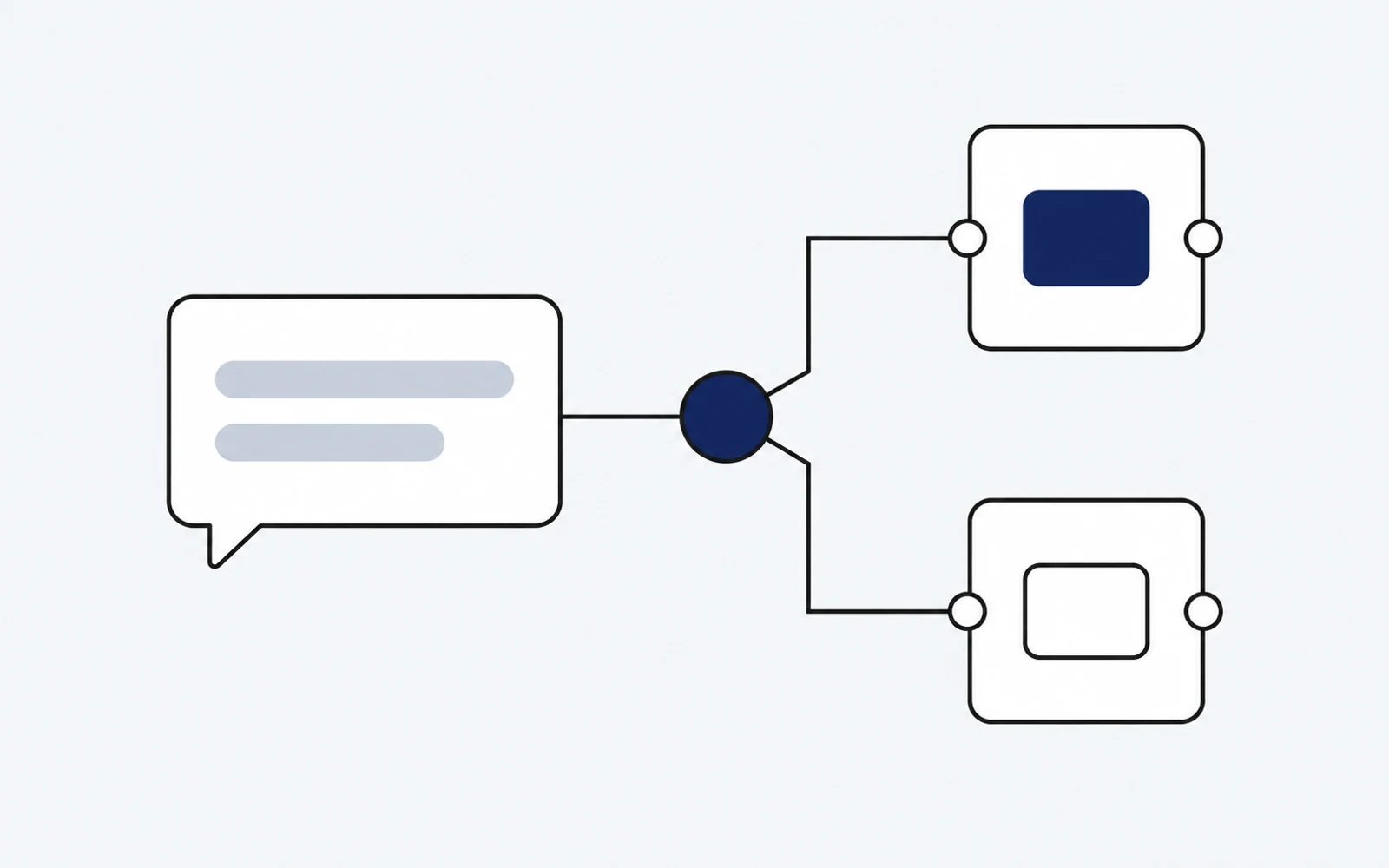
There is no single best platform for every X data workflow. The right choice depends on the records you need, how you are allowed to use them, the request volume, and the operational controls your team must maintain.
Start by separating two product categories that are often mixed together:
- Data APIs retrieve public posts, profiles, replies, trends, or other documented records.
- API management platforms secure, transform, monitor, and govern an API that you already operate or consume.
A gateway such as Apigee or MuleSoft does not replace an X data source. Likewise, a data provider does not automatically provide the governance and lifecycle controls of a full API-management platform. Some teams need one category; larger systems may need both.
A practical shortlist
The following options represent different approaches rather than a universal ranking.
| Option | Category | Evaluate it when you need |
|---|---|---|
| Desearch X API | Public X data API | Search plus documented post, profile, reply, URL, and trend endpoints in the same account as web and social APIs |
| X Developer Platform | First-party platform API | Direct access governed by X's current developer products, policies, and plan limits |
| TwitterAPI.io | Third-party X data API | A specialized provider whose current endpoint coverage and terms match your workload |
| MuleSoft Anypoint | Integration and API management | Enterprise integration, gateway policy, transformation, and centralized operations |
| Google Cloud Apigee | API management | Proxy, security, quota, analytics, and developer-portal controls around APIs |
| Jitterbit | Integration platform | Workflow orchestration and connectors across APIs and business systems |
Vendor plans, quotas, and product capabilities change. Treat each provider's official documentation and contract as the source of truth at the time you buy. Avoid copying a price, latency, or uptime figure from an undated comparison into a production decision.
1. Define the records you actually need
Write down the minimum response shape before comparing vendors. A team searching posts needs different coverage from one resolving profiles, collecting replies, or following URLs.
For each workflow, specify:
- required record types and fields;
- whether historical data is necessary;
- expected language, geography, and query controls;
- freshness window and acceptable missing-data behavior;
- pagination, deduplication, and stable identifier requirements;
- permitted storage, enrichment, and redistribution.
Test real queries against documented endpoints. A broad statement such as “Twitter access” does not prove that the provider returns the exact records or time range your application expects.
Desearch currently documents X search, URL, post, user, reply, retweeter, user-post, and trend surfaces in its API reference. Use those schemas—not marketing copy—to validate field coverage.
2. Compare authentication and policy constraints
Authentication affects both developer experience and risk. Confirm how keys are issued, rotated, scoped, and revoked. For team usage, also check whether the provider supports separate environments and whether usage can be attributed to an individual project or credential.
Data access does not remove your own compliance duties. Review the provider's current terms and the rules that apply to the public records you process. Document retention, deletion, access control, and incident-response responsibilities before production launch.
3. Measure a complete workflow, not a headline unit
Unit pricing is useful only when it matches the work your application performs. Estimate cost from an end-to-end task:
- requests needed to find the relevant records;
- pages or cursors needed to collect them;
- retries and empty-result behavior;
- enrichment or model calls after retrieval;
- monitoring, storage, and API-management costs.
Desearch's checked-in pricing source currently lists the X post-search unit at $0.15 per 1,000 returned posts. Confirm the live rate in Console before purchasing and use the response's billing metadata where available. For every other provider, use its current official rate card rather than a copied comparison figure.
4. Test reliability with your traffic pattern
Do not infer reliability from a single successful request or a vendor-wide uptime statement. Run a representative test that records:
- success and error rates by endpoint;
- p50, p95, and p99 latency;
- result completeness for known queries;
- behavior under rate limiting;
- pagination consistency and duplicate rate;
- recovery after timeouts and provider errors.
Use your own service-level objective. A monitoring product may value freshness and continuity, while a batch research workflow may tolerate slower responses but require better historical coverage.
5. Decide whether you also need API management
Choose an API-management platform when your organization needs policies around multiple providers or internal services. Typical requirements include OAuth mediation, key management, quotas, request transformation, centralized logs, analytics, and developer onboarding.
MuleSoft, Apigee, and Jitterbit solve broader integration problems. Evaluate them through a proof of concept using your architecture; do not treat their presence in a catalog as proof of a ready-made X data connector or a specific performance level.
A decision checklist
Before signing a contract or shipping an integration, confirm that you can answer yes to each question:
- Does the documented API return the records and fields we need?
- Did we test the same representative queries across shortlisted providers?
- Are retention and downstream-use rules acceptable for our product?
- Can credentials be scoped, rotated, and audited safely?
- Do rate limits support both average and peak traffic?
- Did we model the cost of a complete workflow rather than one request?
- Do we have fallbacks for timeouts, empty responses, and schema changes?
- Is there an owner and date for rechecking pricing and capabilities?
Conclusion
Select an X integration platform from evidence gathered on your own workload. Use a data API when the primary need is retrieving documented public records. Add an API-management platform when governance, transformation, and organization-wide operations justify it.
For Desearch, begin with the X API overview, inspect the current endpoint schema, and compare the returned records and billed units against the same acceptance test you use for every alternative.